
SmartStudi.com
Verified
AI Content Generator and Checker
Check content for AI/plagiarism, paraphrase content to beat AI detection, generate undetectable essays.
- Pricing
- Freemium
- Category
- AI Detector
- Listed
- Oct 7, 2024
- Updated
- May 25, 2026
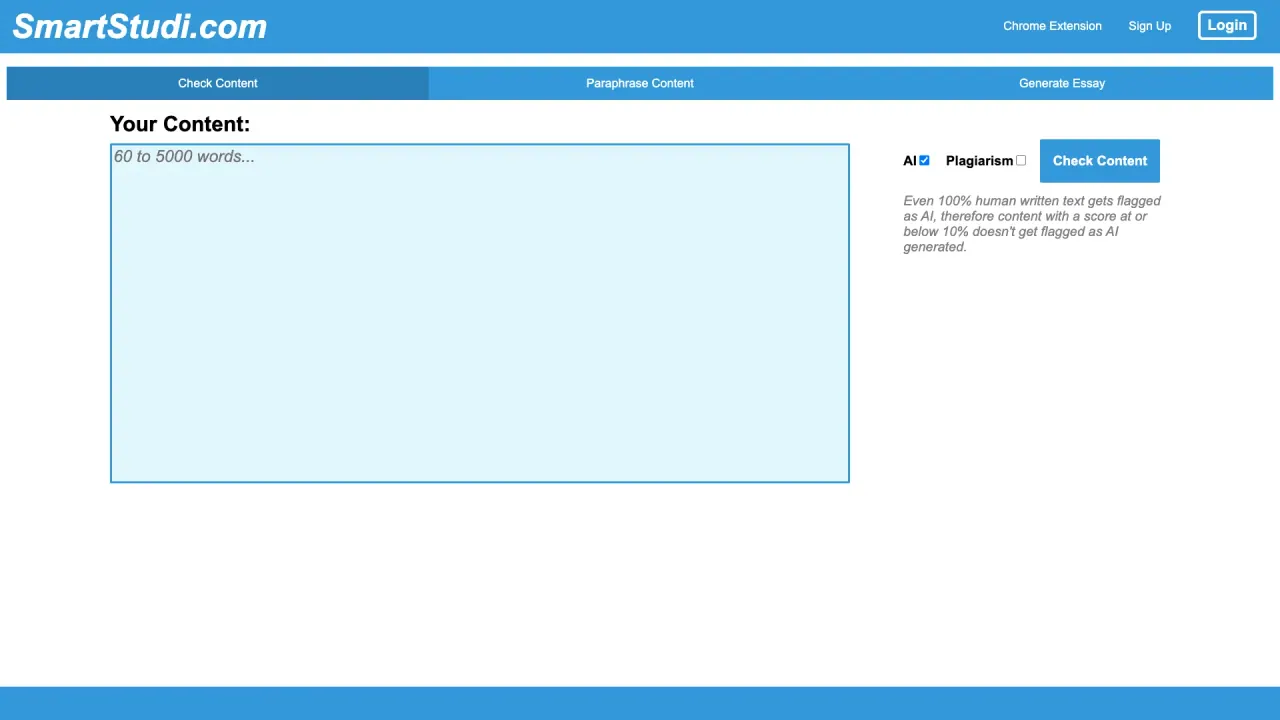
What does SmartStudi.com do?
What features does the SmartStudi.com Chrome Extension offer?
The SmartStudi.com Chrome Extension provides seamless, in-browser access to core tools, including content checking with an AI detector, paraphrasing, and essay generation. This integration streamlines your workflow, reducing the need to switch between apps. It supports checking content from your device or Google Drive and can scan Google Docs, PDF, DOCX, and PPTX files. It also enables citations and bibliographies, and leverages the AI Detector in combination with UNDETECTABLEGPT for enhanced writing capabilities.
What are the main features offered by SmartStudi.com?
SmartStudi.com offers a range of tools to support content creation and refinement:
- AI detector (with daily updates for conservative, accurate results)
- Paraphrasing to reword text while preserving meaning
- Essay generation to help craft essays efficiently
- Annotated bibliographies (automatic, up to 20 citations at once)
- Citations and more, including features for discussion posts, guided readings, and laboratory reports
How can I check content from Google Drive or my device, and what formats are supported?
You can check content from both your device and Google Drive. The platform supports scanning content from Google Docs, PDFs, DOCX files, and PPTX presentations, enabling AI detection, paraphrasing, and other features directly on those formats.
Can SmartStudi.com create annotated bibliographies and citations?
Yes. SmartStudi.com can automatically generate comprehensive annotated bibliographies with up to 20 citations at once, along with other citation-related features.
What is UndetectableGPT and how does it relate to SmartStudi.com?
UndetectableGPT is described as the First Ever Undetectable AI Chatbot and is marketed as a companion feature alongside SmartStudi.com. The AI Detector is paired with UNDETECTABLEGPT to help users address AI-detection concerns when answering questions or generating writing. It is presented as an integrated capability within the SmartStudi.com ecosystem.
How can I contact support for SmartStudi.com?
You can reach support by going to the Support section on the SmartStudi.com site and selecting the Contact option to get in touch with their team.
Where can I find pricing and policies for SmartStudi.com?
Pricing information is available on the Pricing page. You can also access related policy pages such as Cookies, Privacy, and Terms of Service from the site’s Legal or footer sections.
What languages does SmartStudi.com support?
SmartStudi.com offers a multi-language interface, with options including English, 简体中文, Español, Français, Deutsch, 日本語, 한국어, Русский, Português, हिंदी, عربي, বাংলা, and Italiano.
Is this your tool?
Claim SmartStudi.com to manage this listing, or upgrade to Pro for featured-first placement and a newsletter feature.