
Supawork AI
Verified
AI Video Face Swapper
Video Face Swap: Smooth face replacement in videos powered by AI.
- Pricing
- Free
- Category
- AI Detector
- Listed
- Jun 5, 2025
- Updated
- May 25, 2026
Promoted
 Sidrune AI85% off. Stable Claude API for agent developers. Pay as you go. Invoices & refunds available.
 Pixmax.aiPixmax.ai is an all-in-one AI workspace for videos, visual stories, and marketing content.
 AI Checker PlusAI detector that highlights which passages AI wrote. Free check, no sign-up. Plagiarism too.
 RewindType any X/Twitter handle. Get their year back as a narrated video story. Then ask it anything.
 KurodyneSell the tools from your AI side projects. Listing is free.
 SEOify - Improve your SEO & rankingsBuild links to rank in Google. Improve your DR with links you can start building now.Advertise here270,000+ people visit Dang.ai every month.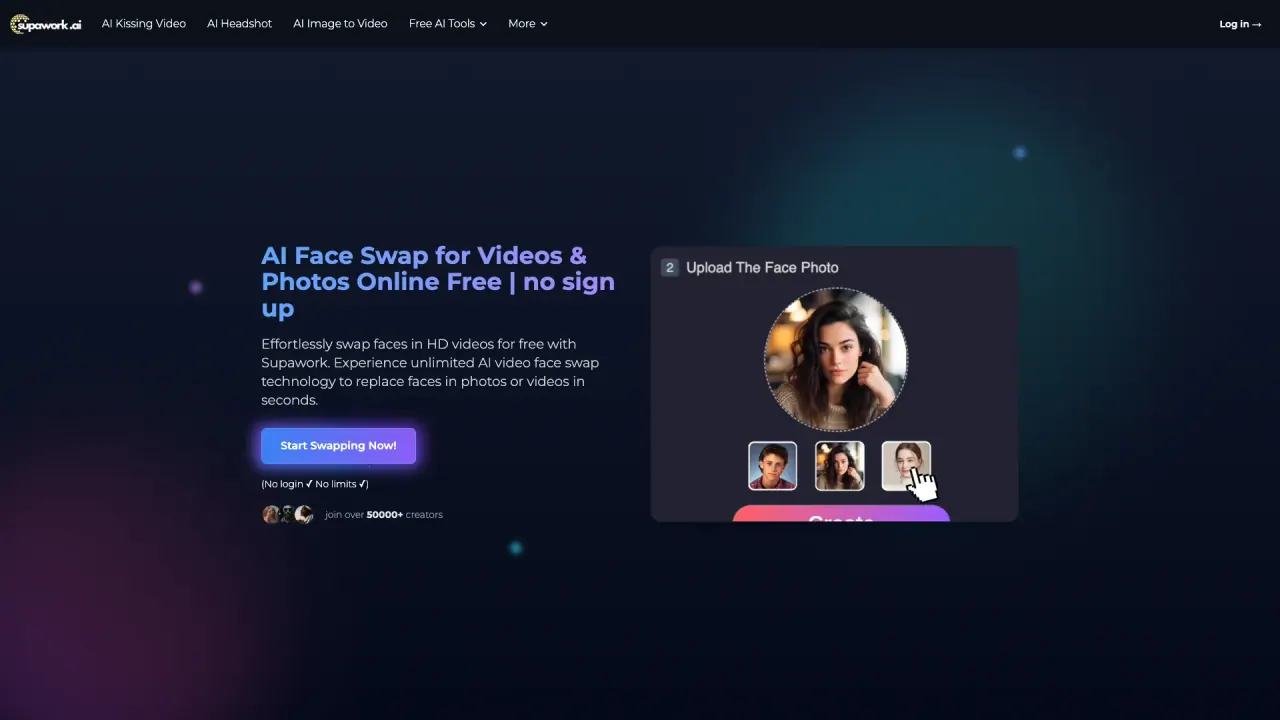
What does Supawork AI do?
How do I use AI Video Face Swap?
Upload your video where the face swap will occur, then upload a clear, front-facing photo of the face you want to swap in. Click Create and wait about 20 seconds for the video to be ready to download and share. No sign-up is required, and the service is free to use.
What is Video Face Swap?
Video Face Swap is an AI-powered tool that lets you put a chosen face into a video, replacing the original faces with the target face. The result aims to look natural by automatically matching skin color, lighting, and fine details.
What file types are supported?
- Videos: MP4, MOV, AVI, WEBM (up to 300 MB)
- Photos: JPG, PNG, WEBP, HEIC (up to 20 MB)
Do I need an account to use it?
No. It’s free to use and requires no sign-up.
How long can my videos be?
- Free users can swap faces in videos up to 60 seconds.
- For longer videos, there is a Long Video AI Face Swap option (paid users can swap faces in videos up to 1 hour).
Is it free to use?
Yes. The AI Video Face Swap tool is offered online for free and can be used without signing up.
How fast is the processing?
Generation typically completes in about 20 seconds per video.
How realistic are the face swaps?
The tool automatically matches skin color, lighting, and fine details to produce natural-looking, smooth, and professional results.
Can I use it on mobile?
Yes. The service runs in your web browser, so you can use it on desktop or mobile devices without installing software.
Is it safe to upload my videos and photos?
The site content does not specify safety or data-handling details. Review the site’s privacy policy for information on data usage and protections.
Can I share my swapped videos on social media?
Yes. After generation, you can download the video and share it on social platforms.
Can beginners use it?
Yes. The process is a simple three-step workflow designed for easy use, even for first-time users.
Can I swap faces with celebrities?
The content references celebrity face swaps as a potential use, but it does not specify a policy or restrictions regarding celebrity face swaps. Use responsibility and review any applicable guidelines.
This listing is claimed
Own Supawork AI ? Sign in with the email used to claim it to manage this listing, or upgrade to Pro for featured-first placement and a newsletter feature.