
Lenso.ai
AI-powered Reverse Image Search
Lenso.ai is an AI reverse image search tool for finding places, people, duplicates, and similar or related images from a single upload.
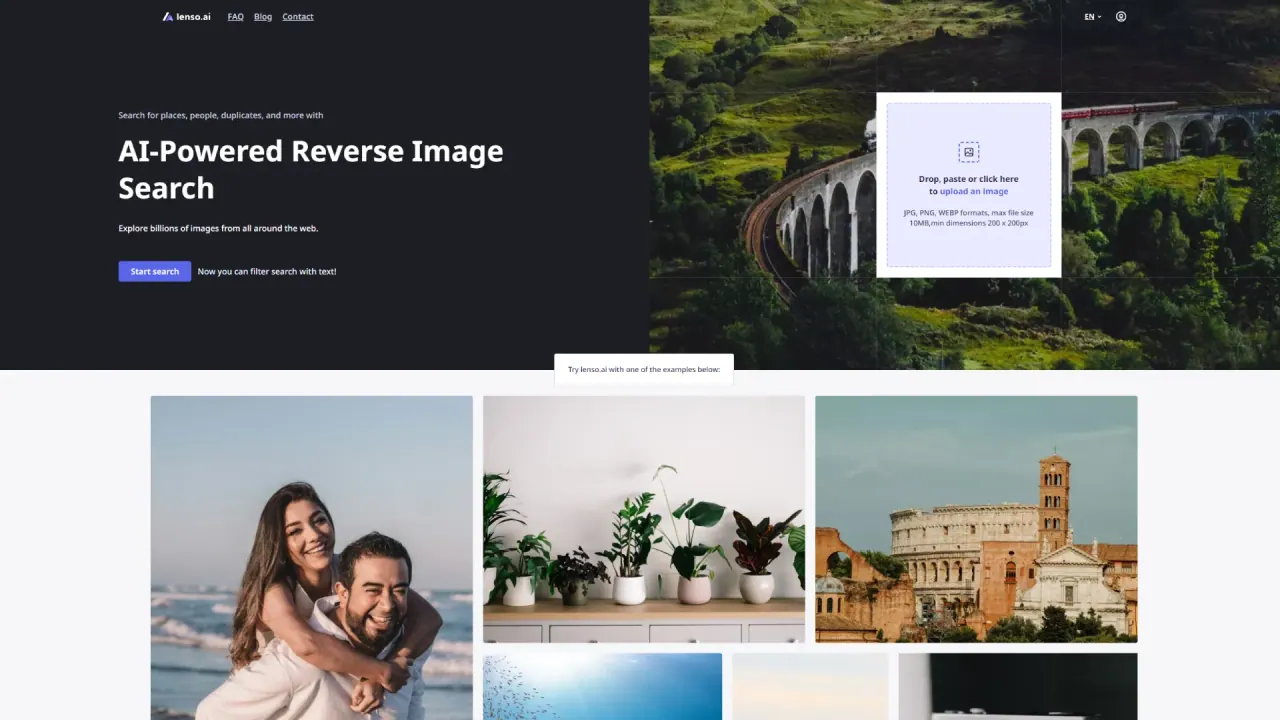
What does Lenso.ai do?
Lenso.ai helps you search the web using an image instead of keywords. Upload (or drop/paste) a photo to explore results across categories like Places, People, Duplicates, Similar, and Related, with each match showing the matched image and its source URL.
Use the People category for facial recognition search to find where photos of the same person appear online (availability depends on selected regions). Use Duplicates to locate exact copies, edited/cropped versions, and the original source—useful for copyright and credit workflows.
Refine results with filters and sorting, and manage investigations with features like advanced URL & text filtering, sharing search links, setting alerts for new matches, and creating collections to save unlocked results. For developers, Lenso.ai also offers a Reverse Image Search API and a Developer subscription with monthly API call limits, plus Research Mode and Advanced Filters available on the Professional plan.
Lenso.ai also supports searches via its Chrome Extension for a faster browser-based workflow.
What can I search for with Lenso.ai?
You can search for places, people (face search), duplicates, similar images, and related images using a single uploaded picture.
How does Lenso.ai find results for an image search?
It uses CBIR (Content-Based Image Retrieval) so the search matches based on visual content rather than keywords. Results show the matched image and the source URL.
Is Face Search available everywhere?
Face Search is available only in selected regions. You can test it for free in those regions by using the People category.
How can I find exact copies or edited versions of an image?
Use the Duplicates category to locate exact duplicates as well as edited, cropped, or filtered versions, including the original source version of the image.
Can I refine or control my reverse image search results?
Yes. You can filter by items like domain, date range, language, image size, and keywords in page titles, then sort results (for example by best match, diversity, or newest).
Does Lenso.ai offer an API for image search?
Yes. The Developer subscription includes API access for Image Search and Face Search APIs, with monthly API call limits and usage tracking in your user panel.
Is this your tool?
Claim Lenso.ai to manage this listing, or upgrade to Pro for featured-first placement and a newsletter feature.