Chatgpt Logo
Verified
AI Logo generator
AI Logo Generator Powered by ChatGPT
Promoted
 Pixmax.aiPixmax.ai is an all-in-one AI workspace for videos, visual stories, and marketing content.
 AI Checker PlusAI detector that highlights which passages AI wrote. Free check, no sign-up. Plagiarism too.
 RewindType any X/Twitter handle. Get their year back as a narrated video story. Then ask it anything.
 KurodyneSell the tools from your AI side projects. Listing is free.
 Sidrune AI85% off. Stable Claude API for agent developers. Pay as you go. Invoices & refunds available.
 SEOify - Improve your SEO & rankingsBuild links to rank in Google. Improve your DR with links you can start building now.Advertise here270,000+ people visit Dang.ai every month.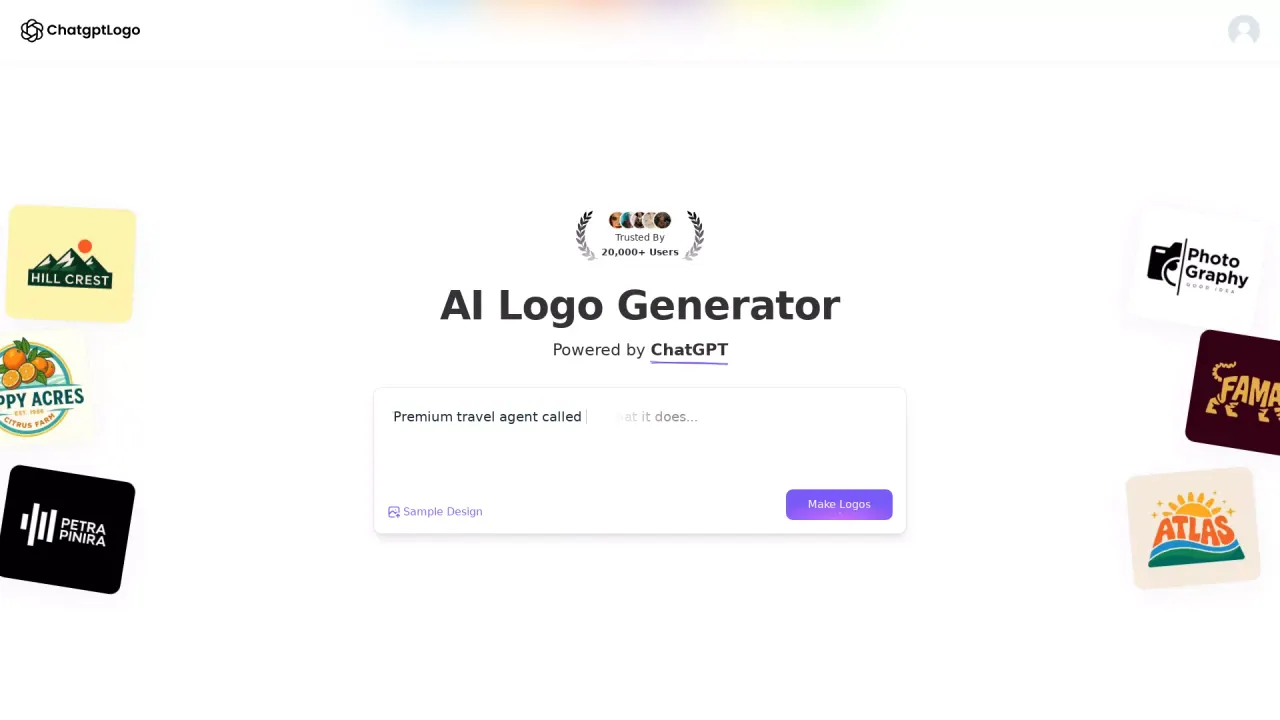
What does Chatgpt Logo do?
How does AnyLogo generate logo ideas?
AnyLogo uses your chosen reference logo (or an uploaded image) to guide the AI on the style, colors, and vibe you want. You then enter your brand name and an optional description; the AI instantly analyzes your brand to understand its style, tone, and positioning and generates logo options. You can pick a logo you love and refine it with AI, then download vector files for brand use.
What inputs do I need to create a logo with AnyLogo?
You need to select a reference logo idea (or upload your own), enter your brand name, and optionally add a description. These inputs help the AI understand the desired style, colors, and vibe for your logo.
Can I customize or refine a generated logo with AnyLogo?
Yes. After generating, you can pick a logo you love and refine it with AI to better match your brand. You can continue refining and creating additional brand assets as needed.
What assets can I download after creating a logo?
You can download vector files of the selected logo for scalable use in branding and printing. You can also keep creating mockups and brand assets.
What logo design styles does AnyLogo offer?
AnyLogo offers multiple design styles, including Modern, Cartoon, Emblem, Text, Fun, Signature, Combination, and Lettermark.
What is the step-by-step process to make a logo with AnyLogo?
- Select a reference logo idea or upload your own. 2) Enter your brand name. 3) Add an optional description. 4) Generate Logo & Design. 5) Pick a logo you love. 6) Refine with AI. 7) Download vector files. 8) Keep creating mockups and brand assets.
This listing is claimed
Own Chatgpt Logo? Sign in with the email used to claim it to manage this listing, or upgrade to Pro for featured-first placement and a newsletter feature.