
cliseo
AI SEO Optimizer for React and Next.js
Optimize your site's SEO in 30 seconds
Promoted
 Sidrune AI85% off. Stable Claude API for agent developers. Pay as you go. Invoices & refunds available.
 Pixmax.aiPixmax.ai is an all-in-one AI workspace for videos, visual stories, and marketing content.
 AI Checker PlusAI detector that highlights which passages AI wrote. Free check, no sign-up. Plagiarism too.
 RewindType any X/Twitter handle. Get their year back as a narrated video story. Then ask it anything.
 KurodyneSell the tools from your AI side projects. Listing is free.
 SEOify - Improve your SEO & rankingsBuild links to rank in Google. Improve your DR with links you can start building now.Advertise here270,000+ people visit Dang.ai every month.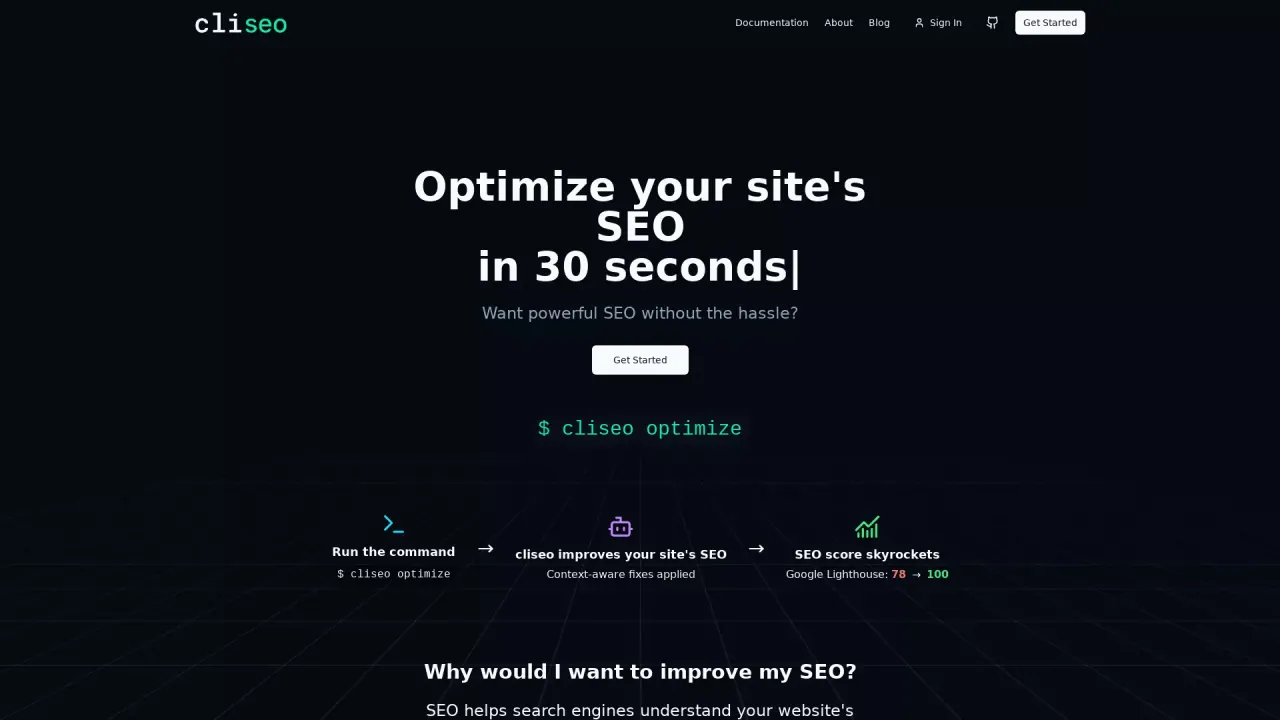
What does cliseo do?
How does cliseo improve my website's SEO automatically?
Cliseo automatically enhances your site’s SEO through a combination of AI-powered and rule-based optimizations. With a single command, cliseo optimize, it applies context-aware fixes across core SEO areas—adding meta tags, improving image alt text, generating or updating robots.txt and sitemap.xml, and handling social cards, schema markup, canonical URLs, and language tags—so your site becomes more crawlable and visible. The system highlights that 40+ optimizations can be applied automatically, and it’s common to see significant Lighthouse score improvements (e.g., from 78 to 100 in examples).
How can I get started with cliseo for optimizing my website's SEO?
Getting started is simple:
- Install: npm i cliseo
- Run the CLI: cliseo scan to see non-intrusive suggestions, then cliseo optimize to apply fixes automatically
- Review results: you’ll see added meta tags, fixed alt text, and generated robots.txt and sitemap.xml, along with resolved SEO issues. You can also check your SEO score to gauge impact.
What are the pricing options for cliseo, and how do they differ?
Cliseo offers dual licensing:
- Open Source Core CLI (Free): Rule-based SEO scanning and auto fixes; open source (AGPL-3.0); unlimited optimizations.
- Pro AI Optimization ($4.99/mo): Everything in Core plus project-specific AI analyses and fixes, automatic pull requests to your codebase, 50 AI requests per month, and email support; includes a 100% money-back guarantee.
What parts of my site does cliseo optimize?
Cliseo handles a broad set of SEO assets and signals, including:
- Meta tags
- Open Graph
- Twitter Cards
- Image Alt Text
- JSON-LD Schema
- Canonical URLs
- llms.txt
- Meta Description
- Language Tags
It applies 40+ optimizations and also generates or updates robots.txt and sitemap.xml.
How do I use the cliseo CLI workflow (scan vs optimize)?
The workflow is straightforward:
- cliseo scan: analyzes your site and shows suggestions without making changes
- cliseo optimize: applies fixes automatically based on the findings
This lets you preview what will change before improvements are applied.
How can I check the impact of cliseo on my site's SEO?
You can monitor impact with cliseo's SEO score tools. After running optimizations, you can check your score to see improvements. The product highlights examples of Lighthouse score gains (e.g., 78 → 100) to illustrate potential improvements.
Do you offer automatic pull requests to my codebase?
Yes. In the Pro AI Optimization plan, cliseo can automatically create pull requests to your codebase with AI-generated fixes, enabling seamless integration into your workflow.
What is included in the Core CLI (Open Source) vs Pro AI Optimization?
- Core CLI (Free, Open Source): Rule-based SEO scanning and auto fixes; unlimited optimizations; AGPL-3.0 license.
- Pro AI Optimization: All Core features plus AI-driven project-specific analysis and fixes, automatic pull requests to your codebase, 50 AI requests per month, and email support; includes a money-back guarantee.
This listing is claimed
Own cliseo? Sign in with the email used to claim it to manage this listing, or upgrade to Pro for featured-first placement and a newsletter feature.