
Jenni
AI Autocomplete Writing Assistant
Jenni is an AI research workspace for reading, writing, and citing with every claim traceable to your source PDFs.
Promoted
 AI Checker PlusAI detector that highlights which passages AI wrote. Free check, no sign-up. Plagiarism too.
 RewindType any X/Twitter handle. Get their year back as a narrated video story. Then ask it anything.
 KurodyneSell the tools from your AI side projects. Listing is free.
 Pixmax.aiPixmax.ai is an all-in-one AI workspace for videos, visual stories, and marketing content.
 SEOify - Improve your SEO & rankingsBuild links to rank in Google. Improve your DR with links you can start building now.Advertise here330,000+ people visit Dang.ai every month.
What does Jenni do?
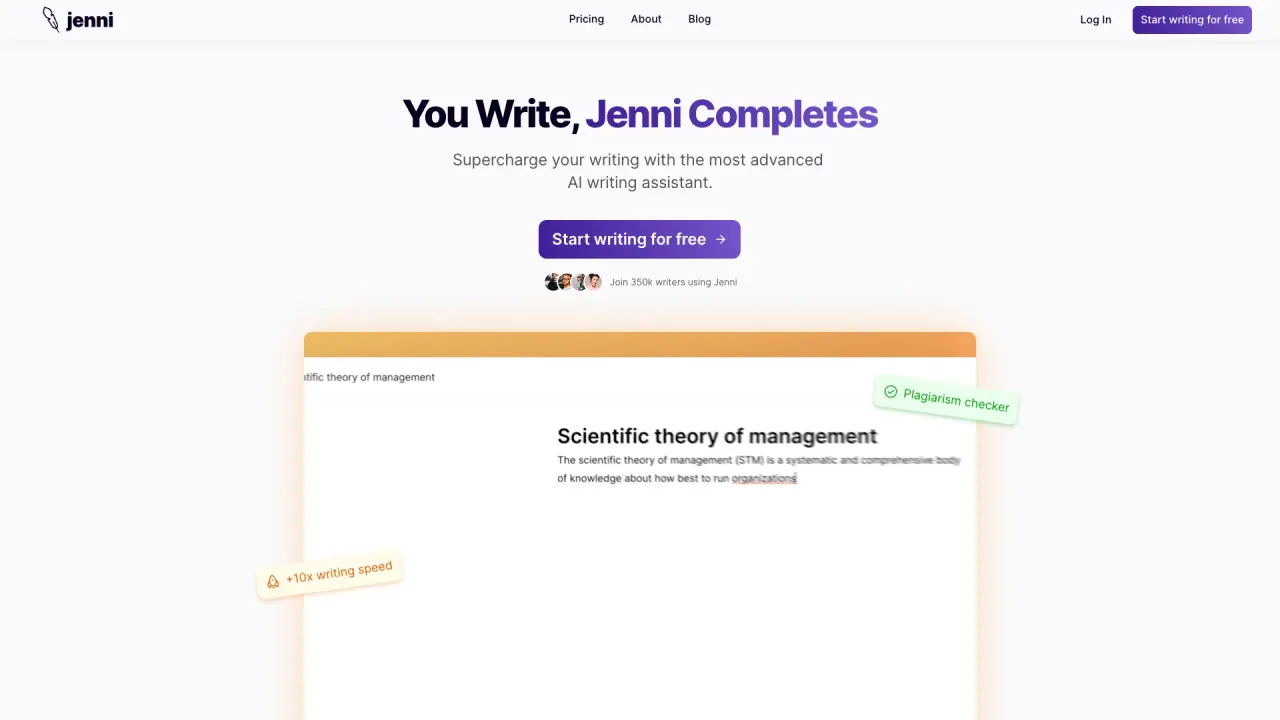
Jenni is an AI workspace built for researchers who need rigorous, source-grounded writing. It helps you read, write, edit, and organize your materials in one place, so your drafts stay connected to the papers behind every statement.
Start by importing sources: drag in PDFs, import collections from Zotero and Mendeley, or search across a large academic index to build your library quickly. As you write, Jenni provides AI autocomplete suggestions grounded in your selected papers, helping you draft with context rather than generic output. You can also use outlining and editing workflows to structure sections like literature reviews.
Citations are central to the workflow. Jenni generates inline citations in 10,000+ citation styles and links each cited claim to the exact page and paragraph in your source PDFs, making it easier to verify support while you revise. If you need to dig deeper, you can ask questions across your library to understand methods, compare findings, and find which sources cover a concept.
For exporting and drafting, Jenni supports exporting to .docx, LaTeX, and HTML, and importing reference files in .bib or .ris formats. Jenni is available for free to get started, with a “Start writing — it’s free” option shown.
What does Jenni help me do during research writing?
Jenni lets you import and organize sources, draft and revise text, generate outlines (including for literature reviews), and add inline citations as you write.
How are Jenni citations traceable to my PDFs?
Every cited claim connects to the precise location in your source PDF, including the exact page and paragraph, so you can verify support quickly.
Can Jenni’s AI autocomplete use only the papers I add to my library?
Yes. Autocomplete is grounded in your curated library and can draw exclusively from the PDFs and collections you’ve added rather than relying on generic suggestions.
Does Jenni support many citation styles?
Yes—Jenni supports 10,000+ citation styles, including common formats like APA 7th, Chicago, Harvard, IEEE, Vancouver, plus journal-specific styles.
What source formats can I import into Jenni?
You can drag in PDFs, import collections from Zotero and Mendeley, and import reference files in .bib or .ris formats.
Is there a free way to use Jenni?
Yes. You can start writing with a “Start writing — it’s free” option shown on the product page.
Is this your tool?
Claim Jenni to manage this listing, or upgrade to Pro for featured-first placement and a newsletter feature.