
MCP.so
Verified
AI MCP Servers
Discover and compare curated MCP servers and clients to connect your AI assistant to tools, data, and prompts.
- Pricing
- Free
- Category
- Development
- Listed
- May 5, 2025
- Updated
- Nov 7, 2026
Promoted
 KurodyneSell the tools from your AI side projects. Listing is free.
 Sidrune AI85% off. Stable Claude API for agent developers. Pay as you go. Invoices & refunds available.
 Pixmax.aiPixmax.ai is an all-in-one AI workspace for videos, visual stories, and marketing content.
 AI Checker PlusAI detector that highlights which passages AI wrote. Free check, no sign-up. Plagiarism too.
 RewindType any X/Twitter handle. Get their year back as a narrated video story. Then ask it anything.
 SEOify - Improve your SEO & rankingsBuild links to rank in Google. Improve your DR with links you can start building now.Advertise here330,000+ people visit Dang.ai every month.
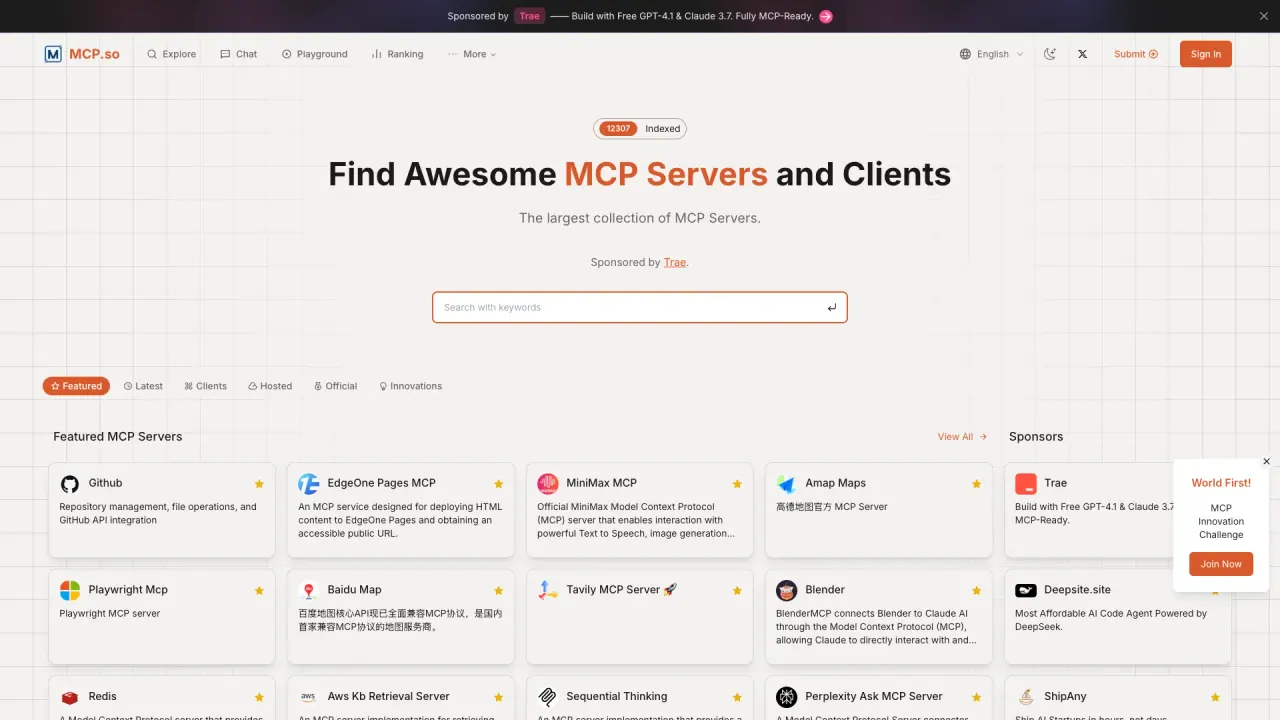
What does MCP.so do?
MCP.so is a directory for finding MCP servers and MCP clients so your AI assistant can connect to external tools, data sources, and prompts. MCP (Model Context Protocol) is an open protocol that uses a client-server architecture to standardize how AI apps access context and actions—helping you expand what your assistant can do beyond what’s built in.
On MCP.so, you can browse servers and categories, search by name, tag, runtime, or integration, and explore both local and remote MCP servers. Each listing is designed to help you understand what a server offers—such as developer tools, browser automation, databases, media workflows, and memory/knowledge—then follow a setup path for your AI client.
MCP servers can provide resources (like files or documents), expose tools (actions and API integrations), and include prompts (templated interactions). MCP clients listed on MCP.so cover apps and IDEs that support the protocol, making it easier to match the right server to the right client (e.g., for Claude, Cursor, and other MCP-capable environments).
MCP.so is community-driven and includes submission guidance for adding new MCP servers. There are also featured collections and best-of style selections to help you quickly narrow in on production-ready options for your workflow.
What does MCP.so help me do?
MCP.so helps you discover MCP servers and MCP clients, then choose a setup that connects your AI assistant to tools, data sources, and prompts through the MCP protocol.
What is an MCP server?
An MCP server provides context, tools, and prompts to an MCP client. It can expose resources (files/docs/data) and actions (API integrations) so your AI assistant can use external capabilities securely via the protocol.
What’s the difference between local MCP servers and remote MCP servers?
Local MCP servers run on your computer, while remote MCP servers are hosted endpoints you connect to over HTTP. Remote servers typically require handling authentication requirements when you connect.
How do I connect an AI client to a remote MCP server?
Open the remote server listing and follow the provided connection/setup guide. For remote endpoints, you’ll need to satisfy the server’s authentication requirements before the connection works.
Can I submit my own MCP server to MCP.so?
Yes. Use the Submit option in the top navigation and provide your server’s repository or URL so the listing details can be fetched and reviewed before it goes live.
Is MCP security something I need to consider when choosing a server?
Yes. Security depends on the server and what permissions it’s given. Prefer well-maintained servers, use the smallest scopes you can, and treat tool output as untrusted input.
This listing is claimed
Own MCP.so? Sign in with the email used to claim it to manage this listing, or upgrade to Pro for featured-first placement and a newsletter feature.