
Magai
AI Powered Assistant Tool
Unlock the power of MagAI, your ultimate AI powered assistant tool. ChatGPT technology combined with super features such as search, filter, folders, and team collaboration.
- Pricing
- Free trial
- Category
- Chat
- Listed
- Jul 6, 2023
- Updated
- May 25, 2026
Promoted
 Pixmax.aiPixmax.ai is an all-in-one AI workspace for videos, visual stories, and marketing content.
 RewindType any X/Twitter handle. Get their year back as a narrated video story. Then ask it anything.
 KurodyneSell the tools from your AI side projects. Listing is free.
 Sidrune AI85% off. Stable Claude API for agent developers. Pay as you go. Invoices & refunds available.
 SEOify - Improve your SEO & rankingsBuild links to rank in Google. Improve your DR with links you can start building now.Advertise here270,000+ people visit Dang.ai every month.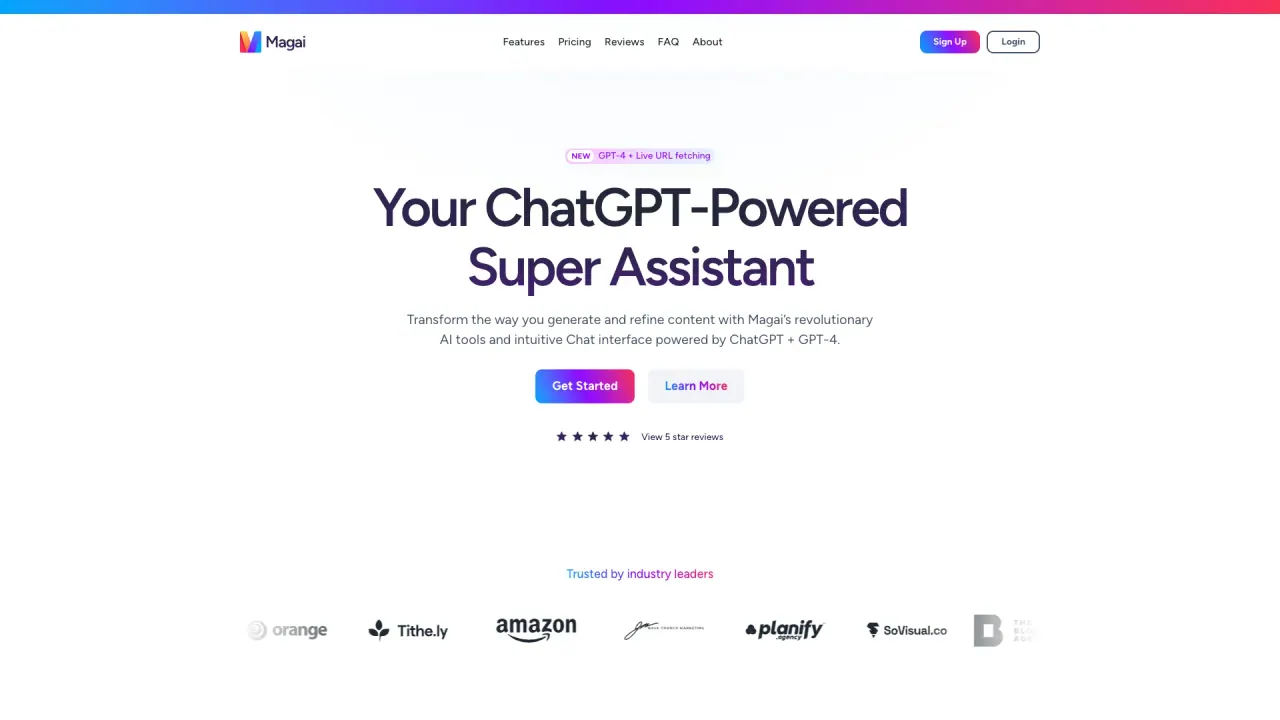
What does Magai do?
What is Magai and why should I use it?
Magai is an all-in-one AI chat platform that lets you run 50+ AI models in a single chat, switch models mid-conversation without losing context, reuse GPT instructions across models, and collaborate with your team. It combines model diversity, persistent conversation history across engines, in-chat document editing, web search, file uploads, and a prompts library to streamline content creation and collaboration—all in one place.
How many AI models are available and can I switch between them without losing context?
Magai provides 50+ AI models in one plan. You can switch between models (e.g., ChatGPT, Claude, Gemini, DeepSeek, Perplexity, and more) mid-chat and Magai will preserve your full conversation history across models.
Can I switch models mid-chat without losing context?
Yes. Magai supports model switching mid-chat without losing context, so your conversation history stays intact as you move between different AI engines.
What is the Auto mode and how does it decide which model to use?
You can select Auto and Magai automatically picks the most suitable model for your prompt, helping you get the best results without manually choosing a model each time.
What content-creation features does Magai include?
- In-chat document editor: write, edit, and export full documents (PDF or DOCX) directly inside the chat
- Prompt Enhancer: automatically upgrades vague prompts into high-quality inputs
- Real-Time Edits: edit both your input and the AI’s output mid-chat without restarting
- Prompt Library: save and reuse prompts
- Upload and reference files or briefs inside chats
- Web search integrated into chats
What are Personas and how does the Persona Marketplace work?
Magai lets you create and reuse AI instructions across models with 50+ pre-built personas (e.g., Marketing, YouTube, Copywriter). You can select from expert-built Personas or explore and create your own in the Persona Marketplace, then apply them across all supported models.
How does collaboration work in Magai?
Teams can collaborate in real-time within AI chats. Features include inviting teammates into live chats, viewing and sharing conversations via secure read-only links, and role-based workspaces with custom access and permissions. You can keep full chat history and files accessible inside the chat.
What is Integrated Web + Files and how can I use it?
Magai lets you search the web and upload files directly into chats, so you can reference external content and keep supporting materials in one place.
What document and file capabilities does Magai offer?
- In-Chat Document Editor: write, edit, and export full documents (PDF or DOCX)
- Upload and access documents, briefs, or reference files inside chats
- Unified files within teams and chats for easy collaboration
How does pricing work and what do the plans include?
- Solo (Personal) plan: $20/month, 1 user, All Premium AI Models + Tools, Unlimited Workspaces, Standard Usage Limits
- Team plan: $40/month, 5 users, All Premium AI Models + Tools, Unlimited Workspaces, 3x More Usage, add additional users for $20/month (volume discounts available)
- Enterprise plans: Available for larger organizations (details by request)
All plans include access to 50+ AI models in one chat.
Are there rate limits or cooldowns when generating content?
Magai has no cooldowns or forced pauses for generating content. You can generate content continuously, with instant top-ups available to add more usage without changing plans.
What security and privacy features does Magai offer?
- Complete data privacy: your data stays private and never trains AI models
- Requests are securely sent to model providers, processed, then deleted (not used for training)
- Privacy-obsessed: conversations never train public or private AI models
- Strict invite-only access: conversations are private and accessible only to invited team members
- Enterprise-grade security for sensitive data
- Team collaboration controls and access permissions inside role-based workspaces
How do I get started with Magai?
Visit the pricing page to choose a plan, and use the Get Started options to begin. You can invite teammates, start new chats, and begin using the 50+ AI models within your chosen plan.
This listing is claimed
Own Magai? Sign in with the email used to claim it to manage this listing, or upgrade to Pro for featured-first placement and a newsletter feature.