AI 3D Model Generation
What is the main use case for Imagen3D?
- Product teams building 3D visuals for ads and marketing without hiring 3D artists
- Game studios quickly turning concept art into placeholder assets for prototyping levels
- Creative agencies showing clients realistic mockups on tight turnaround times
- Designers making physical prototypes by converting product photos into printable files
- Social media creators adding 3D elements to videos and AR filters
What are some unique features of imagen3d.org?
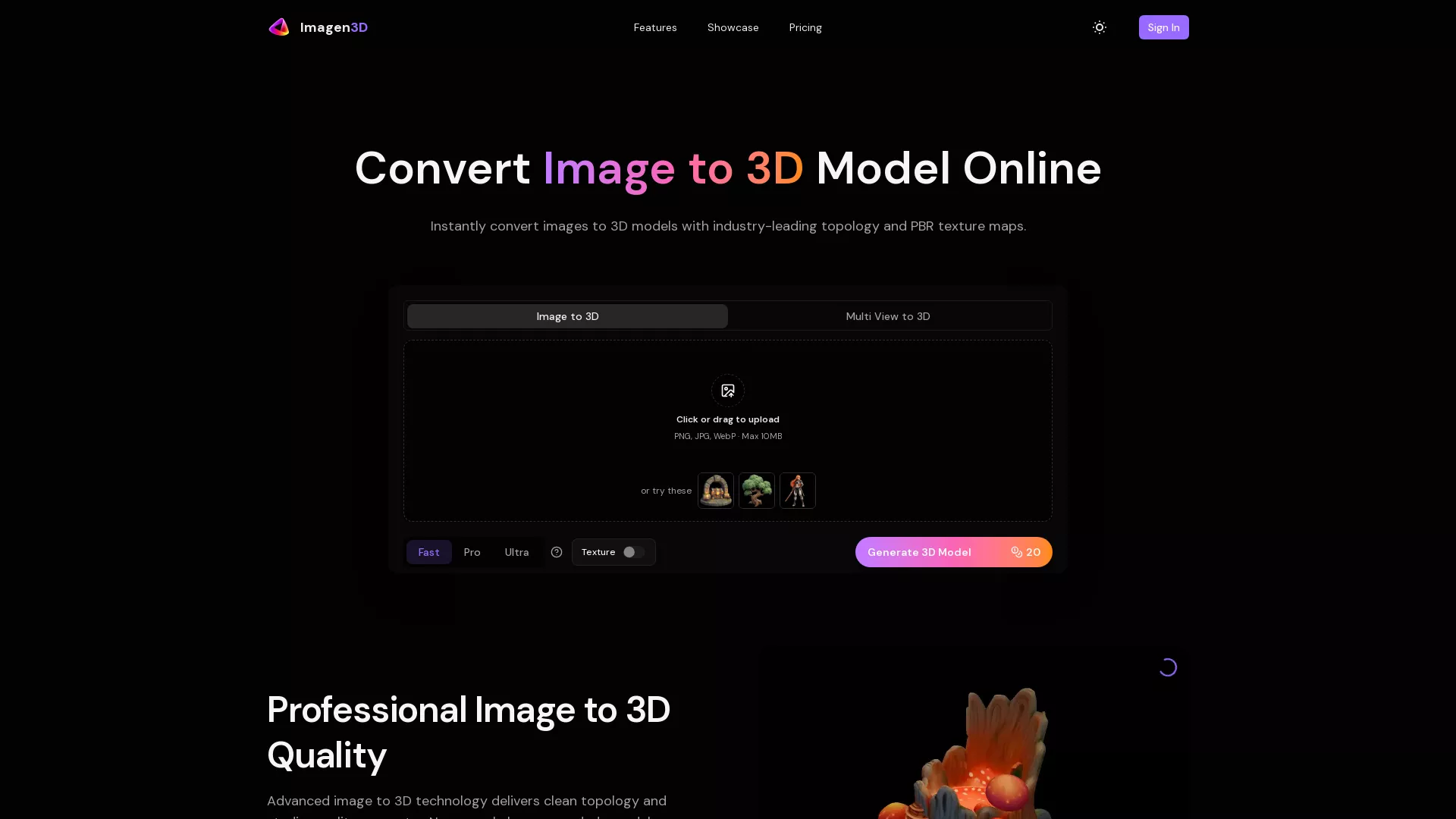
- Takes a single photo and outputs a 3D model ready for Blender, Unity or rendering software
- Three quality modes let you balance speed against detail depending on your project
- Models have clean topology suitable for animation, rendering or 3D printing without fixing mesh issues
- Upload multiple views of the same object to improve reconstruction quality
What is the cheapest pricing package Imagen3D offers?
$10/month
How long does it take to convert an image to a 3D model using Imagen3D?
The conversion time using Imagen3D depends on the quality tier selected. Fast mode converts images in approximately 20 seconds, Pro mode takes around 30 seconds, and Ultra mode delivers the most detailed conversion in under 3 minutes.
Which image quality tier should I choose for my 3D modeling project?
Choosing the appropriate quality tier for your project depends on your specific needs. The Fast mode is ideal for quick prototyping, Pro mode offers a balance of speed and detail suited for production-quality assets, while Ultra mode provides the highest level of detail for professional-grade models.
What file formats can I export my 3D models to using Imagen3D?
Imagen3D supports universal export to several standard file formats, including GLB, OBJ, STL, GLTF, USDZ, and MP4. This flexibility ensures compatibility with various 3D software and platforms you may be working with.
.webp)