
HitPaw FotorPea
Verified
AI Image Processing Software
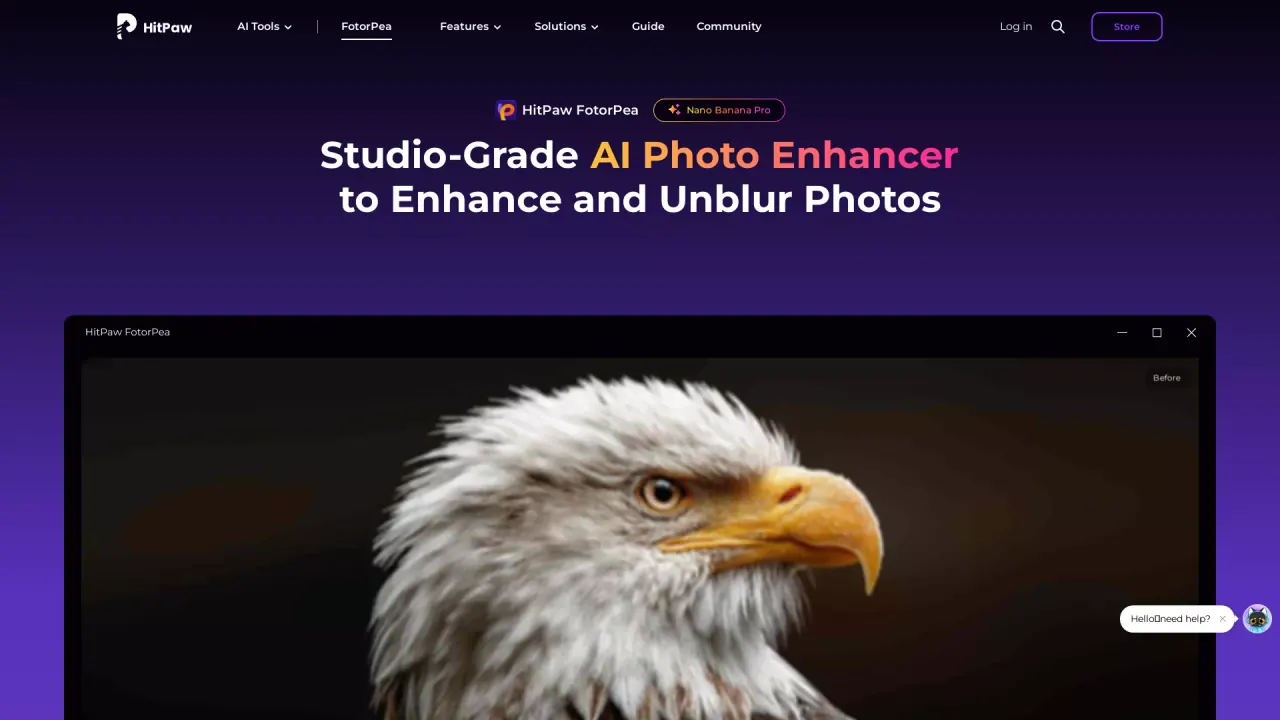
HitPaw FotorPea is an AI photo enhancer that sharpens, unblurs, denoises, upscales, and restores images in one software.
Promoted
 AI Checker PlusAI detector that highlights which passages AI wrote. Free check, no sign-up. Plagiarism too.
 RewindType any X/Twitter handle. Get their year back as a narrated video story. Then ask it anything.
 KurodyneSell the tools from your AI side projects. Listing is free.
 Sidrune AI85% off. Stable Claude API for agent developers. Pay as you go. Invoices & refunds available.
 Pixmax.aiPixmax.ai is an all-in-one AI workspace for videos, visual stories, and marketing content.
 SEOify - Improve your SEO & rankingsBuild links to rank in Google. Improve your DR with links you can start building now.Advertise here330,000+ people visit Dang.ai every month.
What does HitPaw FotorPea do?
HitPaw FotorPea (formerly HitPaw Photo Enhancer) is a studio-style AI photo editor designed to improve image quality and clarity quickly. It enhances RAW files and phone photos, bringing back fine details and more natural textures—from skin and fabric to shadows and highlights.
The app focuses on quality recovery with multiple AI models. Use blur repair to fix shaky-hand motion blur and misfocus, reconstructing crisp edges and clearer details. Apply sharpening to amplify pixel-level detail, then upscale images with AI models for higher resolution. Upscaling supports enlargement up to 4K/8K/32K, and you can export to common formats.
FotorPea also tackles low-light problems. Denoise models reduce noise, JPEG compression artifacts, and film grain while balancing shadow/highlight details so the result looks clean rather than over-processed. For damaged or aged photos, restoration tools help revive tone and surface quality—such as colorization for monochrome images and scratch repair.
If you want creative output too, HitPaw FotorPea includes Nano Banana Pro for generating new art from text or images. Choose styles like portraits, landscapes, anime, and digital art, preview results, and export your enhanced or generated images. HitPaw FotorPea runs on Windows and macOS, with some limited preview options available; many features require payment for full use.
What does HitPaw FotorPea help me fix in photos?
You can enhance image quality, sharpen details, repair blur (motion blur and misfocus), denoise low-light images, upscale resolution, and restore older photos with tools like colorization and scratch repair.
How do I unblur motion blur or misfocus with FotorPea?
Upload your photo, select the blur repair model that matches the blur type, preview the restored clarity, and export when the edges and details look right.
Can it remove noise and grain from night photos?
Yes. Use denoise-related models to reduce noise, JPEG compression artifacts, and film grain while maintaining balanced shadow and highlight detail and natural textures.
How far can it upscale images, and what formats can I export?
It can upscale photos up to 4K/8K/32K. Export formats include .png, .jpg/.jpeg, .webp, .tif, .tga, .bmp, and .jfif.
Does HitPaw FotorPea support creative AI generation?
Yes. Nano Banana Pro can generate art from text or images, with styles such as portraits, landscapes, anime, and digital art.
Is HitPaw FotorPea free to use?
You can try limited preview-style usage in some cases (including watermarked previews), while many features need payment for full use.
This listing is claimed
Own HitPaw FotorPea? Sign in with the email used to claim it to manage this listing, or upgrade to Pro for featured-first placement and a newsletter feature.