
Boolvideo
AI Video Marketing Creation Tool
The game-changing AI video marketing creation tool.
- Pricing
- Free trial
- Category
- Ecommerce
- Listed
- Apr 20, 2023
- Updated
- May 25, 2026
What does Boolvideo do?
What is Boolvideo and what can I create with it?
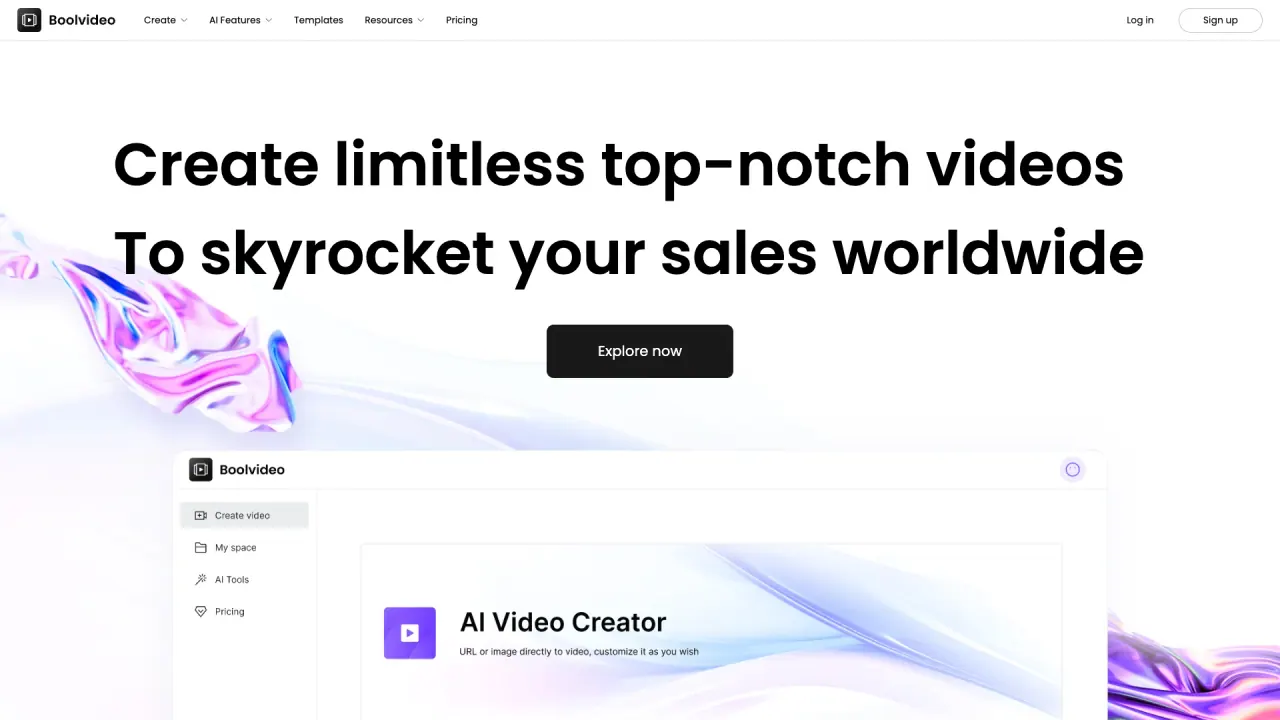
Boolvideo is an all-in-one AI video generator that turns ideas, scripts, product links, or blogs into videos with AI-generated scripts, visuals, and voiceovers. Create videos in modes like Idea to Video, Script to Video, Product URL to Video, Blog to Video, Visuals to Video, Templates to Video, or Start from Scratch. You can also upload your own media to match your script for brand-consistent videos. Boolvideo supports 70+ languages.
Do I need video editing experience to use Boolvideo?
No. Boolvideo is built for creators of all levels. You simply enter an idea or script, optionally upload media, and Boolvideo does the rest.
Is Boolvideo free to start? How does pricing work?
Yes. Boolvideo is free to try — you’ll receive 300 credits upon signup, enough to export 3 videos using core features like Idea to Video and Script to Video. Upgrade when you’re ready to unlock unlimited exports and advanced features.
Can I upload my own media to match my brand?
Yes. Boolvideo supports uploading your personal library to prioritize matching your content for a fully personalized experience.
What formats and licensing apply to exported videos?
You can export videos in MP4 format, in 720p or 1080p (depending on your plan). Commercial use is fully supported.
How many languages does Boolvideo support?
70+ languages, including Spanish, Portuguese, English, Chinese, French, German, and more.
How can I get help if I need it?
Support is available via email at support@boolvector.com.
Do you offer an Affiliate Partner Program?
Yes. Boolvideo offers an Affiliate Partner Program. Details are available under Resources → Affiliate Partner Program.
What makes Boolvideo different from other AI video generators?
Boolvideo not only turns scripts into videos using AI but also supports uploading your own media libraries to prioritize matching your script, helping you produce brand-consistent videos for business use.
What are Boolvideo's main video creation modes or features?
Core options include Idea to Video, Script to Video, Product URL to Video, Blog to Video, Visuals to Video, Templates to Video, and Start from Scratch. It also includes AI tools such as Animate Image with AI, AI Background Remover, Remove Object, AI Photo Enhancer, and Video Background Remover.
This listing is claimed
Own Boolvideo? Sign in with the email used to claim it to manage this listing, or upgrade to Pro for featured-first placement and a newsletter feature.