
BigVu
AI Video Creation Tool
Create professional-quality videos with this AI Video Creation Tool. Enhance content, add captions, and analyze success.
Promoted


What does BigVu do?
What is BIGVU and what can I do with it?
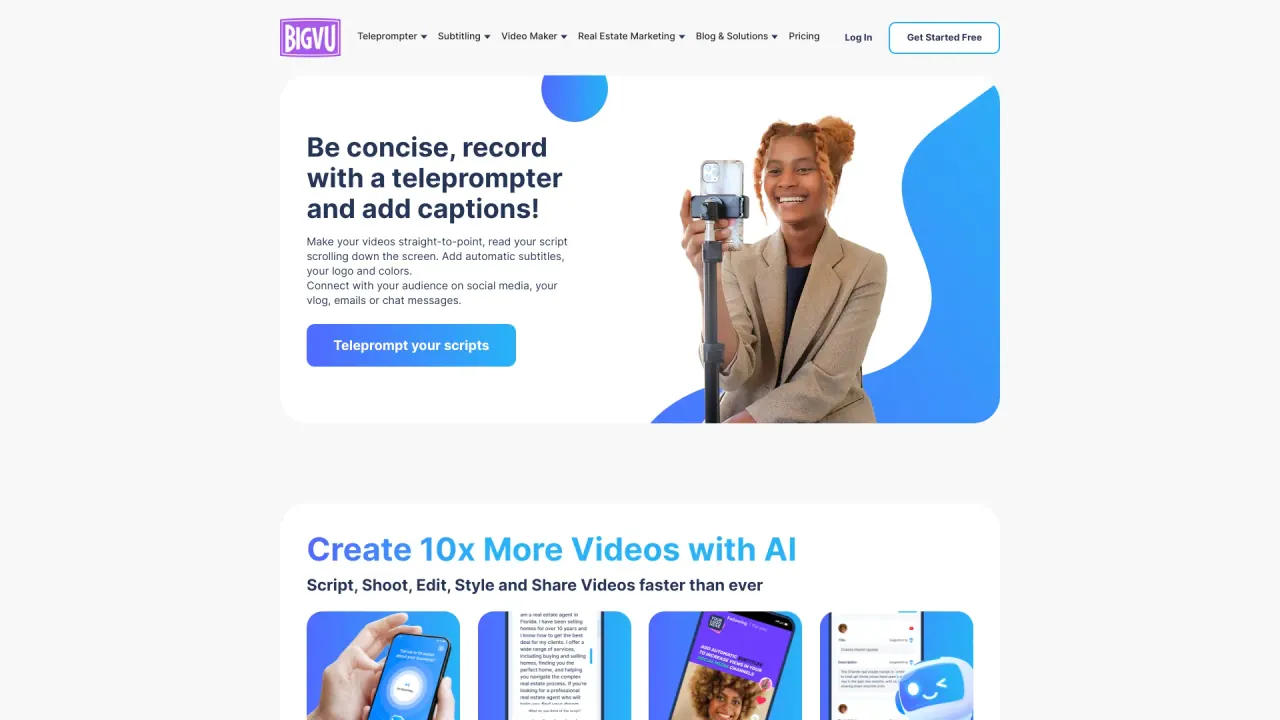
BIGVU is an AI-powered video studio designed to help you build your personal brand with video. It offers teleprompter narration (reading your script with eye contact), adjustable scrolling speed and text size, beauty filters, and web and mobile teleprompter access. It also includes video editing features (auto-captions, split screens, on-screen inserts, B-roll cutaways, and animated titles), a Brand Kit (logo, colors, and style), one-click publishing to social channels with analytics, and advanced AI tools. Additional capabilities include AI video avatars, voice cloning, and specialized tools such as FotoTale Cinematic Reels, Video Automation Workflows, Video Email Automation, and a Voice Agent.
How does the teleprompter work on BIGVU?
You read your script while it scrolls at your chosen pace, helping you maintain eye contact with the camera. You can adjust the scrolling speed and text size to match your cadence.
What are AI avatars and voice cloning in BIGVU?
- AI Avatars: Create a digital twin to represent you in videos.
- Voice Cloning: Narrate videos in your own voice, across projects, even when you can’t record live.
How can BIGVU help with my social media strategy?
BIGVU enables one-click publishing to all your social channels, with the ability to schedule ahead. It also auto-generates post text and hashtags tailored to each platform and provides analytics to track performance and optimize your posts.
How do I publish to social channels and track performance?
Publish to multiple platforms with one click (or schedule ahead), use auto-generated post text and hashtags for each platform, and monitor performance with built-in analytics to refine your strategy.
What is “From Photo to Video — With Your Cloned Voice” and how does it work?
You can upload a portrait or photos, add a script (or generate one with AI), and produce a video narrated in your cloned voice for a quick, personalized result.
What is FotoTale Cinematic Reels?
FotoTale Cinematic Reels turn photos into cinematic, motion-powered videos, narrated in your own voice.
What are Video Automation Workflows?
Video Automation Workflows turn your phone photos into professional brand videos narrated in your own voice, streamlining production at scale.
What is Video Email Automation?
Elegant, mobile-ready video emails with call-to-action buttons designed to engage leads, nurture relationships, and drive conversions.
What is Voice Agent?
Your AI assistant that answers leads instantly 24/7 using your complete knowledge base.
What is Brand Kit and how do I use it?
Stay on-brand every time with your Brand Kit, which includes your logo, colors, and style to ensure consistent visuals across videos.
What video editing features does BIGVU offer?
- Auto-captions
- Split screens
- On-screen inserts
- B-roll cutaways
- Animated titles
- Auto-remove filler words and pauses
- Trim by selecting words
- Stay on brand with the Brand Kit
How does Auto-Remove "Um", "Uh" & Pauses work?
Remove filler words instantly with one tap, or choose specific words to delete for a cleaner, more professional take.
On which platforms can I use BIGVU?
BIGVU is accessible on Web and Mobile, so you can record, edit, and publish from anywhere.
Is there a free plan? What should I expect?
BIGVU offers a free starting option to begin creating videos, with additional paid plans available for more features and capacity.
What are BIGVU’s plan limitations and restrictions?
- Basic Plan constraints: videos may include a watermark; no HD quality or AI features.
- Video length limitations (HD Starter and AI Pro plans): up to 9 minutes per video.
- Team Plan: up to 10 editors and 10 guests per workspace.
- No live streaming or video hosting is available.
Is this your tool?
Claim BigVu to manage this listing, or upgrade to Pro for featured-first placement and a newsletter feature.