
Batch GPT
No longer active
AI Task Automation Tool
Streamline tasks effortlessly with Batch GPT, an innovative AI task automation tool. Achieve up to 10x faster results without coding.
Batch GPT is no longer available
Promoted
 Pixmax.aiPixmax.ai is an all-in-one AI workspace for videos, visual stories, and marketing content.
 Sidrune AI85% off. Stable Claude API for agent developers. Pay as you go. Invoices & refunds available.
 SEOify - Improve your SEO & rankingsBuild links to rank in Google. Improve your DR with links you can start building now.Advertise here270,000+ people visit Dang.ai every month.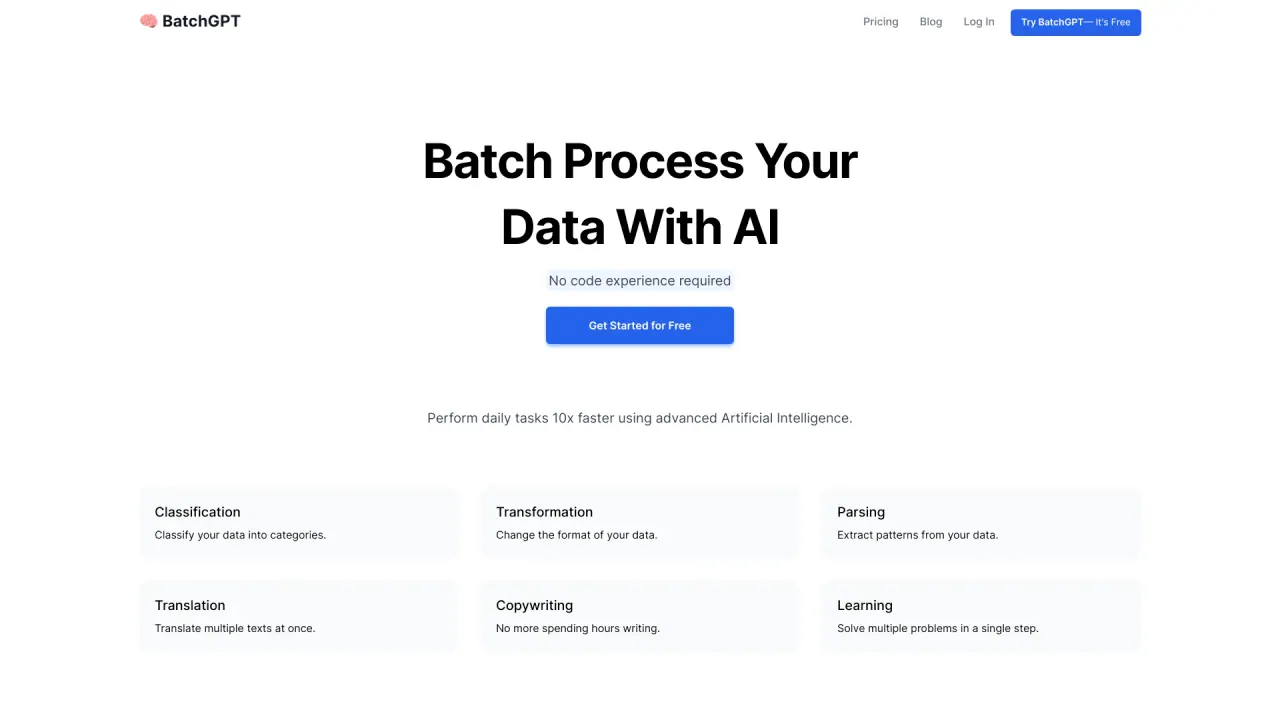
What does Batch GPT do?
What is batchgpt.com?
BatchGPT is a tool that enables users to run multiple prompts through ChatGPT or similar AI models without requiring an API key. It is especially useful for automating tasks and handling large volumes of data efficiently. Additionally, BatchGPT allows users to download conversation data in CSV or JSON formats, making it easier to analyze and process the information.
How does batchgpt.com work?
BatchGPT automates ChatGPT workflows by processing multiple conversations at once. Here’s how it works:
- Upload Data: Users upload a file containing several prompts or conversation inputs.
- Batch Processing: The tool processes these inputs in batches, optimizing efficiency for large tasks.
- Generate Responses: ChatGPT generates responses for each prompt in the batch.
- Download Results: Users can download the responses in CSV or JSON formats for easy analysis and further use.
- This approach is ideal for businesses or developers seeking to automate chatbot interactions or other conversational AI tasks.
What are the benefits of batchgpt.com?
BatchGPT.com offers a range of advantages, particularly for individuals seeking to enhance efficiency and automate various processes. Key benefits include:
- Improved Productivity: BatchGPT can accelerate the completion of daily tasks, potentially making them up to 10 times faster.
- No Technical Expertise Required: The platform is designed to be intuitive, allowing users to utilize it without needing coding knowledge.
- Wide Range of Functions: It supports tasks such as batch classification, text translation, pattern extraction, and content creation.
- Advanced NLP Capabilities: Its natural language processing features enable it to understand and process complex instructions effectively.
- User-Friendly Design: The interface is easy to navigate, catering to users with varying levels of technical experience.
- Time Savings: By automating repetitive tasks, BatchGPT helps reduce the time spent on manual work.
What are the limitations of batchgpt.com?
BatchGPT.com has some limitations to consider:
- Increased Latency: Batch processing can cause delays in receiving results, making it less suitable for real-time applications.
- Potential Overhead: The batch processing method may require more memory and processing power, which can affect system performance.
- Complex Integration: Implementing batch processing into existing systems may be complex and time-consuming, potentially disrupting workflows.
- Limited Real-Time Interaction: The asynchronous nature of the platform means immediate feedback or interaction is not possible, which could be a limitation for certain use cases.
- File Size Restrictions: There are limitations on the file sizes that can be uploaded for processing, which may constrain the scope of larger projects.
How do I get started with batchgpt.com?
Getting started with BatchGPT.com is simple. Follow these steps to begin:
- Sign Up: Visit BatchGPT.com and create an account.
- Free Trial: Use the free trial to explore the platform's features and determine if it meets your needs.
- Set Up: After signing up, set up your projects by uploading data or connecting your data sources.
- Configure: Tailor your batch processing tasks to suit your needs, such as text classification, translation, or pattern extraction.
- Run Batches: Execute the tasks and monitor their progress.
- Review Results: Once processing is complete, review the results and make any necessary adjustments.