
Micro Culture Lite
Verified
AI Text Analysis in Slack
Micro Culture Lite for Slack helps you evaluate and improve messages for a better communication.
- Pricing
- Free
- Category
- Self improvement
- Listed
- Mar 1, 2025
- Updated
- May 25, 2026
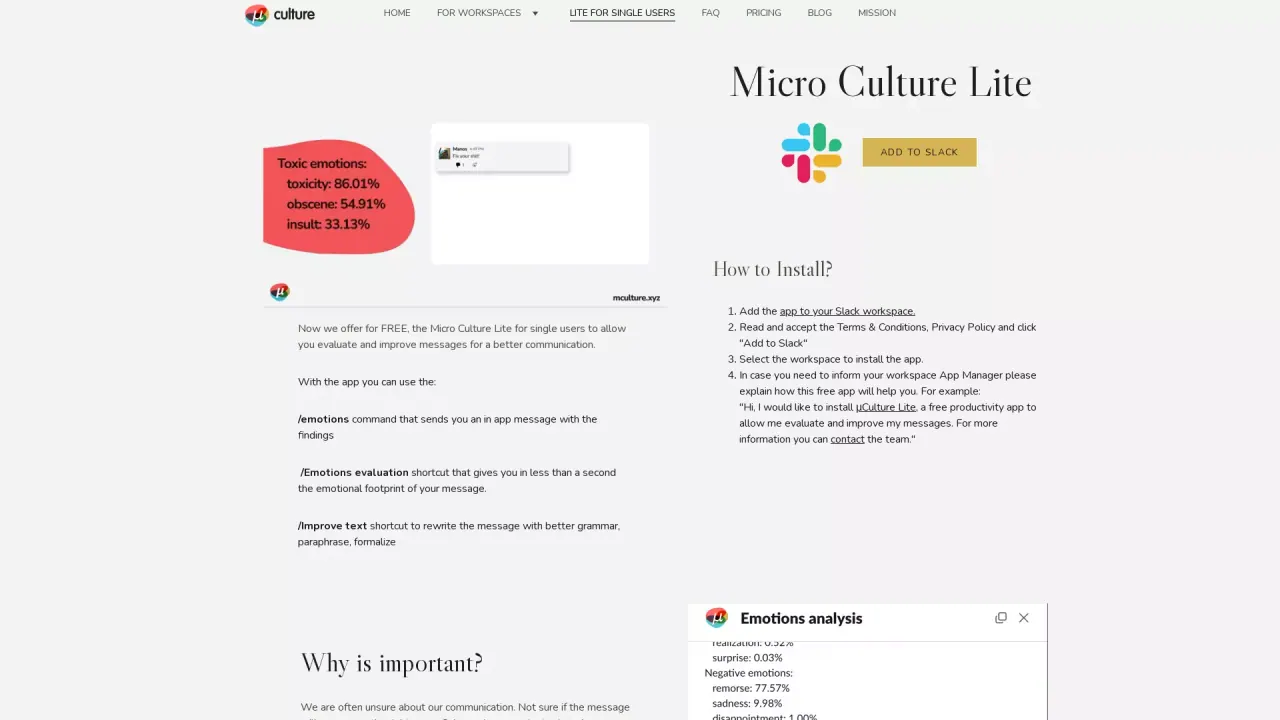
What does Micro Culture Lite do?
How does Micro Culture Lite help me improve communication in Slack, and what are its main features?
Micro Culture Lite helps you evaluate and improve your Slack messages to communicate more clearly and reduce negativity. Its main features include:
- /emotions command: sends you an in-app message with findings about the emotional tone of your message.
- /Emotions evaluation shortcut: returns the emotional footprint of a message in under a second.
- /Improve text shortcut: rewrites your message to fix grammar, improve coherence, paraphrase, and adjust formality (formal or neutral).
Lite is free for single users. The site also notes plans to offer suggestions to write messages that better match the desired tone and to help reduce negativity and toxicity in the future.
How do I install Micro Culture Lite for a single user in Slack?
- Add the app to your Slack workspace.
- Read and accept the Terms & Conditions and Privacy Policy, then click "Add to Slack".
- Select the workspace where you want to install the app.
- If needed, inform your workspace App Manager with a brief explanation of how the app will help you (for example: "Hi, I would like to install μCulture Lite, a free productivity app to allow me evaluate and improve my messages. For more information you can contact the team.").
Is this your tool?
Claim Micro Culture Lite to manage this listing, or upgrade to Pro for featured-first placement and a newsletter feature.