
ReelsBuilder AI
AI Short-Form Video Generation Tool
Create viral Reels, TikToks & Shorts from scripts or videos in 2 mins—no editing skills needed.
- Pricing
- Free trial
- Category
- Video
- Listed
- Jul 30, 2025
- Updated
- May 25, 2026
Promoted
 Sidrune AI85% off. Stable Claude API for agent developers. Pay as you go. Invoices & refunds available.
 Pixmax.aiPixmax.ai is an all-in-one AI workspace for videos, visual stories, and marketing content.
 RewindType any X/Twitter handle. Get their year back as a narrated video story. Then ask it anything.
 KurodyneSell the tools from your AI side projects. Listing is free.
 SEOify - Improve your SEO & rankingsBuild links to rank in Google. Improve your DR with links you can start building now.Advertise here270,000+ people visit Dang.ai every month.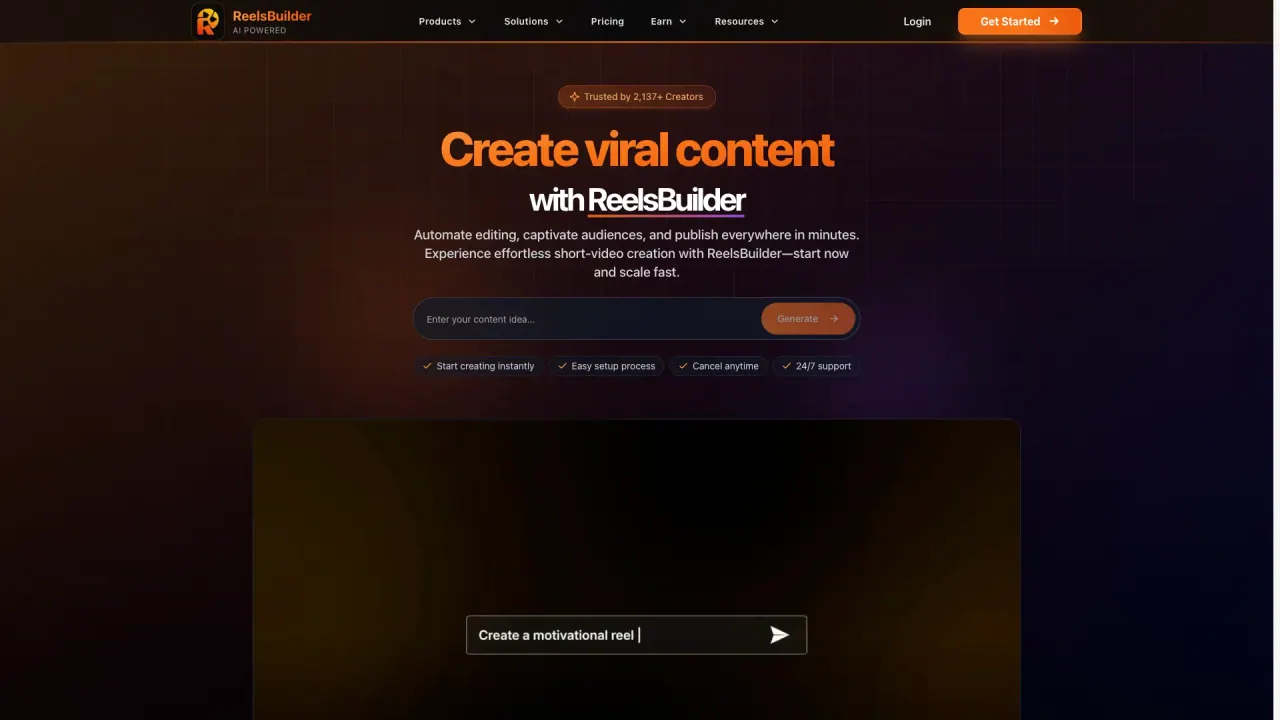
What does ReelsBuilder AI do?
What is Autopilot and how does it work?
Autopilot automatically posts your generated videos to TikTok, Instagram, YouTube Shorts, and more. You can schedule weeks (30+ days) of content in advance, and the AI will help choose optimal posting times for maximum engagement.
Which social platforms are supported and can I auto-post to all socials?
Autopilot posts to TikTok, Instagram, YouTube Shorts, and more. ReelsBuilder supports 4+ platforms for true set-it-and-forget-it automation.
How many days of content can I schedule in advance?
You can schedule 30+ days of content in advance, generating a full month of videos in one session with AI handling editing, captions, and optimization.
How many video types are available?
10+ video types are available, including AI Videos, Reddit Stories, Clips, Motivational, and more.
How long does it take to generate a video and what are typical lengths?
Average video creation time is about 2 minutes. Videos can be generated in minutes (2–5 minutes per video typical).
What video formats are supported?
ReelsBuilder supports Vertical, Wide, and Square formats.
Do I need editing skills to use ReelsBuilder AI?
No editing skills are needed.
Can I customize AI-generated videos (branding, etc.)?
Yes. You can customize videos with branding, and enjoy HD quality output (1080p) and other enhancements.
Can I clip YouTube videos with ReelsBuilder AI?
Yes—YouTube Clipper is a built-in feature.
What about video quality and subtitles?
Videos can be produced in HD 1080p, and you can choose from 63+ subtitle styles (including karaoke-style word-by-word highlighting).
What are the pricing plans and what do they include?
Starter: $14.99/month (discounted from $24.99) with 100 Credits/month, 10 AI-generated videos, and 20 YouTube clips per month. Pro: $49.99/month (discounted from $79.99) with 400 Credits/month, 30 AI-generated videos, 60 YouTube clips, No watermark, 90-day video history, Priority support, Premium AI models (VEO3), UGC Avatar Videos, Viral time scheduling, Autopilot. Business: $149.99/month (discounted from $249.99) with 1,500 Credits/month, Everything in Pro plus API Access, Team collaboration, Priority processing, 1-year video history, Dedicated support, Custom branding, Bulk video generation.
Do I get watermark-free videos?
No watermark is included on the Pro plan.
Is there a free trial or free option?
The site shows a Start Free option, with detailed pricing for Starter, Pro, and Business plans.
How many credits do I get per plan and what are they used for?
Starter includes 100 Credits per month; Pro includes 400 Credits per month; Business includes 1,500 Credits per month. Credits are used for generating AI videos and related assets.
Is there API access, and if so, which plan includes it?
API Access is included with the Business plan.
What happens if I need support?
Pro includes Priority support, and Business includes Dedicated support. Start Free and Starter include Community support.
This listing is claimed
Own ReelsBuilder AI? Sign in with the email used to claim it to manage this listing, or upgrade to Pro for featured-first placement and a newsletter feature.