
LearningStudioAI
AI Course Creation Tool
Effortlessly craft captivating online courses with LearningStudioAI, offering seamless compatibility, enchanting features, and exceptional learning analytics.
- Pricing
- Free trial
- Category
- Learning
- Listed
- Aug 4, 2023
- Updated
- May 25, 2026
What does LearningStudioAI do?
How does LearningStudioAI simplify online course creation?
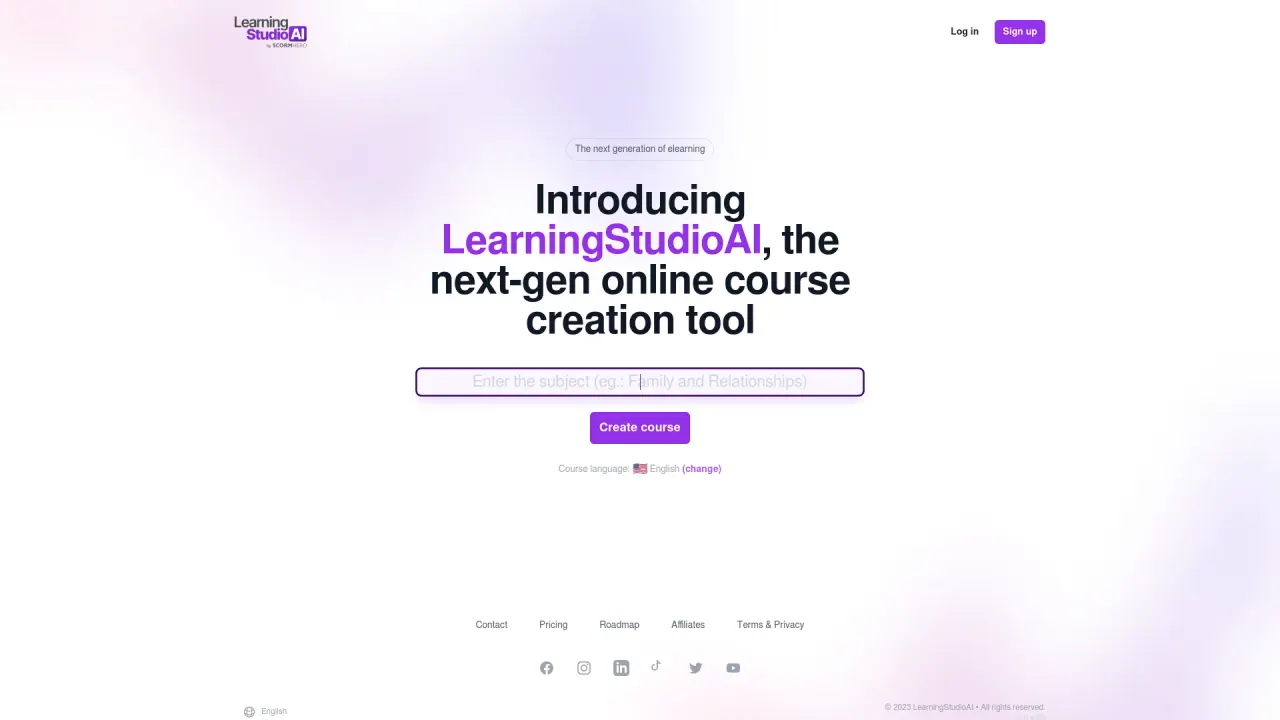
LearningStudioAI uses artificial intelligence to turn your content into structured online courses quickly. Start by telling the AI what your course is about, and it guides you through topics, course format, quizzes, and recaps. You can transform documents into courses, generate lessons and quizzes automatically, edit with AI to expand explanations or rewrite text, and add new AI-generated sections that fit your course structure.
What features does LearningStudioAI offer to enhance the learner experience?
LearningStudioAI provides a responsive design for accessibility on any device, integrated video streaming (from YouTube, Vimeo, or direct uploads), image and audio media options, and comprehensive learner analytics plus assessments to support performance tracking and improvement.
Can I automatically generate quizzes and recaps?
Yes. The AI can automatically generate lessons and quizzes, and it can also create recap content to reinforce learning as you build your course.
How can I turn documents into a course?
Upload a PowerPoint, Word, PDF, or text file, and LearningStudioAI’s AI will transform your material into a structured course, saving hours of manual work.
What media types can I add to my course?
You can add videos (from YouTube, Vimeo, or uploads), images (your own or royalty-free visuals), and audio (upload, record via microphone, or use text-to-speech).
How do I share or export my course?
You can instantly share a link via messaging and social apps (WhatsApp, Telegram, LinkedIn, X/Twitter, Facebook) or copy the link. You can also export your course as a PDF or a SCORM package for uploading to an LMS or archiving offline versions.
Is there a free plan to try LearningStudioAI?
Yes—sign up for free, and there’s no credit card required.
Who is LearningStudioAI for?
Universities & Educators; Course Creators & Edupreneurs; and Corporate Trainers & HR Teams can use LearningStudioAI to convert content into structured digital courses quickly and keep them up to date.
How can LearningStudioAI integrate with existing e-learning systems?
It supports LMS distribution through SCORM exports and shareable course links, making it easy to upload to your LMS or distribute content without disrupting current systems.
How do I get started with LearningStudioAI?
Sign up for free, then start creating with the AI-guided process. Define your course topic, choose the format, and add quizzes and recaps as the AI assists.
Can the platform assist with editing and expanding course content?
Yes. The built-in AI assistant can edit for clarity and readability, expand explanations, summarize long passages, rewrite text, and even suggest and generate new sections to fit your course structure.
What outputs can I download from LearningStudioAI?
You can download your course as a PDF or a SCORM package in one click, for easy LMS upload or offline archiving.
This listing is claimed
Own LearningStudioAI? Sign in with the email used to claim it to manage this listing, or upgrade to Pro for featured-first placement and a newsletter feature.