
Recall
AI Recall Tool
Jumpstart notes on new topics effortlessly with Recall - the AI recall tool. Subscribe to topics, access data offline, and enjoy lightning-fast page loads.
Promoted
 Sidrune AI85% off. Stable Claude API for agent developers. Pay as you go. Invoices & refunds available.
 Pixmax.aiPixmax.ai is an all-in-one AI workspace for videos, visual stories, and marketing content.
 RewindType any X/Twitter handle. Get their year back as a narrated video story. Then ask it anything.
 KurodyneSell the tools from your AI side projects. Listing is free.
 SEOify - Improve your SEO & rankingsBuild links to rank in Google. Improve your DR with links you can start building now.Advertise here270,000+ people visit Dang.ai every month.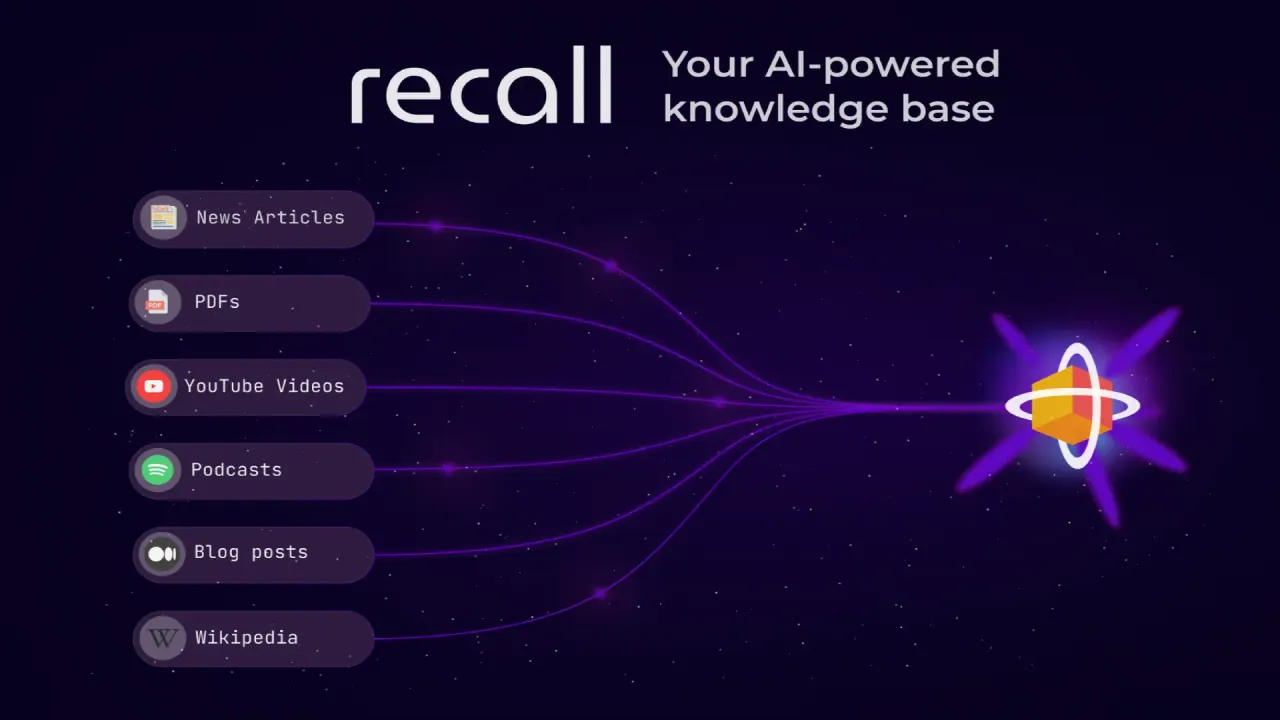
What does Recall do?
What is Recall and what can I use it for?
Recall is an AI-powered knowledge base that lets you save, summarize, and chat with all your online content and personal notes in one self-organizing system. It automatically tags, links, and stores items in a knowledge graph so you can discover connections and search across everything you saved. Access Recall via a browser extension, web, and mobile apps, with unlimited storage, cross-device sync, and one-click AI summaries for articles, videos, podcasts, PDFs, Google Docs, Slides, TikToks, recipes, and even your own notes. It uses an offline-first approach to data storage and never trains AI on your data, so your information remains yours. You can export data anytime in Markdown format.
How does Recall help me save time and stay organized?
AI-powered summaries let you preview content in seconds (30-second summaries) instead of watching or reading in full, helping you save time and stay on track. Users report saving 10+ hours per week. Your saved items are automatically organized and connected in a knowledge graph, making it easy to find and recall important details with full-text and semantic search. Spaced repetition helps reinforce long-term memory, so your insights endure.
What content formats can Recall summarize and organize?
Recall can summarize and organize a wide range of content, including YouTube videos, podcasts, PDFs, Google Docs, Google Slides, articles, TikToks, and even recipes. It also supports saving and organizing your own notes with its rich block-style editor.
How does Recall organize and connect my saved content?
Everything you save is automatically tagged, linked, and stored in a knowledge graph. This enables real-time surface of connections as you browse, turning passive browsing into active discovery, while keeping your data local and secure. You also get full-text and semantic search to retrieve information quickly.
Can I chat with my saved knowledge? How does it work?
Yes. You can chat across everything you’ve saved, ask questions, and get insights pulled from your entire knowledge base. The chat experience leverages the connected knowledge graph and supports full-text and semantic search. You can review and recall ideas, notes, and insights, with spaced repetition helping you remember over time.
Who owns my data, and how is it protected? Can I export my data?
Your data is yours, and Recall does not use it to train AI. Data ownership and portability are emphasized: you can export all your data anytime in Markdown format. Data is stored securely, with an emphasis on local-first augmented browsing, and EU-based backups are mentioned. For more details, see the Privacy Policy.
What platforms and devices does Recall support?
Recall is accessible via a browser extension (Chrome and Firefox), a web app, and mobile apps (iOS and Android) with cross-device sync. The mobile apps are listed as available in beta.
How much does Recall cost, is there a free plan, and is there a refund policy?
There is a free starting tier ("Get Started For Free"). Premium plans are available, with a 30-day refund policy. Support is available 24/7. No credit card is required to start.
This listing is claimed
Own Recall? Sign in with the email used to claim it to manage this listing, or upgrade to Pro for featured-first placement and a newsletter feature.