
Gradescope
AI Grading Tool
An AI grading tool that saves you time and provides insights into student learning.
What does Gradescope do?
What is Gradescope and what does it do?
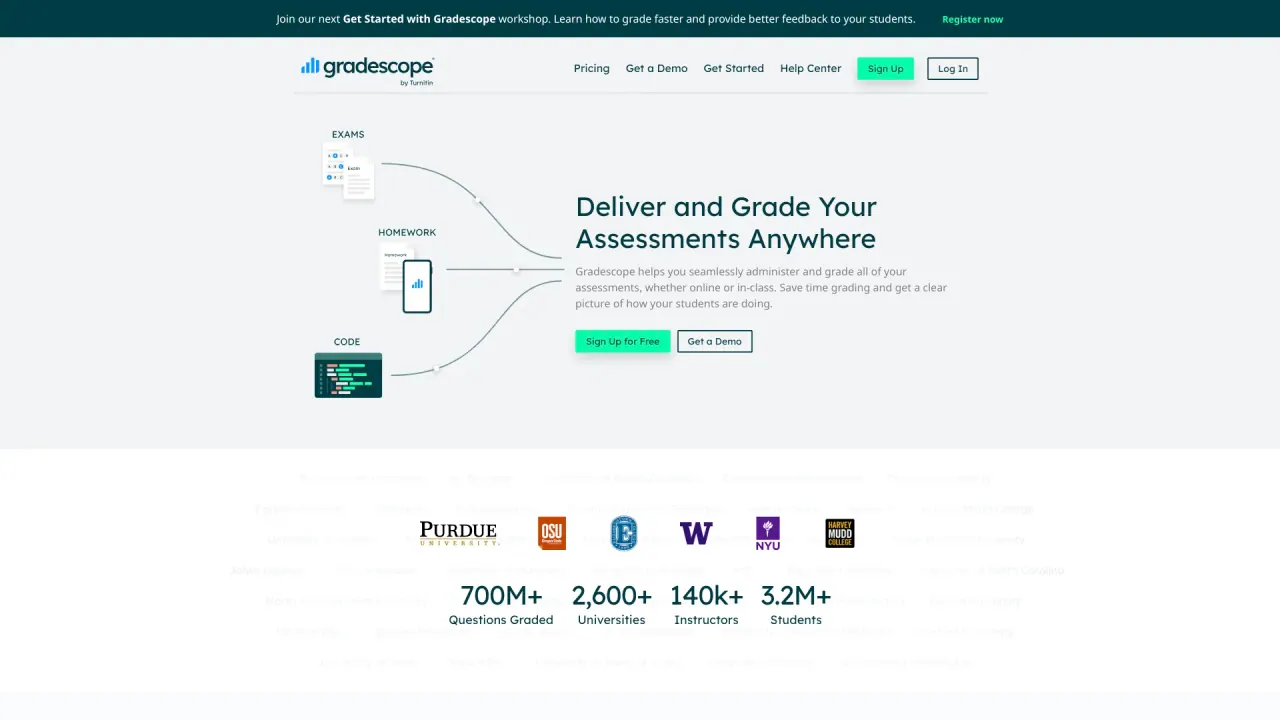
Gradescope helps you seamlessly administer and grade all assessments, whether online or in-class. It saves you time grading and gives a clear picture of how your students are performing. It supports variable-length assignments (problem sets and projects) and fixed-template assignments (worksheets, quizzes, bubble sheets, and exams). It can grade paper-based, digital, and code assignments, and covers subjects such as Computer Science, Physics, Math, Chemistry, Biology, Engineering, and Economics, among others. It’s used by thousands of instructors across many universities (2,600+ universities, 140k+ instructors, 3.2M+ students; 700M+ questions graded).
What subjects and assignment types can Gradescope grade?
Gradescope supports a wide range of subjects and assignment formats. It can grade Computer Science, Physics, Math, Chemistry, Biology, Engineering, Economics, and more. It accommodates variable-length assignments (problem sets and projects) and fixed-template assignments (worksheets, quizzes, bubble sheets, and exams). It works with paper-based, digital, and code assignments, enabling you to reuse your existing materials without modification.
How does Gradescope help save time on grading?
Gradescope reduces grading time by offering features such as dynamic rubrics, answer grouping, and AI-assisted grading. It enables quick, detailed feedback, allows automatic rubric updates to graded work, and supports rapid grading of large classes. Instructors report that complex grading tasks can be completed faster and more consistently.
What is Answer Groups & AI-assisted Grading?
Answer Groups & AI-assisted Grading lets you grade groups of similar answers at once. For some question types, Gradescope AI automatically forms groups for you to review. This feature is part of Gradescope and is available with an Institutional license.
What feedback and analytics does Gradescope provide?
Gradescope delivers feedback with inline details and supports detailed analytics. You can see per-question and per-rubric statistics to understand how students are performing on specific topics, and you can easily export grades and data for your gradebook or institutional reporting. Returning graded assignments with a single click is supported, and regrade requests can be handled online.
Who can sign up for Gradescope and how do students access feedback?
Gradescope supports different roles: you can sign up as an Instructor or as a Student. Instructors manage grading and rubrics, while students receive feedback and can access their results. Feedback is delivered promptly, and instructors can handle regrade requests online.
Can I try Gradescope for free and how do I get started?
Yes—there is a free sign-up option. You can start by Signing Up for Free or request a Get a Demo to see the platform in action.
Is this your tool?
Claim Gradescope to manage this listing, or upgrade to Pro for featured-first placement and a newsletter feature.