
Naklecha
No longer active
AI Powered Coding Assistant
Boost coding with Naklecha, an AI-powered coding assistant that suggests accurate completions in real-time. #AIpoweredCodingAssistant
Naklecha is no longer available
Marked as shut down on Mar 4, 2025. It may have closed, been acquired, or moved. The listing stays here for reference.
Promoted
 RewindType any X/Twitter handle. Get their year back as a narrated video story. Then ask it anything.
 KurodyneSell the tools from your AI side projects. Listing is free.
 Sidrune AI85% off. Stable Claude API for agent developers. Pay as you go. Invoices & refunds available.
 Pixmax.aiPixmax.ai is an all-in-one AI workspace for videos, visual stories, and marketing content.
 AI Checker PlusAI detector that highlights which passages AI wrote. Free check, no sign-up. Plagiarism too.
 SEOify - Improve your SEO & rankingsBuild links to rank in Google. Improve your DR with links you can start building now.Advertise here330,000+ people visit Dang.ai every month.
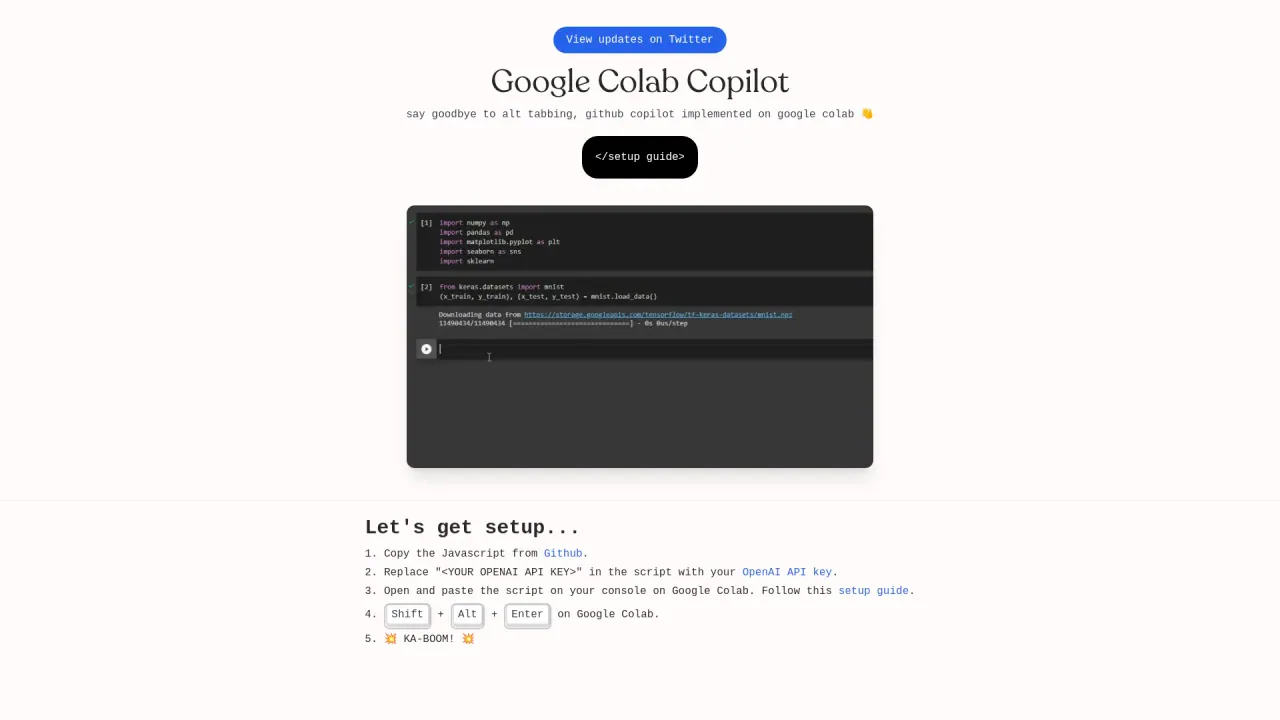
What does Naklecha do?
How do I set up Github Copilot on Google Colab?
To set up Github Copilot on Google Colab, follow these steps: First, copy the Javascript from Github. Next, replace "" in the script with your OpenAI API key. Then, open and paste the script on your console on Google Colab. Finally, press Shift + Alt + Enter on Google Colab to activate the setup.
What is the advantage of using Google Colab Copilot?
The advantage of using Google Colab Copilot is that it eliminates the need for alt-tabbing between windows. It seamlessly implements Github Copilot directly onto Google Colab, streamlining development processes.
Where can I find updates about Google Colab Copilot?
Updates about Google Colab Copilot can be viewed on Twitter.