
Mini Course Generator
AI Mini Course Generator
Effortlessly create engaging mini-courses and micro-learning materials with AI Mini Course Generator.
- Pricing
- Freemium
- Category
- Scheduling
- Listed
- Jul 22, 2023
- Updated
- May 25, 2026
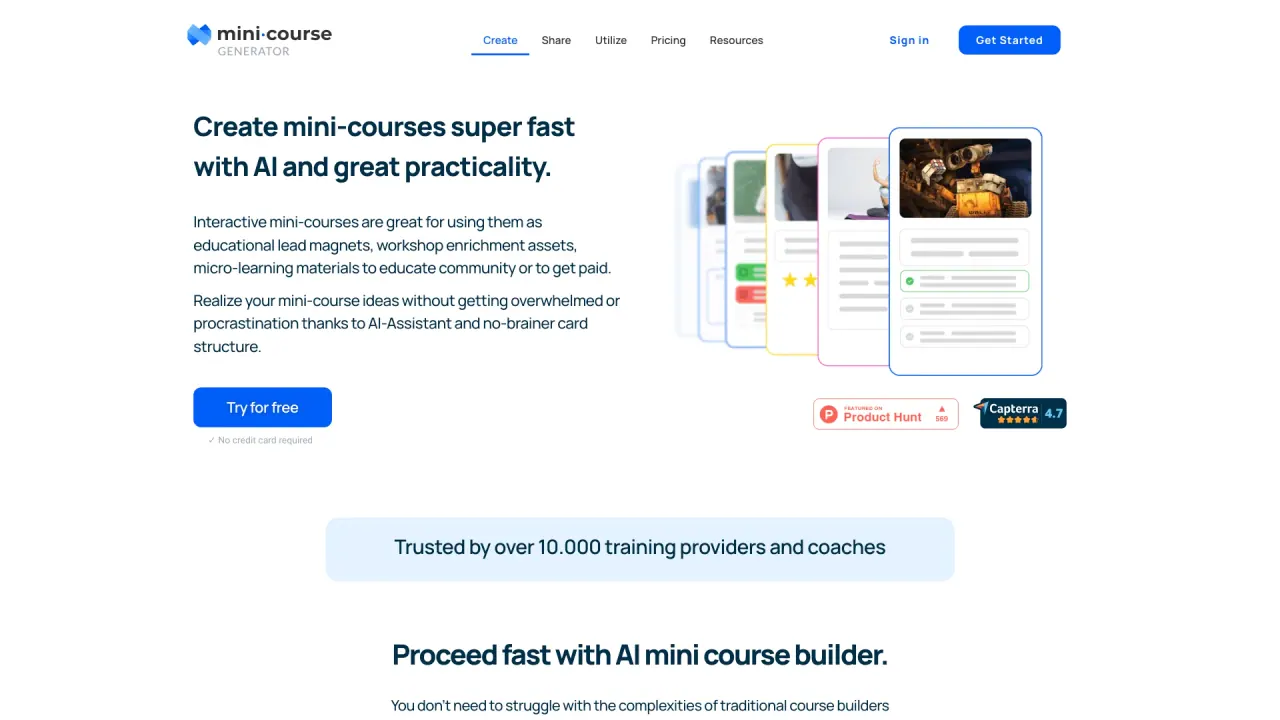
What does Mini Course Generator do?
What is Mini Course Generator?
Mini Course Generator is the go‑to solution for product managers, community owners, corporate trainers, creators selling online courses, coaches, and consultants. It combines an AI Course Creator, an AI Interaction Builder, and a drag‑and‑drop block editor to turn expertise into interactive mini‑courses, and it serves as a central hub for assembling tools like ThingLink 360° images, Spotify audios, Notebook LM videos, Gamma slides, Synthesia avatars, Canva visuals, and more into cohesive courses.
What is an AI Course Creator?
An AI Course Creator is a sophisticated online course creator that uses artificial intelligence to design, build, and publish eLearning content. It can generate course outlines, add learning objectives per page, create images and questions, and help you build interactive elements. It works alongside an eLearning authoring platform to streamline development so you can focus on your expertise.
How do I make a course using AI?
Provide your topic, learning objectives, or a starting description. The AI generates a logical outline that you can review and revise. You then define objectives for each page, and the AI can create relevant images, quiz questions, and select languages. You can also add interactive elements with the AI Course Builder and AI Interaction Builder.
What makes Mini Course Generator stand out from other AI course builders?
It combines AI‑driven course creation with an intuitive drag‑and‑drop editor, multiple layouts, easy sharing and exporting (including SCORM and PDF), collaboration features, certificates and badges, automations, custom domains, and more—designed to be simple to use while delivering a comprehensive learning experience.
Do I need prior experience to use Mini Course Generator?
No. It’s built to be simple and accessible, even if you’re new to course creation.
What is a Mini‑Course and how does it relate to Micro‑Learning?
A mini‑course is a bite‑sized, easily digestible learning experience—part of the micro‑learning approach. It’s designed to deliver quick wins and focused concepts without overwhelming the learner.
Can I customize and edit the AI‑generated content?
Yes. You can customize and edit the AI‑generated content, including per‑page learning objectives, and tailor visuals and interactive elements.
How is Mini Course Generator different from alternatives?
The platform emphasizes a complete, AI‑driven authoring experience that aims to be more comprehensive and easier to use than many alternatives, with built‑in collaboration, certifications, automation, and flexible publishing options.
Can I export my AI‑generated course to my LMS?
Yes. You can export your courses to SCORM packages or PDFs, making them compatible with common LMS environments.
Can I share or embed mini‑courses on websites or webpages?
Yes. You can share courses via links, embed them on webpages, or export them as SCORM or PDF files for distribution.
Can I monetize or gate access to mini‑courses?
Yes. The platform supports access control options, including login‑free public access, paid access via payment gateways, email collection, and restricted access for specific learners. In‑app access via SSO is also available.
What learner access options are available?
You can offer login‑free public access, gate with payment gateways, collect emails, grant access to specific learners, or use in‑app access through single sign‑on (SSO).
What branding and collaboration features are available?
You can customize with branding options, collaborate with others, and work together via the collaboration feature. The product also includes a landing page builder for one‑pager customization, and it supports multiple learner layouts.
Do Mini Course Generator certificates or badges?
Yes. Certificates and badges are available to recognize learner achievements based on completion or success.
What automation integrations exist?
Automations are supported via integrations with Zapier, Make, and Pabbly, enabling streamlined workflows.
Can I collaborate with others on course creation?
Yes. The platform includes collaboration features that let colleagues join and contribute to course creation.
Can I use a custom domain and branding?
Yes. The platform supports custom domains and branding to align with your organization or personal brand.
What are the four layouts and the landing page builder?
Mini Course Generator offers four learner interface layouts (from navigational to card‑type views) and includes a landing page builder to customize one‑pager pages for collections or showcases.
How can I get started and what about pricing and trial options?
You can start with a free trial. The site mentions a “Start Free Trial” option and that no credit card is required. Pricing details reference Basic, Premium, and Pro plans with different feature sets and monthly prices, including a free Forever plan in some materials, plus a Premium plan with a 14‑day trial in the referenced content.
How can I get support and learn more (knowledge base, tutorials, etc.)?
Support and learning resources include a Knowledge Base, Blog, Customer Training, Video Tutorials, and a Wordpress plug‑in. You can also contact support at support@minicoursegenerator.com and find tutorials and demos on the site’s resources.
Is there a WordPress plugin or other integrations?
Yes. A Wordpress plug‑in is listed among the available resources, and the platform supports integrations for automation and other workflows.
What is the AI Interaction Builder?
The AI Interaction Builder is a feature designed to maximize interactivity within courses, complementing the AI Course Creator to create more engaging learning experiences.
Is this your tool?
Claim Mini Course Generator to manage this listing, or upgrade to Pro for featured-first placement and a newsletter feature.