
ImageEnhan
AI Image Enhancer
Discover the power of our AI Image Enhancer.Upscale your images to higher resolution for free,online.
Promoted
 Pixmax.aiPixmax.ai is an all-in-one AI workspace for videos, visual stories, and marketing content.
 RewindType any X/Twitter handle. Get their year back as a narrated video story. Then ask it anything.
 KurodyneSell the tools from your AI side projects. Listing is free.
 Sidrune AI85% off. Stable Claude API for agent developers. Pay as you go. Invoices & refunds available.
 SEOify - Improve your SEO & rankingsBuild links to rank in Google. Improve your DR with links you can start building now.Advertise here270,000+ people visit Dang.ai every month.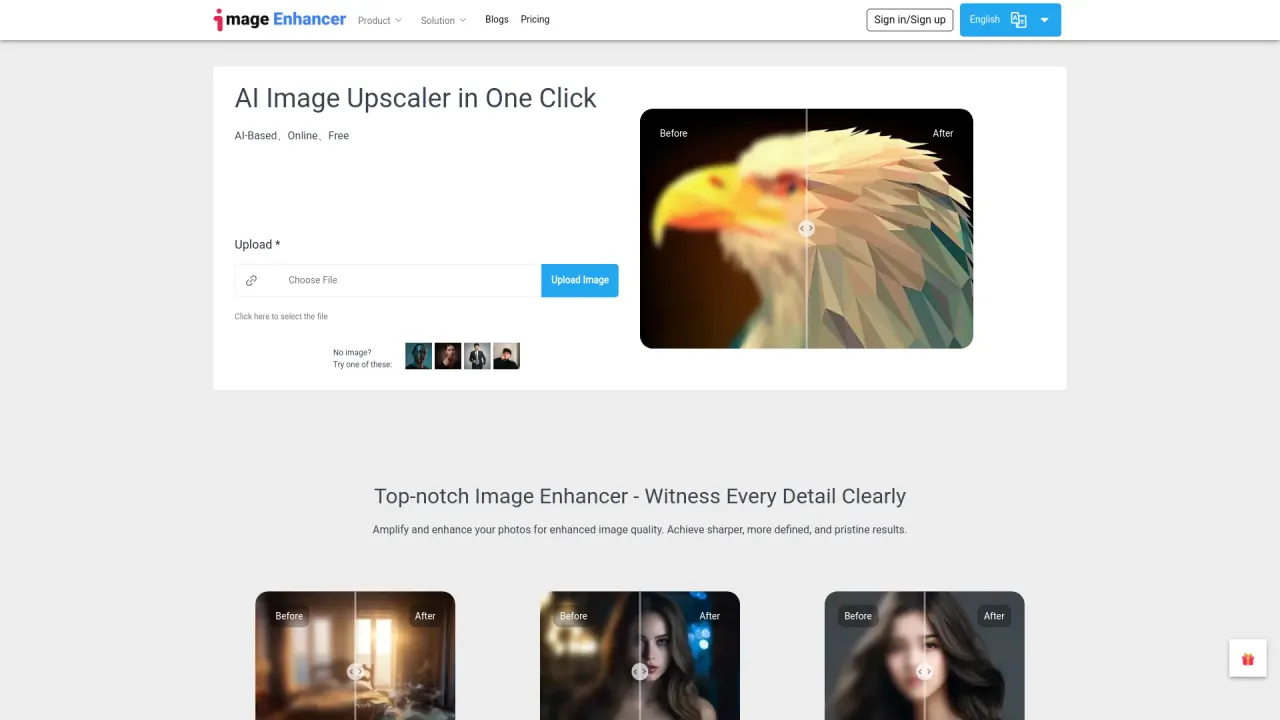
What does ImageEnhan do?
How do I upload an image for enhancement?
You can upload by clicking the "Choose File" button to select an image from your device, or you can drag and drop the image onto the uploader. After the image is uploaded, you can adjust and optimize it (the interface mentions 90 controls) and then click "Enhance" to start the AI enhancement. You can preview your changes with the BEFORE/AFTER view.
How many credits does an enhancement cost, and how do I get more credits?
Each enhancement costs 1 credit. New users receive free credits, and you can earn more credits by daily check-in for free credits.
What image styles are available in ImageEnhan?
Available styles include One Piece Style, Ghibli Style, and Cartoon Style (marked NEW).
What can ImageEnhan do to improve my images?
ImageEnhan uses AI to sharpen details, improve colors, and increase resolution. It can optimize images for clarity, allow brightness adjustments (lighten or darken), and apply other enhancements to improve overall quality.
Can I preview changes before applying them?
Yes. Use the Preview feature to compare BEFORE and AFTER results.
Is there customer support if I encounter issues?
Yes. ImageEnhan offers customer support to help resolve issues; you can contact support or seek help through the platform's provided options.
Where can I find pricing information for ImageEnhan?
Pricing information is available on the site's Pricing page. The site also notes free credits for new users.
What happens to my recent tasks on ImageEnhan?
Your recent tasks are listed under RECENT TASKS, and they auto-delete after 24 hours for privacy.
This listing is claimed
Own ImageEnhan? Sign in with the email used to claim it to manage this listing, or upgrade to Pro for featured-first placement and a newsletter feature.