Smallppt
Verified
AI Slide Tool
By entering a title or uploading a file, use AI to quickly generate a sophisticated slideshow.
What does Smallppt do?
How does Smallppt AI enhance productivity in creating presentations?
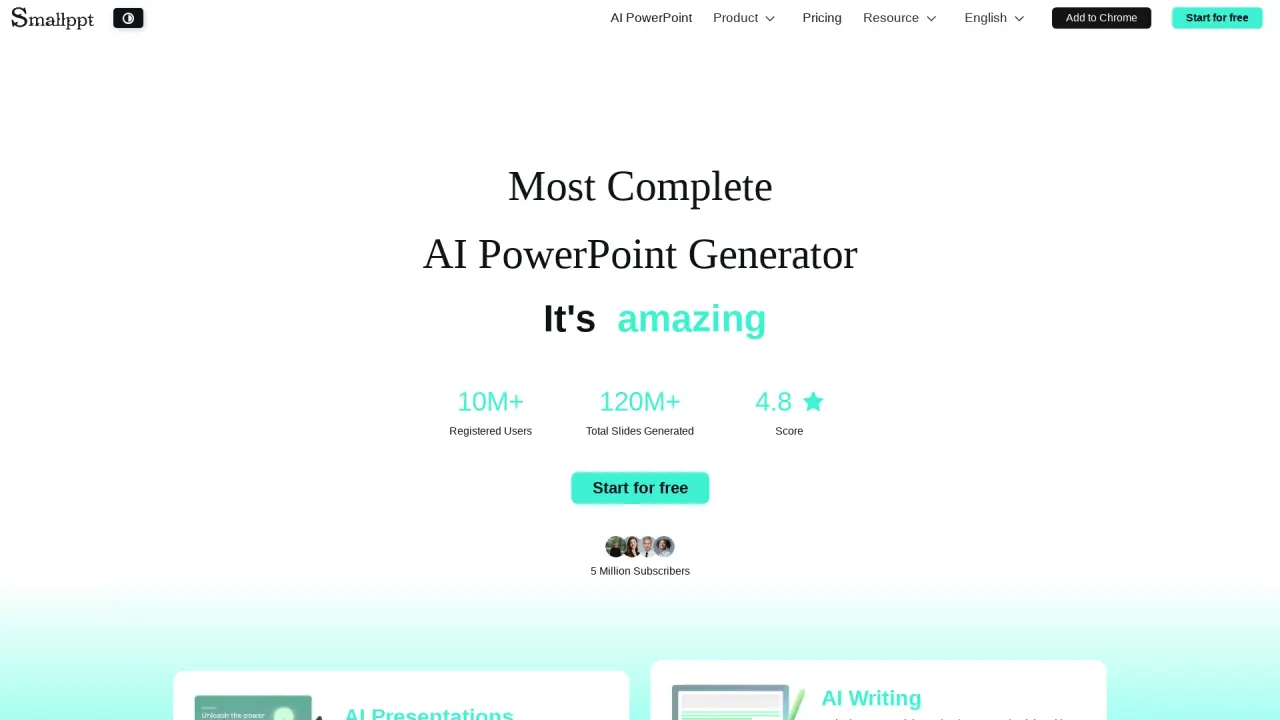
Smallppt is an AI-powered PowerPoint generator that helps you produce sleek, brand-ready presentations in minutes. It uses AI to structure and design professional content, so you can skip tedious preparation and generate polished slides quickly.
What types of templates does Smallppt offer for presentations?
Smallppt provides a massive library of professionally designed, ready-to-use templates that cover industries from business to education, including dedicated Business Templates and Education Templates.
Does Smallppt support collaboration on slides?
Yes. Smallppt offers team collaboration with real-time editing, sharing, and commenting, plus access controls to keep teamwork secure and efficient.
Can I import files to generate slides?
Yes. Smallppt supports various file types for import. It automatically extracts key content and generates a customized presentation based on your files.
What is the one-click slide template replacement feature?
One-click slide template replacement lets you swap templates instantly while keeping your content layout intact.
What AI tools does Smallppt include?
Smallppt bundles several AI tools, including:
- AI Writer: generates clear, consistent content quickly with style
- AI Summarizer: turns long content into concise summaries
- AI PDF: tools for handling PDF content
- AI Chat: an interactive assistant for questions and ideas
- AI Mind Map: visualize ideas as mind maps
- Custom AI Writer for You: tailored article generation
What input formats and conversions does Smallppt support?
Smallppt can convert and build presentations from:
- Text to PowerPoint
- File to PowerPoint
- Word to Presentation
- PDF to Presentation
- JPG to Presentation
- Import to Presentation
- Excel to Presentation
- Audio to PowerPoint
- URL to PowerPoint
What platforms and devices does Smallppt support?
Smallppt is accessible as a Chrome extension (Add to Chrome) and supports use on iOS, Mac, and Windows.
Is there a slide version history feature?
Yes. Smallppt provides slide version history so you can view previous versions of slides.
What pricing plans are available for Smallppt users?
Smallppt offers multiple plans:
- Pro Month Plan: $19.99 per month
- Unlimited Month Plan: $29.99 per month
- Unlimited Year Plan: $16.66 per month when billed annually (about $199.99 per year)
- Lifetime Plan: $299.99 (one-time)
Plans are categorized for Personal, Team, and Education usage.
Where can I get help or learn more about Smallppt?
You can access the Help Center, Learn More, and Contact Us from the site, and you’ll also find the Privacy Notice, Refund Policy, and Terms & Conditions.
What template categories exist and can you name some examples?
Templates are organized into Business Templates and Education Templates, with topics such as exploring automation, leadership in digital governance, personalized learning, and other industry-focused themes.
What about security when collaborating with teammates?
Team collaboration includes access controls to keep your work secure and ensure efficient teamwork.
What language is Smallppt available in?
The site content is presented in English; Smallppt is provided in English.
How can I start using Smallppt?
Smallppt offers a Start for Free option, so you can begin using it right away.
Is this your tool?
Claim Smallppt to manage this listing, or upgrade to Pro for featured-first placement and a newsletter feature.