
Autoppt
Verified
AI Presentation
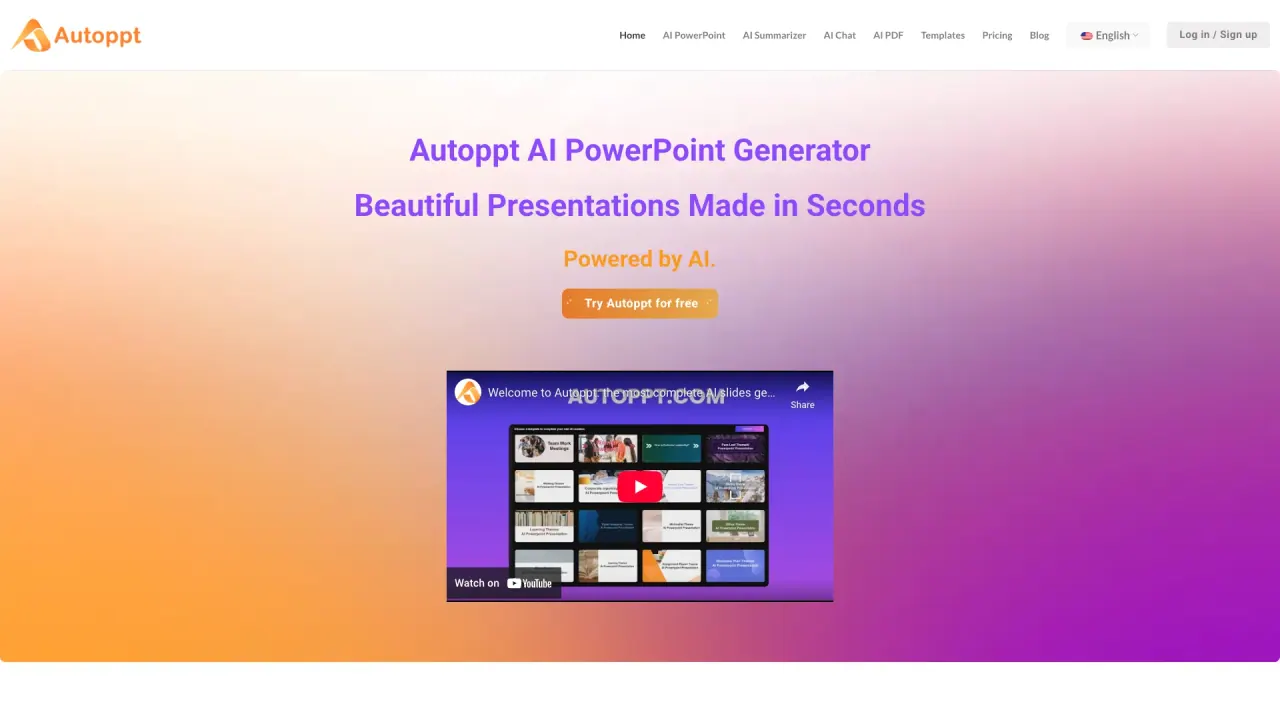
Autoppt: AI tool creates stunning 20-30 page presentations in 1 min, with easy template swaps, saving hours.
What does Autoppt do?
How does Autoppt AI PowerPoint Generator save time for users?
Autoppt automates the creation of presentations. Instead of manually designing slides, you can simply input a topic or upload a document, and the AI instantly generates beautifully designed slides. You can switch templates effortlessly and use extensive PowerPoint templates to match your presentation’s theme, virtually reducing the time spent on slide design by over 90%.
Can I use Autoppt to convert PDFs or Word documents to PowerPoint?
Yes. Autoppt allows you to convert PDF and Word documents into PowerPoint presentations seamlessly. Upload your documents and the AI converts the content into professional slides.
How many languages does the Autoppt AI PowerPoint Maker support?
The Autoppt AI PowerPoint Maker supports over 100 languages. By typing in your preferred language, you can engage audiences across different cultures with content that is responsive and accessible across all screens.
Are the templates fully editable?
Yes. You can customize fonts, colors, and add tables. Use the online editor to make changes and ensure your slides look exactly how you want them. You can also switch templates with ease.
What file types can I upload to Autoppt?
You can upload PDF, Word, Txt, Excel, PPT, and JPG files to generate slides.
How do I create a presentation with Autoppt? What are the steps?
Step 1: Choose your topic or upload your document (PDF, Word, Txt, Excel, PPT, JPG). Step 2: Pick a template. Step 3: Customize your slides (fonts, colors, tables, etc.). Step 4: Download your PowerPoint or share a link to others.
Can I download or share my Autoppt presentation?
Yes. Your slides are ready to be saved as a PowerPoint presentation and downloaded. You can also generate a shareable link to share with friends and colleagues.
Is Autoppt accessible online and usable across devices?
Yes. Autoppt delivers content that is responsive across all screens and devices, helping you engage your audience wherever they are.
Is there a free trial or free access to Autoppt?
Yes. Autoppt can be tried for free, giving you initial access to its AI PPT generation capabilities.
Is this your tool?
Claim Autoppt to manage this listing, or upgrade to Pro for featured-first placement and a newsletter feature.