
PPT.AI
Verified
AI PPT Maker
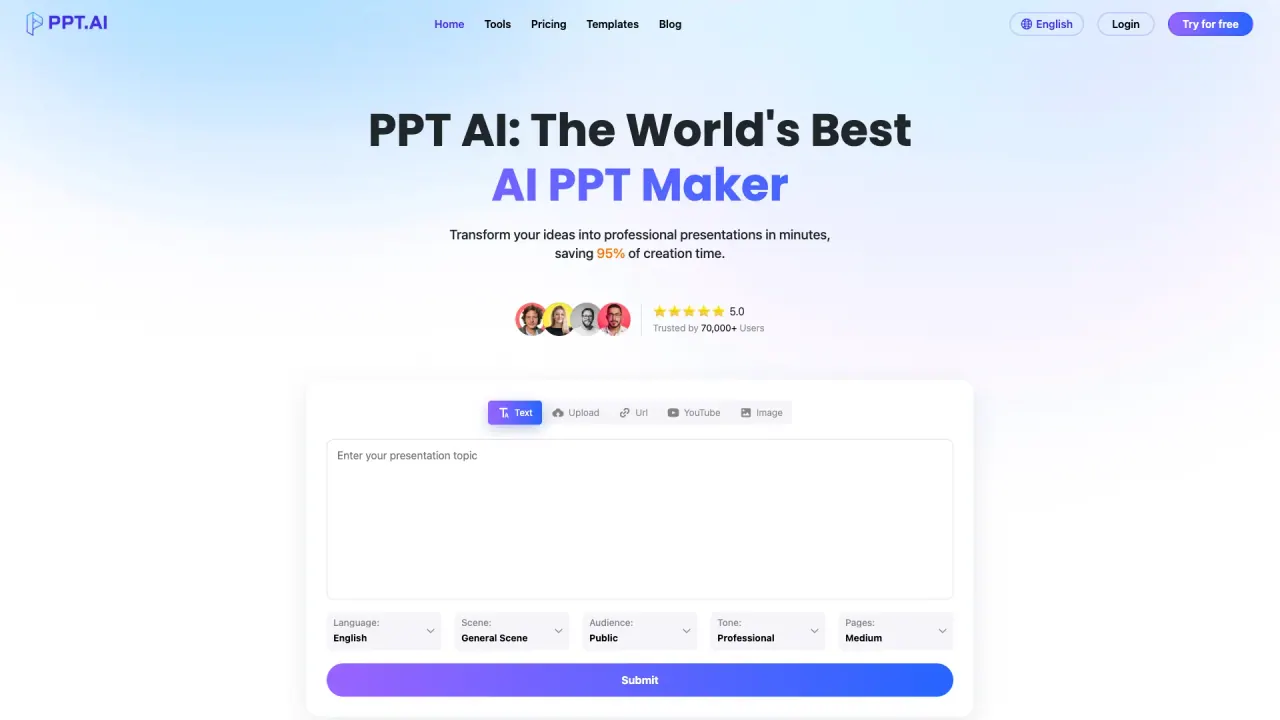
PPT.AI: The World's Best AI PPT Maker.Transform your ideas into professional presentations in minutes.
- Pricing
- Freemium
- Category
- Pitch deck
- Listed
- Apr 14, 2025
- Updated
- May 25, 2026
What does PPT.AI do?
What is PPT AI and how does it work?
PPT AI is an AI-powered presentation maker that converts content such as text, Word documents, PDFs, websites, and videos into professional slides. It uses a multi-model intelligence engine (including DeepSeek, GPT-4o, Claude 3.5, and Gemini 2.0) to analyze input and generate 20+ slides quickly. It also provides free templates, smart design optimization, multilingual support, and easy editing/sharing, with export options including PowerPoint that preserve design elements.
How do I get started with PPT AI?
Input your content (topic or upload content such as text, Word, PDF, or video). PPT AI will analyze your input and structure a professional outline. You can Start for free.
What content can PPT AI convert into a presentation?
It can transform text, documents, PDFs, websites, and videos into 20+ professional slides in seconds.
How many slides can PPT AI generate and how fast?
PPT AI can generate 20+ slides in seconds.
Can I customize and edit presentations created with PPT AI?
Yes. You can modify text, colors, and images, and use PPT AI’s editing tools. Presentations can be exported in multiple formats.
Are templates free, and can I access premium templates at no cost?
Yes. PPT AI offers free professional templates, and the entire template collection is free, even for free users.
Does PPT AI support multiple languages?
Yes. PPT AI provides multilingual support, allowing you to create presentations in multiple languages.
Is PPT AI compatible with PowerPoint and what formats can I export to?
Yes. PPT AI offers complete PowerPoint compatibility and can export directly to PowerPoint format with 100% preservation of design elements. It also supports exporting to multiple formats.
What input formats can I upload?
You can input content as text, Word documents, PDFs, or video.
How does the pricing work?
Pricing details are available on the PPT AI Pricing page. The scraped content provides the page exists but does not include the exact plan names or prices.
Is my data secure with PPT AI?
The scraped content does not specify data security details. Check the site’s security policy or contact support for specifics.
What are the three simple steps to create a presentation?
Step 1: Input Your Content (topic or upload content). Step 2: PPT AI analyzes your input and structures a professional outline. Step 3: Start for free to generate and customize your slides.
Is this your tool?
Upgrade PPT.AI to Pro for featured-first placement, a newsletter feature and ongoing listing management.