

AI Form Builder
What is the main use case for Dashform?
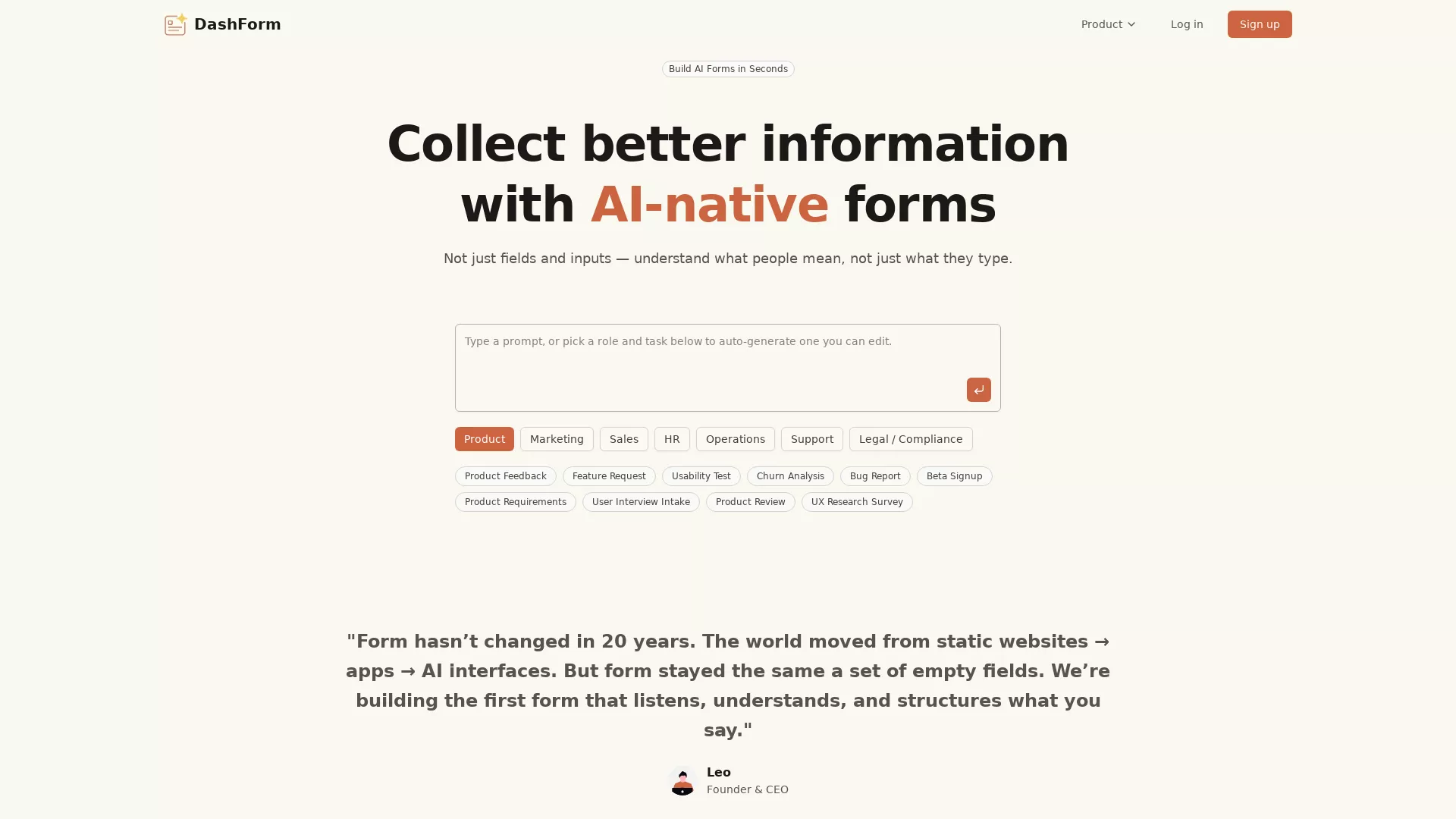
If you need to collect information, or any scenario where you would use a regular static form, you can consider using Dashform for better information gathering.
What are some unique features of getaiform.com?
Form filling becomes a two-way, conversational like process by putting AI into the mix.
Can a user use Dashform for free?
Yes. You can use all of the features with small limitations. The free version is enough for you to test everything out & even put in production.
What makes Dashform's AI forms different from traditional forms?
Dashform's AI forms transform static form fields into a dynamic two-way conversation. Unlike traditional forms that require manual input, Dashform understands user intent and context, generating intelligent follow-up questions automatically. This approach enhances the user experience by providing relevant interactions just as a human would, making the data collected more meaningful and structured.
How does Dashform's AI technology improve data collection and analysis?
Dashform utilizes AI to convert each user response into structured and meaningful data. This technology not only understands context and intent but also performs theme grouping, sentiment analysis, and generates actionable insights. The integrated AI-driven follow-ups ensure that deeper insights are gathered from every interaction, ultimately leading to better-informed decisions.
Can Dashform integrate with other tools for seamless data management?
Yes, Dashform supports integrations with external databases and popular platforms like Notion, Airtable, and Google Sheets. By connecting Dashform to these tools, users can seamlessly manage and organize the data collected from AI-generated forms, ensuring that insights and actionable data are always accessible.


%20(1)%20(1).webp)