
Brandbird
AI Content Generation
BrandBird - AI-powered image screenshot editor for founders. Create stunning graphics effortlessly.
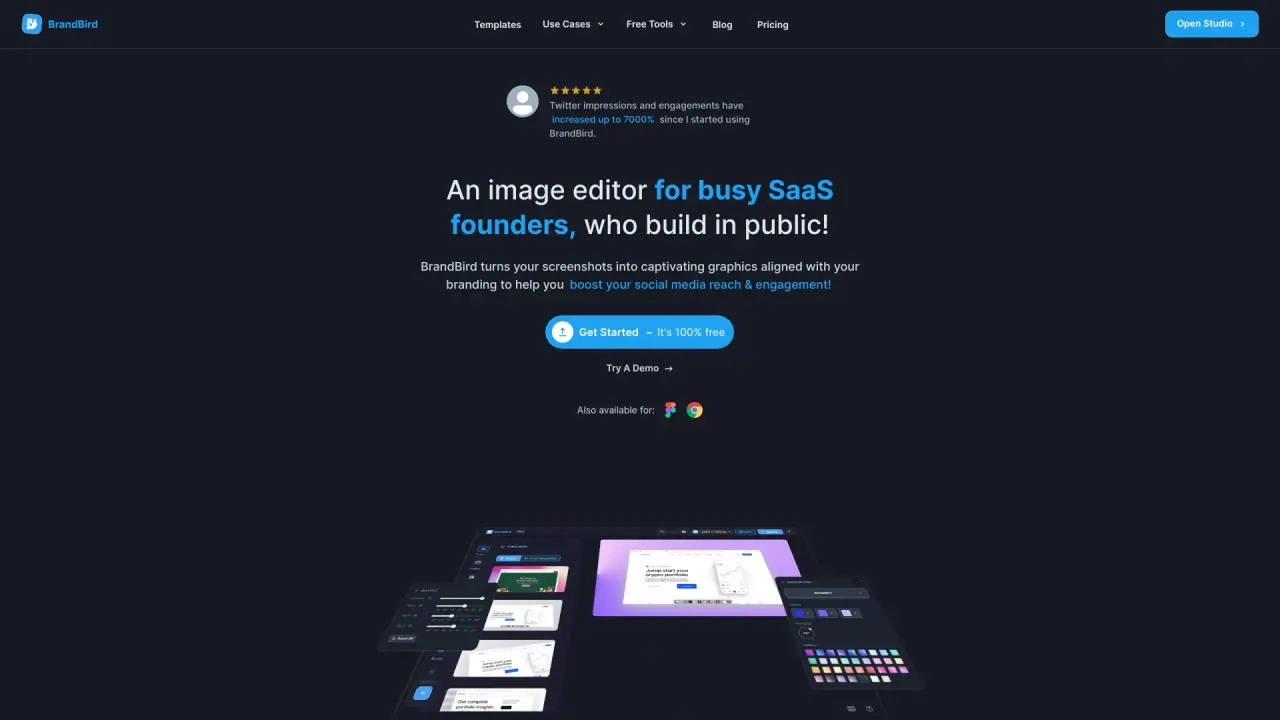
What does Brandbird do?
What is BrandBird and what can it do?
BrandBird is a screenshot editor that turns your screenshots into captivating graphics for social media posts, landing pages, changelog pages, and newsletters. It offers easy-to-use presets and features like backgrounds, 3D effects, mockups, and watermarks to help you create on-brand visuals quickly.
Is BrandBird free and what are pricing options?
BrandBird offers a free option to get started. For more advanced features and a larger library of templates, effects, mockups, backgrounds, and integrations, paid plans are available. Pricing details are provided on BrandBird’s Pricing page.
What features does BrandBird offer?
- 3D Effects: Rotate images in three-dimensional space for eye-catching visuals.
- Annotation: Highlight features with arrows, emojis, headings, rectangles, and more.
- Mockups: Wrap images on real device mockups for a professional look.
- Watermarks: Create, upload, and save watermarks to keep visuals on-brand.
- Ready-To-Use Templates: Templates designed for social platforms to quickly produce polished content.
How does BrandBird work?
- Upload any image, even a boring screenshot. 2) Customize with easy-to-use presets (backgrounds, 3D effects, mockups, etc.). 3) Export your graphics and share them. BrandBird also supports quick two-click customization: apply a gradient or background, add a 3D effect, and apply mockups with minimal effort.
Can BrandBird boost social media engagement?
Yes. By turning screenshots into visually appealing, on-brand graphics, BrandBird helps improve engagement. Users report benefits like higher engagement and more recognizable branding, including cases where impressions have increased significantly after using BrandBird.
Is BrandBird suitable for non-designers?
Yes. BrandBird is designed to be user-friendly and approachable for non-designers, with simple presets, a variety of templates, and an easy workflow that speeds up content creation.
What templates and platforms are supported?
BrandBird provides Ready-To-Use Templates for various social platforms. Available templates/assets cover platforms such as Twitter/X, LinkedIn, Instagram, Facebook, and Product Hunt assets, among others.
How do I sign up and start using BrandBird?
Visit BrandBird and click Get Started for Free to create an account. Sign up typically involves providing an email address and creating a password, then verifying your email to activate your account.
Can I export or share my BrandBird designs?
Yes. You can export your graphics and share them directly or save them for later use.
Are there developer tools like an API or SDK?
Yes. BrandBird offers an API and a JavaScript SDK for developers.
Is there an Affiliate Program?
Yes. BrandBird has an Affiliate Program. Details and terms are available on BrandBird’s Affiliate page.
Is this your tool?
Claim Brandbird to manage this listing, or upgrade to Pro for featured-first placement and a newsletter feature.