
DebuggAI
Verified
AIBrowserTestingTool
DebuggAI is an AI QA engineer that automatically tests every new code change directly in the web browser
Promoted
 Sidrune AI85% off. Stable Claude API for agent developers. Pay as you go. Invoices & refunds available.
 Pixmax.aiPixmax.ai is an all-in-one AI workspace for videos, visual stories, and marketing content.
 SEOify - Improve your SEO & rankingsBuild links to rank in Google. Improve your DR with links you can start building now.Advertise here270,000+ people visit Dang.ai every month.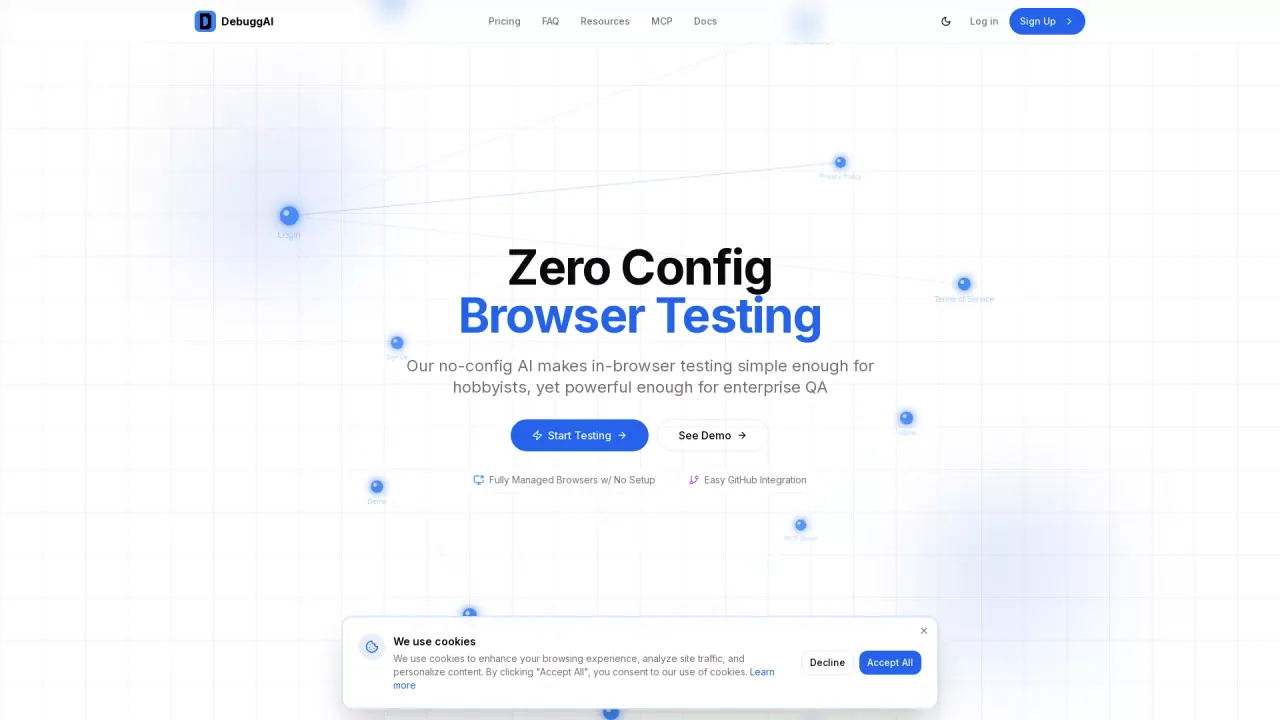
What does DebuggAI do?
What is the main use case for Debugg AI?
DebuggAI is an AI QA engineer that automatically tests every new code change. It reviews your commits, spins up a real browser, runs end-to-end user flows, detects breakages, and posts results directly in GitHub — no setup, no test writing, zero config.
Teams ship faster with fewer bugs because DebuggAI handles the QA work engineers don’t have time for.
Who is the target audience of debugg.ai?
Any engineer or dev who regularly writes frontend code.
Can a user use Debugg AI for free?
Yes
How easy is it to integrate DebuggAI with GitHub?
Integrating DebuggAI with GitHub is very easy. DebuggAI offers a one-click integration with your repository, allowing you to connect your GitHub repo easily. The entire setup process takes just 2 minutes, requires no code changes, and works with any tech stack. Once installed, DebuggAI automatically handles repository access, dependency installation, build processes, secure tunneling, and browser testing.
What features does the Pro plan offer for DebuggAI users?
The Pro plan for DebuggAI is designed for professional developers. It costs $20 per month and provides a range of features, including support for private repositories, unlimited tests, priority support, and advanced analytics. This plan ensures a robust testing experience with comprehensive support and insights.
What types of testing does DebuggAI automate?
DebuggAI automates a number of testing processes, primarily focusing on browser testing and end-to-end tests using AI agents. It manages everything from cloning your GitHub repo and running build commands to creating secure tunnels and testing applications in real browsers. DebuggAI ensures that every pull request is automatically tested with results provided inline, reducing manual testing efforts and enhancing code quality.
This listing is claimed
Own DebuggAI? Sign in with the email used to claim it to manage this listing, or upgrade to Pro for featured-first placement and a newsletter feature.