Imagine AI
AI Text to Image Tool
Imagine AI is an AI art generator that turns text prompts and references into images, plus lets you edit, extend, and generate video and audio.
Promoted
 Pixmax.aiPixmax.ai is an all-in-one AI workspace for videos, visual stories, and marketing content.
 AI Checker PlusAI detector that highlights which passages AI wrote. Free check, no sign-up. Plagiarism too.
 RewindType any X/Twitter handle. Get their year back as a narrated video story. Then ask it anything.
 KurodyneSell the tools from your AI side projects. Listing is free.
 Sidrune AI85% off. Stable Claude API for agent developers. Pay as you go. Invoices & refunds available.
 SEOify - Improve your SEO & rankingsBuild links to rank in Google. Improve your DR with links you can start building now.Advertise here270,000+ people visit Dang.ai every month.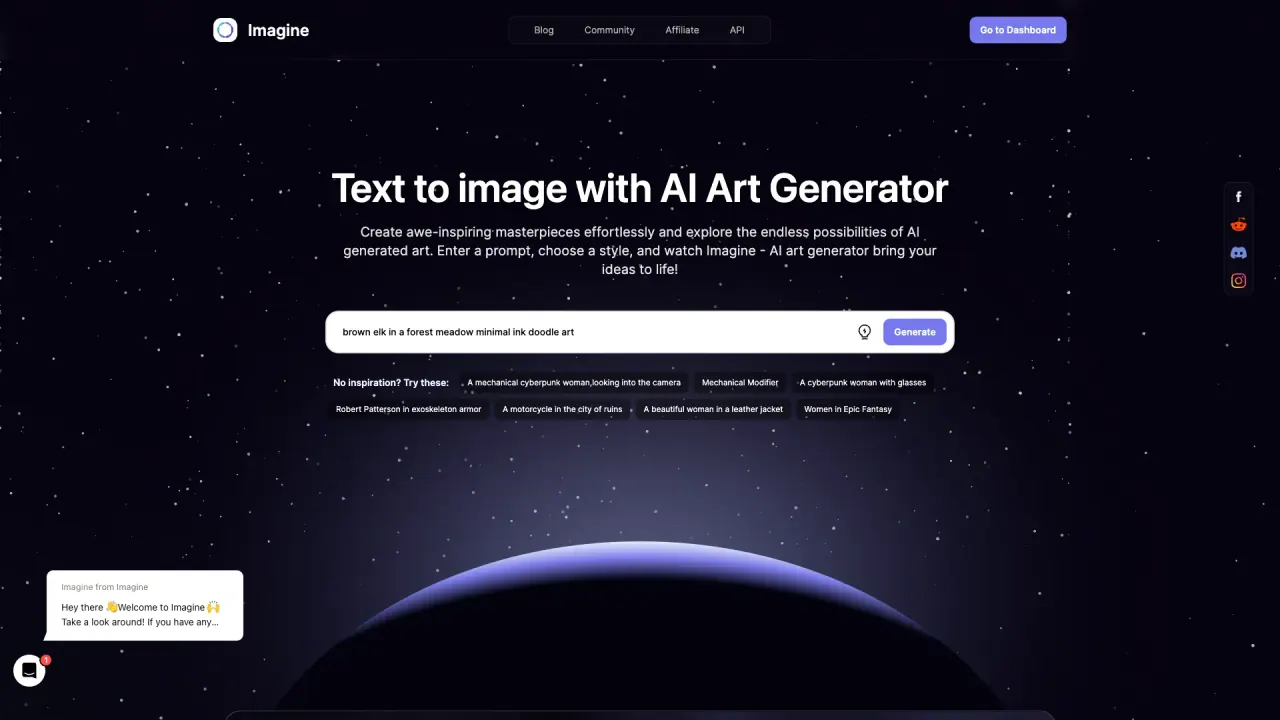
What does Imagine AI do?
Imagine AI (ImagineArt) is a creative workspace for generating images from text prompts and reference images, then refining and expanding those results into complete creative assets. Describe what you want to see, and the platform produces visuals using supported AI models—helpful for exploring directions quickly without starting from scratch.
Beyond image generation, Imagine AI supports related creative capabilities in one place. Use tools to edit on the canvas (including inpainting and camera angle changes), and extend your concepts into video and audio generation. Workflows let you chain models, tools, and connectors into repeatable pipelines that can run on their own—useful when you’re producing content at scale.
Imagine AI is built for teams that need brand consistency and faster iteration: marketing, creative studios, and enterprise teams working across campaigns, formats, and output types. Brand kits can lock colors, fonts, products, and tone so generation stays aligned as you create. The platform also supports sharing work in real time via an infinite canvas.
Plans are available, starting with a free plan, with additional options (Basic, Standard, Professional, and Unlimited). Pricing includes commercial rights for the artwork you generate.
What can I create with Imagine AI?
You can generate images from text prompts and reference images, and also create related assets like video and audio. It’s designed as a broader creative workspace, not just a single image generator.
How do I use Imagine AI for image generation?
Enter a description of what you want to create, then generate results. You can refine your next prompt based on what you see to iterate toward the direction you want.
Can I edit the results without re-running from scratch?
Yes. You can use editing tools to change specific parts of an image (for example with inpainting), adjust camera angles, and extend or rework frames on the canvas instead of fully re-rolling the prompt.
Does Imagine AI support teamwork and reviews?
Yes. The infinite canvas is shared so teams can review the same file with live cursors, comments, and versions.
Is there a free plan?
Yes. Start on the free plan and upgrade if you need more generations, higher resolutions, or additional team features.
Can I use the generated artwork commercially?
Yes. Commercial rights are included with the plans, with full commercial rights to what you generate backed by contract.
This listing is claimed
Own Imagine AI? Sign in with the email used to claim it to manage this listing, or upgrade to Pro for featured-first placement and a newsletter feature.