
beautycam
AI Image Beauty Tool
AI Image Processing Master | BeautyCam
Promoted
 Pixmax.aiPixmax.ai is an all-in-one AI workspace for videos, visual stories, and marketing content.
 Sidrune AI85% off. Stable Claude API for agent developers. Pay as you go. Invoices & refunds available.
 SEOify - Improve your SEO & rankingsBuild links to rank in Google. Improve your DR with links you can start building now.Advertise here270,000+ people visit Dang.ai every month.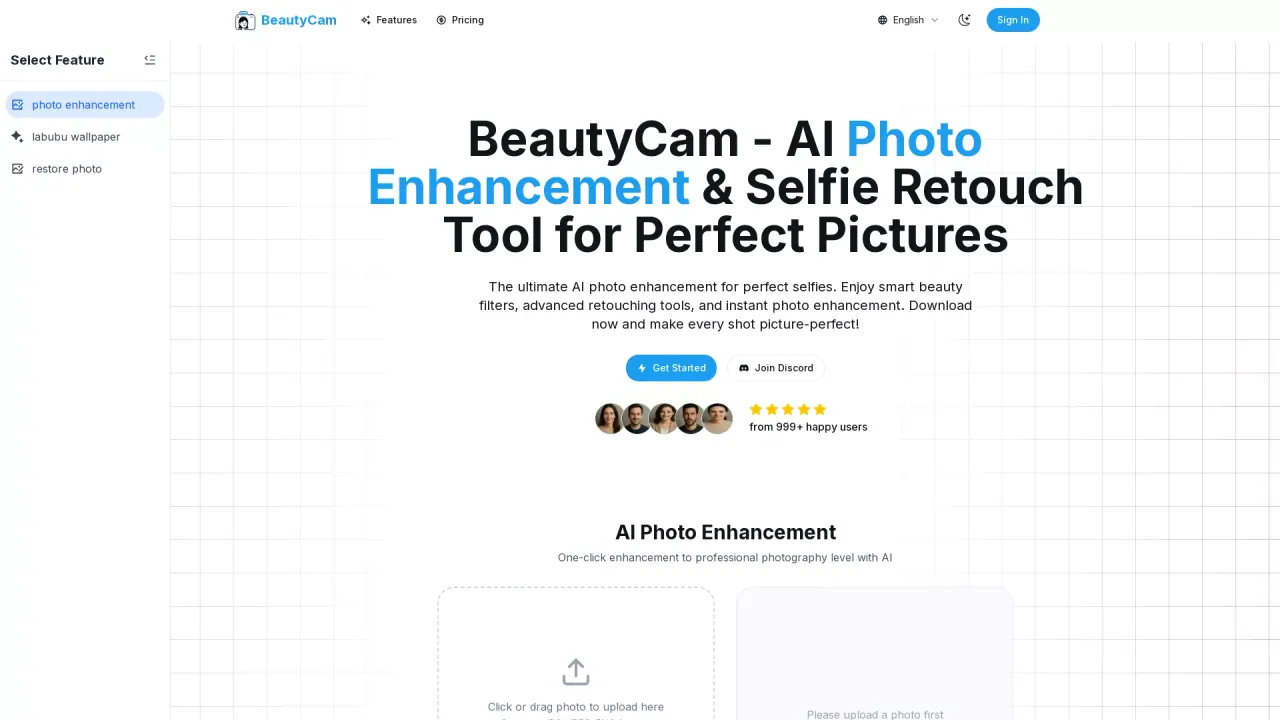
What does beautycam do?
Is BeautyCam AI Photo Enhancement suitable for beginners?
Yes. The editor is designed with an intuitive interface that makes professional-quality photo enhancement accessible to everyone. The one-click enhancement is easy for beginners—just upload a photo and let the AI work its magic.
What file formats does BeautyCam support for uploading and exporting?
Uploading supports all major formats, including JPG, JPEG, PNG, HEIC, and WebP. You can export your enhanced photos in high quality with various format options to suit different uses.
Are my photos stored on BeautyCam's servers?
No. We process photos directly in your browser and don’t store your images on our servers unless you explicitly choose to save them to our cloud storage.
Do you offer a free trial or free access?
Yes. New accounts receive free credits to try the AI photo enhancement features. Basic editing is free, and premium features are available via a subscription.
Can I use BeautyCam for commercial purposes?
Yes. You can use the editor for commercial projects, but you should ensure you have the necessary rights to all images you edit and use commercially.
How does BeautyCam AI photo enhancement work?
The AI analyzes your photo to automatically adjust lighting, color balance, and details to deliver natural-looking enhancements. The technology is trained on professional photography standards to produce professional results.
What features does BeautyCam AI Photo Enhancement include?
- AI Beauty Enhancement to refine facial features and skin tones
- Hundreds of professional filters to choose from
- Aspect ratio selection to fit different platforms
- Background enhancement for a polished look
- Social media-ready exports optimized for platforms like Instagram, Facebook, and TikTok
This listing is claimed
Own beautycam? Sign in with the email used to claim it to manage this listing, or upgrade to Pro for featured-first placement and a newsletter feature.