
Imiprompt
AI Prompt Generator
Elevate your creativity with IMI Prompt Builder: the ultimate Midjourney v5 AI Prompt Generator.
Promoted
 Sidrune AI85% off. Stable Claude API for agent developers. Pay as you go. Invoices & refunds available.
 Pixmax.aiPixmax.ai is an all-in-one AI workspace for videos, visual stories, and marketing content.
 SEOify - Improve your SEO & rankingsBuild links to rank in Google. Improve your DR with links you can start building now.Advertise here270,000+ people visit Dang.ai every month.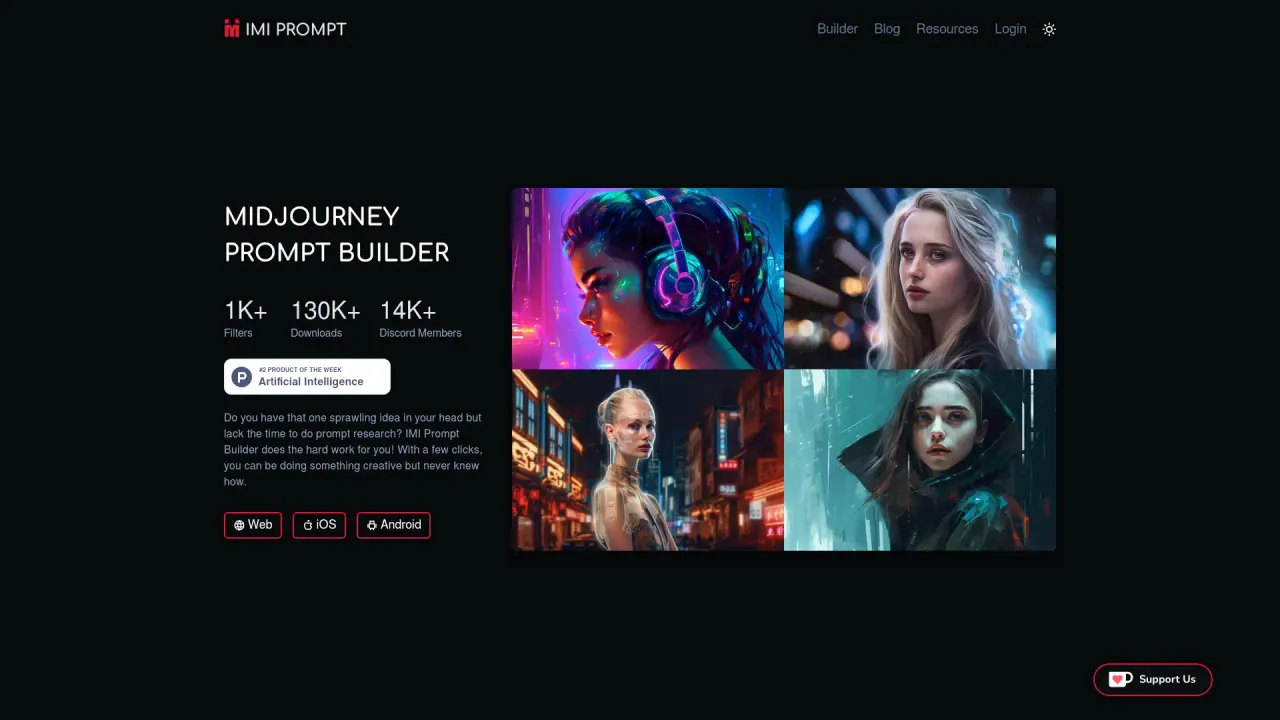
What does Imiprompt do?
How can I use Imiprompt with Midjourney v5?
Imiprompt helps you create customized prompts specifically for Midjourney v5. Use the web or mobile app interface to select from thousands of art styles, colors, and objects to build your prompt. Imiprompt keeps prompts up-to-date to stay compatible with the latest Midjourney v5 releases, and you can then use your prompt in Midjourney v5 to generate artwork.
What are the core benefits of using Imiprompt?
- Wide selection: thousands of art styles, colors, and objects to choose from
- Up-to-date compatibility: prompts are regularly updated to stay in line with the latest Midjourney v5 versions
- User-friendly experience: intuitive design that minimizes extra steps and screens
On which platforms can I use Imiprompt?
Imiprompt is available as a web-based tool and as mobile apps for iOS and Android, offering a convenient prompt-building experience across devices.
How up-to-date is Imiprompt with Midjourney v5?
Imiprompt provides prompts that are updated frequently to stay compatible with the latest Midjourney v5 releases, helping you leverage new features and improvements without reworking prompts.
Is Imiprompt beginner-friendly?
Yes. The app is designed to be intuitive and easy to use—just write your creativity, choose an art style, and let the rest take care of itself.
What content is available to inspire prompts (styles, colors, objects)?
Imiprompt offers thousands of art styles, colors, and objects to mix and match when building prompts.
Are there educational resources like videos or a blog to help me get started?
Yes. Imiprompt provides educational videos and a blog with tutorials and Midjourney-related news, including content such as IMI PROMPT 101 and other Midjourney feature discussions.
Is there a community or support channel for Imiprompt?
Yes. There is a Discord community with 14K+ members.
Is this your tool?
Claim Imiprompt to manage this listing, or upgrade to Pro for featured-first placement and a newsletter feature.