
QuickMagic
Verified
AI 2D to 3D Animation
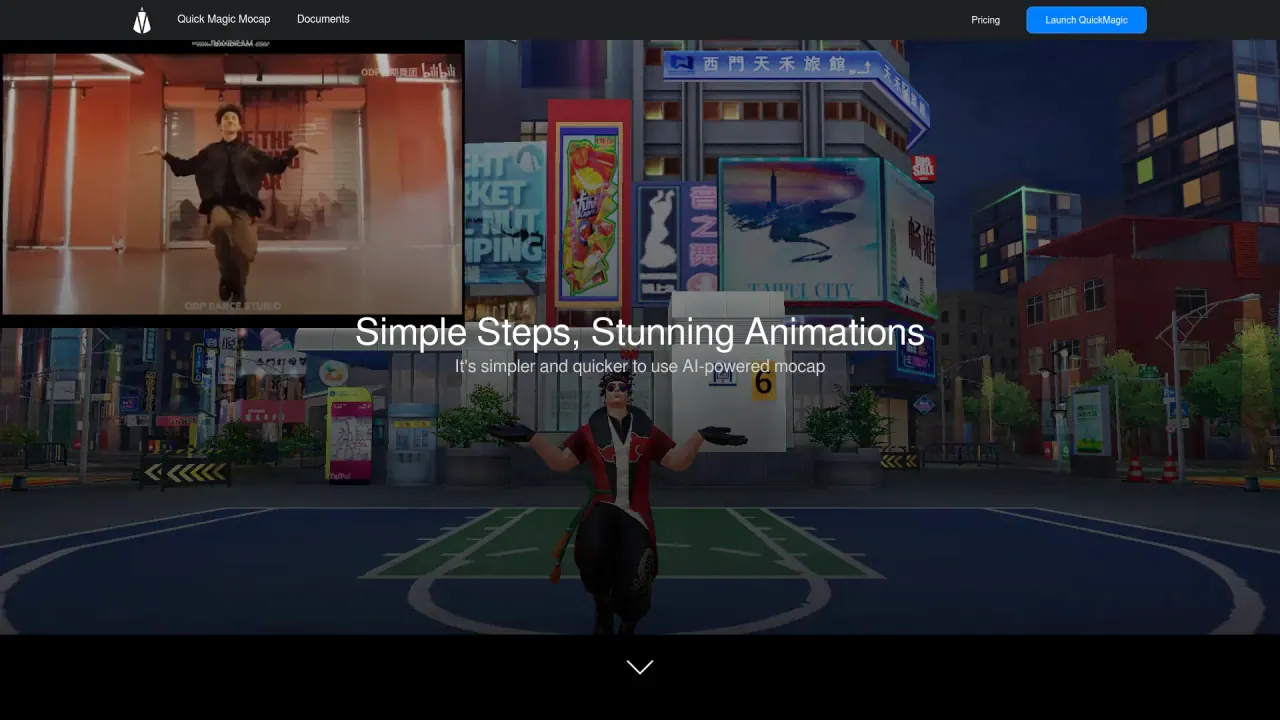
QuickMagic focuses on efficiently converting 2D information about human joints in videos into 3D model motion data.
What does QuickMagic do?
How does QuickMagic's AI Mocap feature work?
QuickMagic's AI Mocap feature uses advanced algorithms to capture and transform movements from videos into high-quality 3D animations. By processing a single video, the tool can produce highly accurate motion data in formats like FBX and VMD, enabling users to create immersive animations efficiently.
Which platforms and export formats does QuickMagic support for animation projects?
Platform support for animation projects includes 3D Max, MotionBuilder, Maya, Blender, Unity, Unreal, and MikuMikudance. QuickMagic exports animations in BIP, FBX, VMD, and ANIM formats, and can output for major tools and engines such as Unreal and Unity, with compatibility to other formats as needed (including IClone & CC, Mixamo, Cinema 4D, etc.).
Can QuickMagic be used for both individual and collaborative animation projects?
Yes. QuickMagic supports single- and multi-user capture, enabling creators to work alone or as a team with precise motion capture and transformation.
What does a typical QuickMagic mocap workflow look like?
A typical workflow includes:
- Video mocap using QuickMagic
- Copy/Paste Retarget
- Unbaking the animation to get a set of keyframes
- One-click feet cleanup
- Manually fixing key poses with AutoPosing
- Using AutoPhysics to add physical accuracy
Can I use video captured on a smartphone for mocap with QuickMagic?
Yes. QuickMagic can process videos shot on a smartphone to generate motion data and animate characters. User demonstrations show smartphone video being used to produce full mocap animations.
Where can I view QuickMagic pricing?
Pricing details are available on the Pricing page of the QuickMagic site.
How do I get started with QuickMagic? Do I need to sign up?
To get started, sign up or sign in on the QuickMagic site. You’ll gain access to mocap features after creating an account.
Is this your tool?
Claim QuickMagic to manage this listing, or upgrade to Pro for featured-first placement and a newsletter feature.