
TryVeo3.ai
Verified
AI Video Generator
Bring stories to life with Veo 3’s AI video creation — 4K resolution, realistic audio, and cinematic quality.
Promoted
 Sidrune AI85% off. Stable Claude API for agent developers. Pay as you go. Invoices & refunds available.
 Pixmax.aiPixmax.ai is an all-in-one AI workspace for videos, visual stories, and marketing content.
 SEOify - Improve your SEO & rankingsBuild links to rank in Google. Improve your DR with links you can start building now.Advertise here270,000+ people visit Dang.ai every month.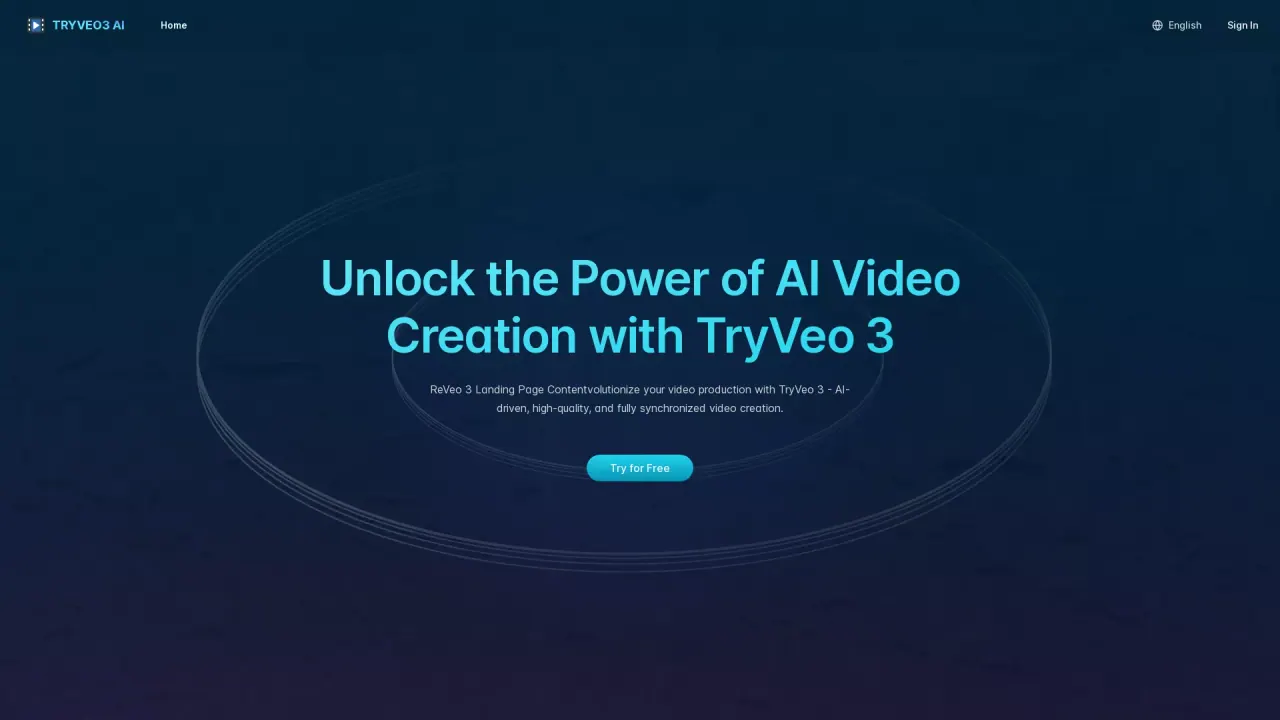
What does TryVeo3.ai do?
What is Veo 3 AI and what can it do?
Veo 3 AI is an AI video generator that creates cinematic videos from text prompts or uploaded images, with synchronized audio (dialogue, sound effects, ambient sound) and realistic motion. It is built on Google Veo 3 video technology (Veo 3.1).
How do I get started for free?
Go to TryVeo3.ai. No sign-up is required to explore free features. Simply enter a prompt or upload an image, then preview, download, or refine your video.
What are the core features of Veo 3 AI?
- Synchronized audio & video (lip-synced dialogue, sound effects, ambient sound)
- Text and image to video
- High-quality full HD output
- Realistic motion simulation
- Smart scene understanding
- Powered by Google Veo 3 video technology (Veo 3.1)
What’s new in Veo 3.1?
- Clip chaining to extend videos seamlessly
- First and last frame control to guide transitions
- Support for up to three reference images to steer visuals
Can I export my videos to Flow AI?
Yes. Veo 3 AI supports exporting results directly to Flow AI for post-editing or integration into larger production workflows.
Who can benefit from TryVeo3 AI?
- Content Creators and YouTubers
- Filmmakers and Cinematographers
- Marketers and Advertisers
- Small Businesses and Entrepreneurs
How can I view examples or demonstrations?
Explore AI videos created with Veo 3 AI on TryVeo3.ai.
This listing is claimed
Own TryVeo3.ai? Sign in with the email used to claim it to manage this listing, or upgrade to Pro for featured-first placement and a newsletter feature.