
Superhuman
Superhuman AI EmAIl Tool
Superhuman AI email tool: Delightful, stress-free, and unbelievably fast. Regain 3 hours every week.
- Pricing
- Paid
- Category
- Scheduling
- Listed
- Jul 22, 2023
- Updated
- May 25, 2026
Promoted
 Sidrune AI85% off. Stable Claude API for agent developers. Pay as you go. Invoices & refunds available.
 Pixmax.aiPixmax.ai is an all-in-one AI workspace for videos, visual stories, and marketing content.
 SEOify - Improve your SEO & rankingsBuild links to rank in Google. Improve your DR with links you can start building now.Advertise here270,000+ people visit Dang.ai every month.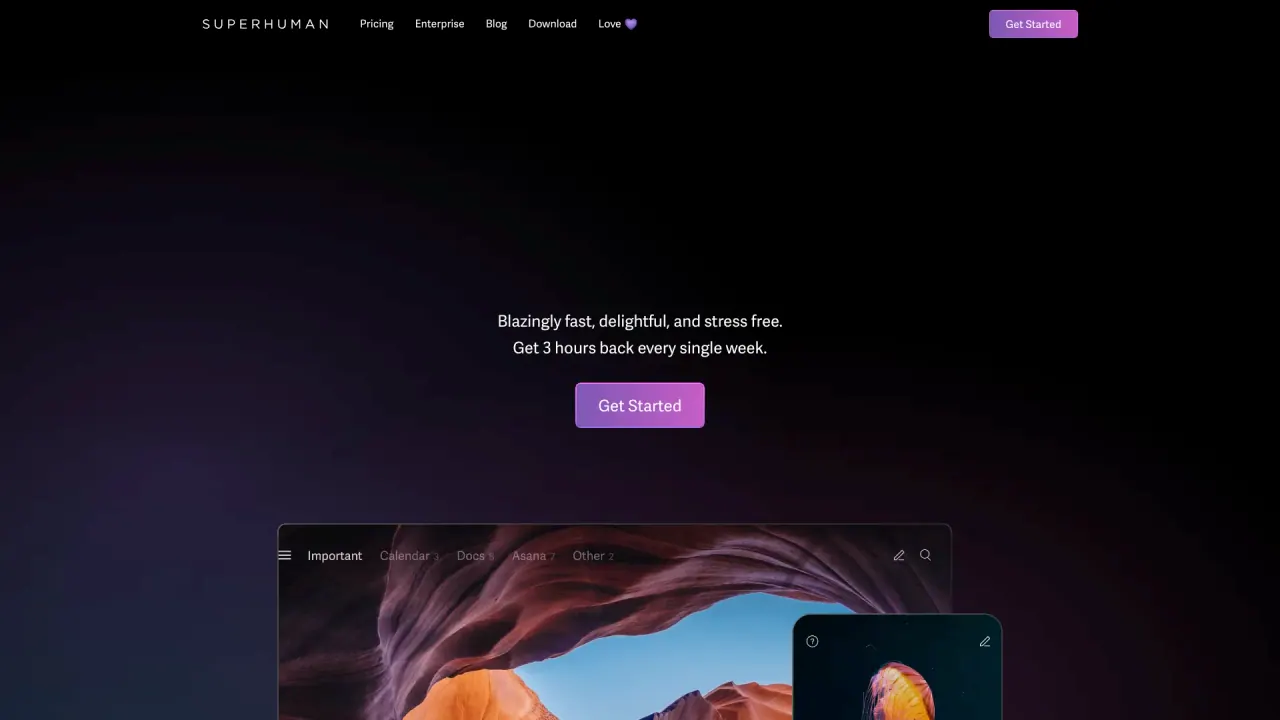
What does Superhuman do?
What is Superhuman and what does it do?
Superhuman is an email app designed to help you process email faster, stay responsive, and collaborate more effectively. It aims to double your email speed, with features and AI integration that reduce email anxiety and help teams stay aligned. The suite emphasizes productivity gains like saving hours each week and hitting Inbox Zero more efficiently.
How does Superhuman improve email productivity?
Superhuman helps you move through email faster with keyboard shortcuts, Instant Reply, and Inbox Zero strategies. It includes features such as Send Later, email Snooze, follow-ups, unsubscribe and spam-clearing tools, read statuses, and undo send, all designed to streamline your workflow and save time—often billed as around 4 hours saved per week.
Which email providers and platforms are supported?
- Email providers: Gmail and Outlook
- Platforms: macOS, iPhone, iPad
- Access method: via a Chrome browser extension
- Android: there is no dedicated Android client
What are the key features of Superhuman?
- Keyboard shortcuts for faster navigation and actions
- Instant Reply for quicker responses
- Send Later for scheduling messages
- Email Snooze to delay attention
- Follow-up reminders to stay on top of conversations
- Inbox Zero strategies to keep your inbox clean
- Read statuses to know when messages are opened
- Undo send to retract messages
- Unsubscribe and clear spam instantly
- Built-in social insights to improve interactions
- AI-assisted writing that sounds like you
- Onboarding and ongoing support from the Superhuman team
What is Go and what does it do?
Go is the proactive AI assistant built to help you write and work more efficiently across apps. It connects with Gmail, Drive, Jira, and 800+ tools, so you can get the right information in context. Go can schedule meetings without leaving the conversation and works with apps across your workflow—keeping you in sync wherever you write.
What is included in the Superhuman suite?
The Superhuman suite includes Mail, Grammarly, Coda, and Go. These components work together to enhance email productivity, writing quality, and cross‑tool collaboration.
How do I access Superhuman? Is it invite-only?
Access to Superhuman is invite-only, with a substantial waiting list referenced in the site content. You’ll typically need an invitation to get started.
Do I need to install anything to use Superhuman?
Yes. Superhuman functions as an overlay for Gmail and Outlook and requires installing the Superhuman app, available for macOS and via a Chrome extension.
Is there an Android version?
No, there is no dedicated Android client. The site indicates support via a Chrome extension on supported platforms.
Is this your tool?
Claim Superhuman to manage this listing, or upgrade to Pro for featured-first placement and a newsletter feature.