
AlteredAI
AI Speech to Speech Voice Synthesis Tool
Transform your voice effortlessly with AlteredAI's AI speech to speech voice synthesis tool.
What does AlteredAI do?
What is Altered Studio?
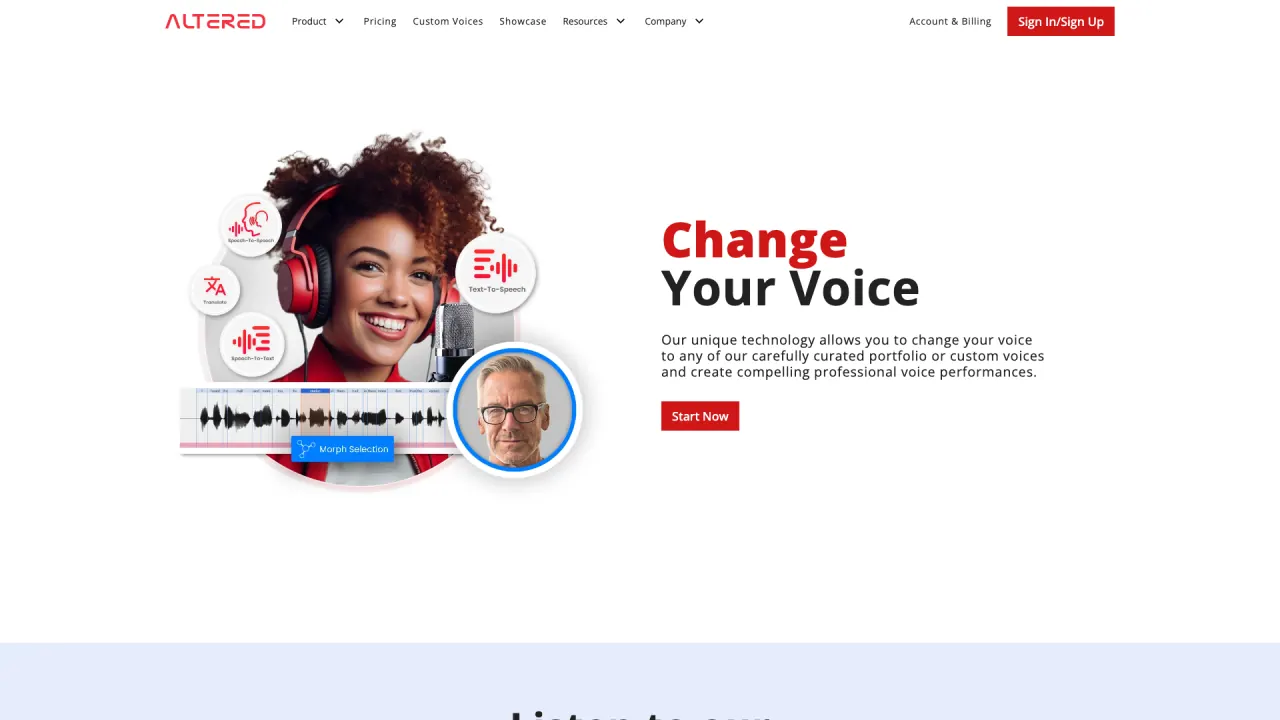
Altered Studio is a Voice Content Creation platform that provides exclusive access to Speech-To-Speech Voice Morphing and integrates various Voice AI technologies into a single user-friendly application for media production.
What is Real-Time Pro?
Real-Time Pro is Altered’s professional Real-Time Voice Changer for voice and video calls. It features Voice Skins for gamers, Accent Translation for call centers, and Voice Restoration for dysphonia and voice disfluencies, delivering low-latency voice morphing to change your vocal identity while preserving tempo and inflection.
What is the difference between Media Production Morphing and Real-Time Morphing?
Media Production Morphing emphasizes flexibility and output quality for recorded material and post-production, and it requires high-end GPUs to achieve recording-quality results with refinements after recording. Real-Time Morphing prioritizes speed and low latency for live use (gaming, streaming, video conferencing) and uses only 1–4 CPU cores on an 8+ core CPU to enable instantaneous transformations.
What are Voice Skins?
Voice Skins are voice options designed for gamers and AR/VR experiences that let you change your voice to match a game avatar or virtual persona, enhancing immersion.
What is Accent Translation?
Accent Translation lets you change your accent while keeping your natural voice, enabling American or British-sounding accents on professional calls without losing your unique vocal identity.
What is Voice Restoration (Euphonia)?
Voice Restoration (Euphonia) helps alleviate dysphonia and voice disfluencies during voice or video calls, aiding clearer communication.
What can Altered Studio do for post-production?
Altered Studio provides tools to edit voice within audio and video files, including traditional DSP effects and AI-driven enhancements, enabling you to refine performances and tailor voices for media projects.
What is the Voice Editor in Altered Studio?
The Voice Editor lets you edit voice within audio and video files, combining classic DSP effects with modern AI tools to craft compelling performances.
Can Altered Studio clone a voice, and how customizable are the cloned voices?
Yes. Altered Studio can clone a voice using a few seconds of audio, delivering personalized, human-like voices that can be tailored to your needs, either as Rapid Voice Clone or as a Custom Voice model.
What is Rapid Voice Clone?
Rapid Voice Clone is a quick path to creating a clone from just a few seconds of recordings, suitable for fast turnaround needs.
What is Custom Voice Cloning and how do I pursue it?
Custom Voice Cloning lets you create a specific, highly nuanced voice model tailored to your project. To pursue a Custom Voice, you would contact Altered for collaboration and setup.
What is Prime Text-To-Speech?
Prime Text-To-Speech provides AI-powered voices that sound human, delivering natural and engaging narration for professional results.
What is AI Voice Cleaning?
AI Voice Cleaning removes background noises, mouth artifacts, and pacing issues to produce cleaner, more professional-sounding dialogue.
Is there a free trial or download option for Altered Studio and Real-Time Pro?
Yes. You can try Altered Studio for Free and download Altered Real-Time Pro to begin using the real-time voice changer.
Where can I download Altered Studio and Real-Time Pro?
You can download Altered Real-Time Pro and start with Altered Studio’s free offering to explore the tools and features.
What platforms and use-cases are supported by Real-Time Pro?
Real-Time Pro is designed for voice and video calls across common platforms (e.g., Discord, Zoom, Microsoft Teams) and is optimized for low-latency, real-time voice morphing in live scenarios.
Are there hardware requirements I should know about?
Media Production Morphing requires high-end GPUs to achieve recording-quality output, whereas Real-Time Morphing is designed to run with CPU-based processing (roughly 1–4 CPU cores on an 8+ core CPU) to support low-latency, live usage.
Is this your tool?
Claim AlteredAI to manage this listing, or upgrade to Pro for featured-first placement and a newsletter feature.