
Obituary Writer
AI Obituary Writing Tool
Create personalized obituaries effortlessly with our AI Obituary Writing Tool.
Promoted
 Sidrune AI85% off. Stable Claude API for agent developers. Pay as you go. Invoices & refunds available.
 Pixmax.aiPixmax.ai is an all-in-one AI workspace for videos, visual stories, and marketing content.
 SEOify - Improve your SEO & rankingsBuild links to rank in Google. Improve your DR with links you can start building now.Advertise here270,000+ people visit Dang.ai every month.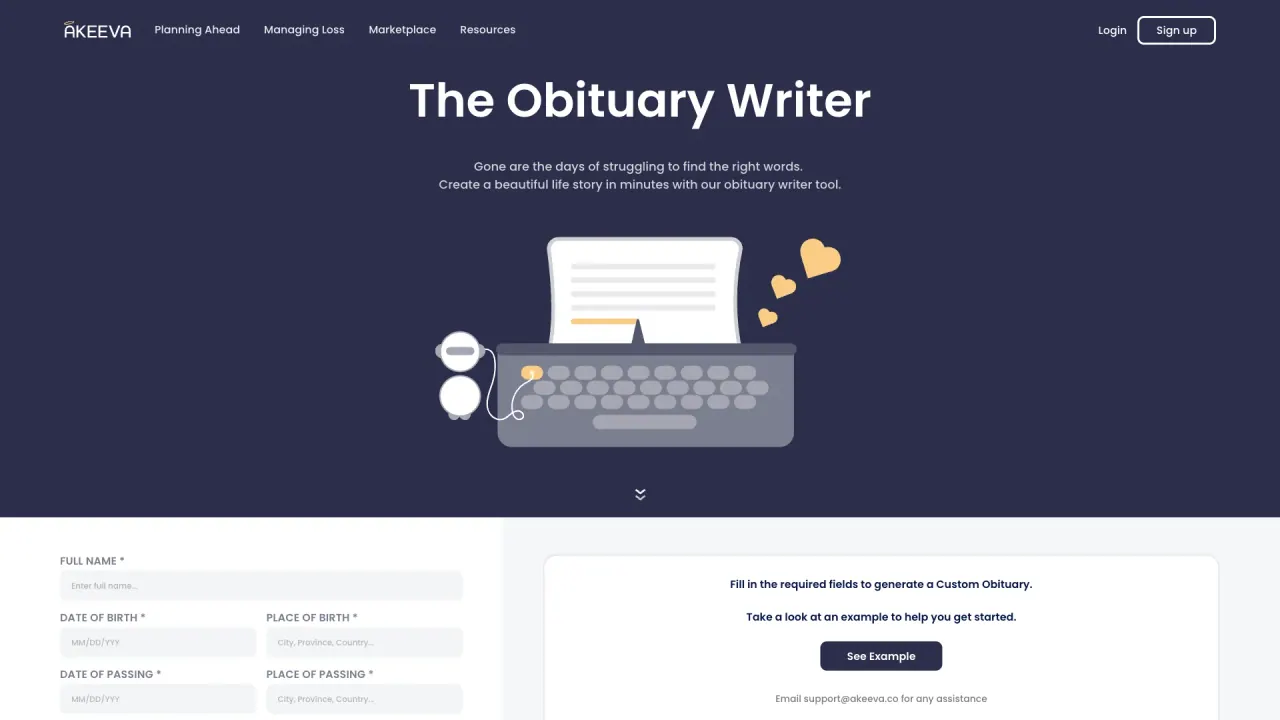
What does Obituary Writer do?
How can I customize the obituary generated by the Obituary Writer?
The Obituary Writer allows you to customize the obituary by filling in fields such as Full Name, Date of Birth, Place of Birth, Date of Passing, Place of Passing, Family Members, Personal Details, and Additional Details. Fill in the required fields (indicated with an asterisk) to personalize the tribute.
What information do I need to generate an obituary?
Required fields include Full Name, Date of Birth, Place of Birth, Date of Passing, and Place of Passing. You can also add optional details such as Family Members, Personal Details, and Additional Details to personalize the tribute.
What kind of designs can I choose from in the Obituary Writer?
After generating your custom obituary, you can browse different design templates by clicking on "See Obituary Designs." These templates offer various styles and formats to fit different personalities and legacies.
How long does it take to create an obituary using the Obituary Writer?
You can create a beautiful life story in minutes. Once you provide the necessary details in the required fields, the tool generates a complete obituary you can review and modify.
How do I generate the obituary after filling in the fields?
After filling in the required fields, click the "Generate Obituary" button to produce your custom obituary.
Can I view an example obituary before generating?
Yes. Take a look at an example to help you get started by using the See Example option mentioned on the site.
How can I contact support for assistance?
Email support@akeeva.co for any assistance.
Is this your tool?
Claim Obituary Writer to manage this listing, or upgrade to Pro for featured-first placement and a newsletter feature.