
Grain
AI Note Taking And Insight Capture Tool
Automate note-taking from customer conversations with Grain. AI Note Taking and Insight Capture Tool.
What does Grain do?
What is Grain?
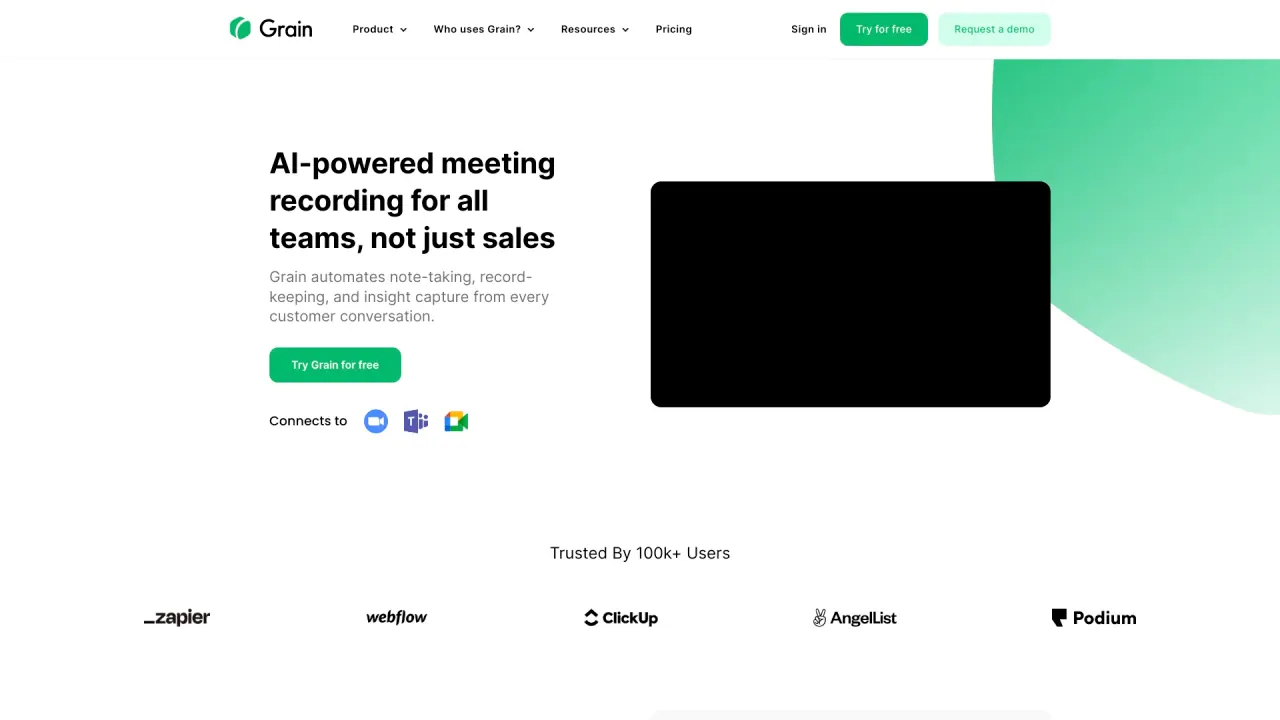
Grain is the AI notetaker for meetings that automatically records, transcribes, and summarizes conversations. It provides accurate meeting notes, account insights, coaching suggestions, and tools like clips, playlists, and stories to organize and share insights. It’s built for growing teams and supports live-notes, templates, and automated follow-ups.
Who is Grain for?
Grain is designed for growing teams—especially sales, customer success, and product teams. It’s trusted by more than 31,000 teams and is used to improve coaching, onboarding, and deal visibility. The platform emphasizes productivity across teams and meetings.
How do I use Grain with my team?
- Grain automatically records meetings, generates transcripts, and creates AI-powered notes.
- Use meeting templates, a live notepad, and the ability to clip moments and share highlights.
- Organize insights with playlists and stories; track terms and trends with trackers.
- Automatically generate next steps and follow-ups; convert notes into CRM updates and workflow data.
- Integrations and sharing destinations include HubSpot, Salesforce, Zapier, Slack, and more.
How does Grain help my sales team perform better?
Grain automates note-taking so your team can stay present in meetings while captures are automatically organized into notes, clips, and insights. It supports coaching and onboarding with playlists and clips, provides deal analytics and insights, and helps with more effective follow-ups and collaboration.
What CRM integrations does Grain offer?
Grain offers native integrations with HubSpot and Salesforce, plus integrations with Zapier, Slack, and more. Notes and meeting transcripts auto-sync to CRM contact and deal records, enabling CRM field enrichment and streamlined workflows.
How do CRM integrations work?
When you connect Grain to your CRM, meeting notes and transcripts are automatically synchronized with relevant CRM contacts and deals, helping you keep CRM data up to date without manual data entry.
Is Grain secure and compliant?
Yes. Grain highlights security and privacy with SOC 2 auditing and GDPR compliance. The platform emphasizes secure recording, transcription, highlighting, and sharing of video calls, with ongoing focus on data protection.
Do I need permission to record meetings with Grain?
The site lists this as a frequently asked question, but does not publish a detailed policy in the visible content. Please follow your organization’s recording and consent practices when using Grain.
Does Grain share my data with AI providers?
Grain offers an MCP Server that connects your meeting data directly to AI tools such as Claude, Cursor, and other AI providers, enabling AI-powered workflows while using Grain.
What is Grain MCP Server?
Grain MCP Server is a capability that lets you connect your meeting data to AI tools (e.g., Claude, Cursor) for enhanced AI workflows and insights.
Can I delete my meetings and data from Grain?
The content lists this as a question, but does not provide a published answer in the visible material. For specifics, refer to Grain’s help resources.
What are Clips, Playlists, and Stories?
- Clips: highlight and share specific moments from transcripts.
- Playlists: collect related clips and moments for easy viewing by teams.
- Stories: share curated collections of calls and clips across teams.
What is included in the free plan?
Grain offers a free plan that you can start using right away. The site highlights “free forever” usage, with additional paid plans available. For exact feature access and limits, check the pricing page.
How much time do I save with Grain vs manual note-taking?
Grain automates note-taking and transcription, helping you stay present in meetings and keep decisions and follow-ups organized. The site emphasizes time savings qualitatively but does not publish a numeric comparison.
Is this your tool?
Claim Grain to manage this listing, or upgrade to Pro for featured-first placement and a newsletter feature.