
Tactiq
AI Meeting & Summarization Tool
Efficiently summarize meetings with Tactiq, the AI meeting & summarization tool.
- Pricing
- Freemium
- Category
- Scheduling
- Listed
- Apr 20, 2023
- Updated
- May 25, 2026
Promoted
 Sidrune AI85% off. Stable Claude API for agent developers. Pay as you go. Invoices & refunds available.
 Pixmax.aiPixmax.ai is an all-in-one AI workspace for videos, visual stories, and marketing content.
 SEOify - Improve your SEO & rankingsBuild links to rank in Google. Improve your DR with links you can start building now.Advertise here270,000+ people visit Dang.ai every month.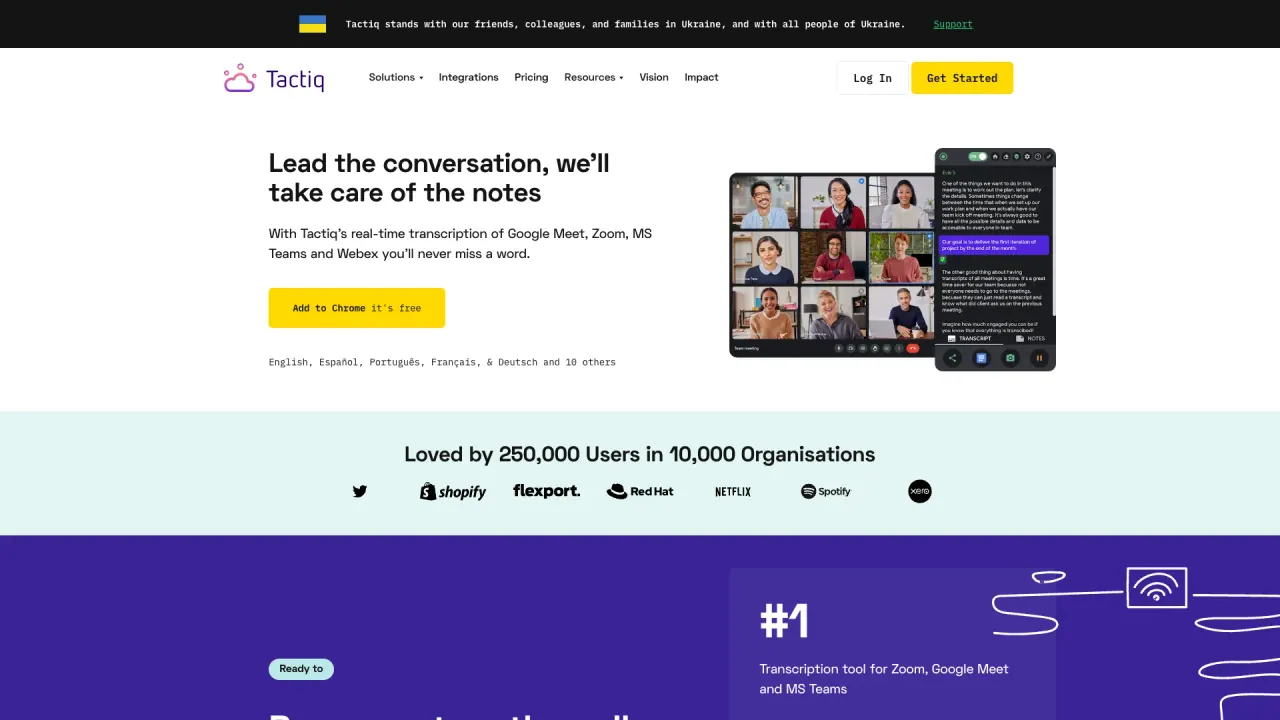
What does Tactiq do?
How does Tactiq enhance meeting efficiency with AI?
Tactiq provides live, speaker-specific transcriptions and AI-generated summaries during Zoom, Google Meet, and MS Teams meetings. It helps turn discussions into actionable items—generate meeting summaries, craft follow-up emails, format project updates, and create action items with a single click. It uses OpenAI's enterprise API to power AI actions and supports customizable, reusable prompts to speed up workflows.
Does Tactiq use ChatGPT?
No. Tactiq uses OpenAI's enterprise API, not ChatGPT.
Will OpenAI use my data?
No. OpenAI does not use data submitted via the OpenAI API to train OpenAI models.
What languages does Tactiq support for transcription?
Tactiq supports over 60 languages for transcription.
Is Tactiq secure for handling sensitive meeting data?
Yes. Tactiq holds ISO 27001 certification and SOC 2 Type II attestation, plus GDPR and HIPAA compliance. Data privacy and security are core to the Trust Center and privacy policies.
Does Tactiq record the audio?
No. Tactiq does not record or store audio; transcription happens in real time and is saved as text.
Will everyone in the meeting see the transcription?
No. The transcription is displayed for you only, but you can notify other participants that you're transcribing during the meeting.
Can I install Tactiq for my whole team?
Yes. To install for all users, contact your GSuite admin. Deployment instructions are available through the Help Center.
Which platforms does Tactiq support?
Tactiq works with Zoom, Google Meet, and Microsoft Teams (MS Teams) for live transcriptions.
What AI features can I use in Tactiq?
You can generate one-click meeting summaries, create action items, craft follow-up emails, retrieve previous meeting summaries, and ask AI custom questions to surface insights.
Can I share meeting insights with my team?
Yes. You can share workflows and outputs to Slack, Notion, Linear, HubSpot, and more.
Can I access previous meeting summaries?
Yes. Tactiq provides access to previous meeting summaries.
Is there a free version or free plan?
The Chrome extension is free to install and use.
Is this your tool?
Claim Tactiq to manage this listing, or upgrade to Pro for featured-first placement and a newsletter feature.