
Sigma AI Browser
Verified
AI Text to Image Tool
Sigma AI Browser is the best AI-powered product. Chat with AI, generate images, summarize articles. In one Browser
Promoted
 Pixmax.aiPixmax.ai is an all-in-one AI workspace for videos, visual stories, and marketing content.
 Sidrune AI85% off. Stable Claude API for agent developers. Pay as you go. Invoices & refunds available.
 SEOify - Improve your SEO & rankingsBuild links to rank in Google. Improve your DR with links you can start building now.Advertise here270,000+ people visit Dang.ai every month.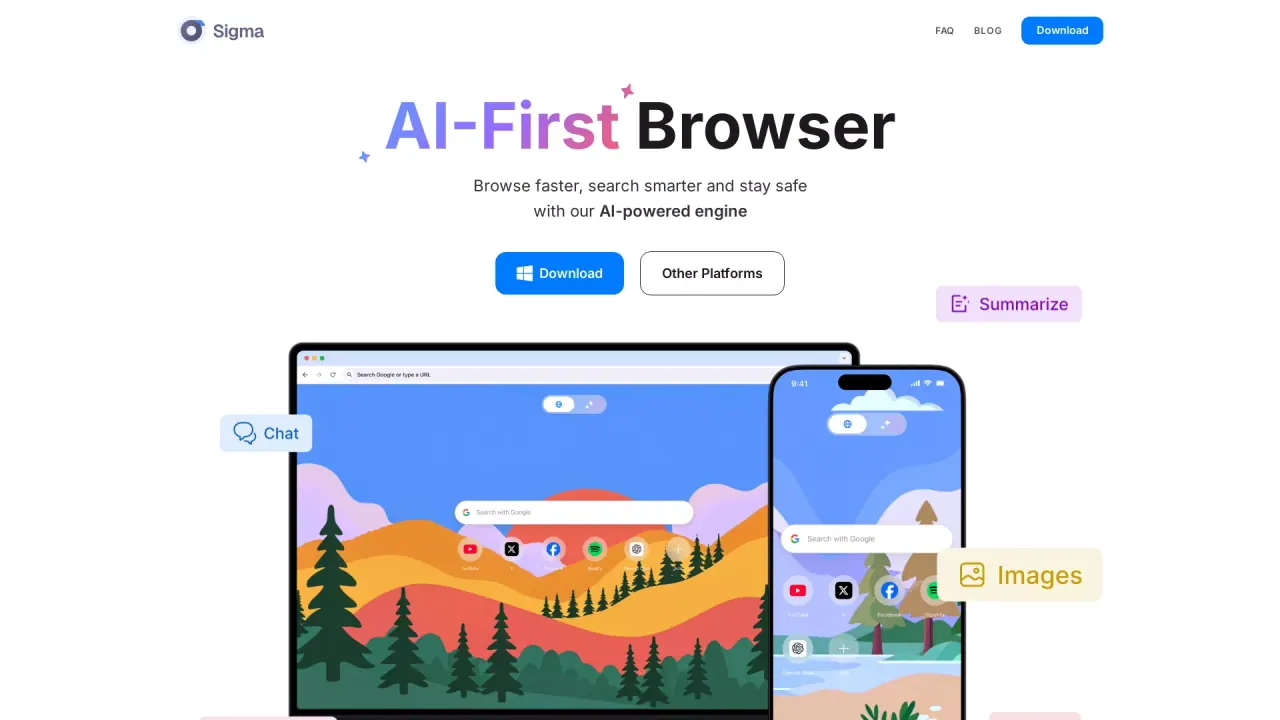
What does Sigma AI Browser do?
What is Sigma AI Browser?
Sigma AI Browser is an AI‑first, agentic browser that combines an AI agent, deep research, and AI tools to help you navigate, create, and automate on the web faster than traditional browsers.
How does the browser-based AI agent work?
It’s an agent that operates inside your browser with no setup or coding required. It interacts with websites like a real user—clicking buttons, filling fields, submitting forms, and gathering data on your behalf.
How is this different from a chatbot or AI assistant?
A chatbot talks. An AI agent acts. It doesn’t just answer questions—it logs in, performs tasks, and brings back results.
What kinds of tasks can the AI agent do?
From booking tickets to cleaning up your inbox, paying bills, posting on social media, or updating spreadsheets—anything repeatable and online.
Where does Sigma AI Browser run and is it offline?
Sigma AI Browser uses the Sigma Eclipse Local LLM that runs on your laptop, so you can access it anytime, anywhere, and without requiring continuous internet connectivity for core tasks.
Is Sigma AI Browser open-source?
Yes. It is open‑source and transparent, built on open‑source code that anyone can verify. No third‑party tracking and no hidden processes.
What features does Sigma AI Browser offer?
- Intelligent Browsing: instant summaries and content generation to enhance your web interactions.
- Deep Research: surface structured insights by queuing sources and clustering information.
- Writing Assistant: suggestions, refinements, and content crafting.
- Memory-Based Actions, Bookings & Check-out, Data Extraction, Email Clean-Up, Social Posting, Calendar Management, CRM & Data Entry, and more—supporting a wide range of online tasks.
- Tools for Max Productivity: smart organization, bookmarks, and browser features integrated for efficiency.
What is Deep Research mode?
Deep Research is a special mode inside the AI browser that lets you queue sources, cluster information, and generate structured insights—great for market analysis, academic reviews, or deep topic explorations.
Is Sigma AI Browser private and secure?
Yes. All tasks are processed securely with end‑to‑end encryption. We never store credentials or task data after execution. Everything runs locally or is encrypted in transit. The agent does not track users or create profiles, and Sigma AI complies with GDPR and CCPA.
When will the AI agent be available?
The first public beta of the autonomous AI agent is scheduled for August 2025.
The browser or AI agent isn’t responding. What should I do?
First, ensure you’re running the latest version. If the problem persists, disable third‑party extensions, clear the workspace cache, and relaunch. For step‑by‑step help, contact support@sigmabrowser.com.
Where can I learn more or suggest features?
Join the Sigma Community, follow @Sigma\_Browser on X, or drop feedback at support@sigmabrowser.com.
This listing is claimed
Own Sigma AI Browser? Sign in with the email used to claim it to manage this listing, or upgrade to Pro for featured-first placement and a newsletter feature.