
Mailmaestro
AI Email Writing Tool
Write better emails faster with MailMaestro, the ultimate AI email writing tool. Boost efficiency and expedite mail management with this innovative tool for Outlook.
- Pricing
- Free trial
- Category
- Assistant
- Listed
- Aug 4, 2023
- Updated
- May 25, 2026
Promoted


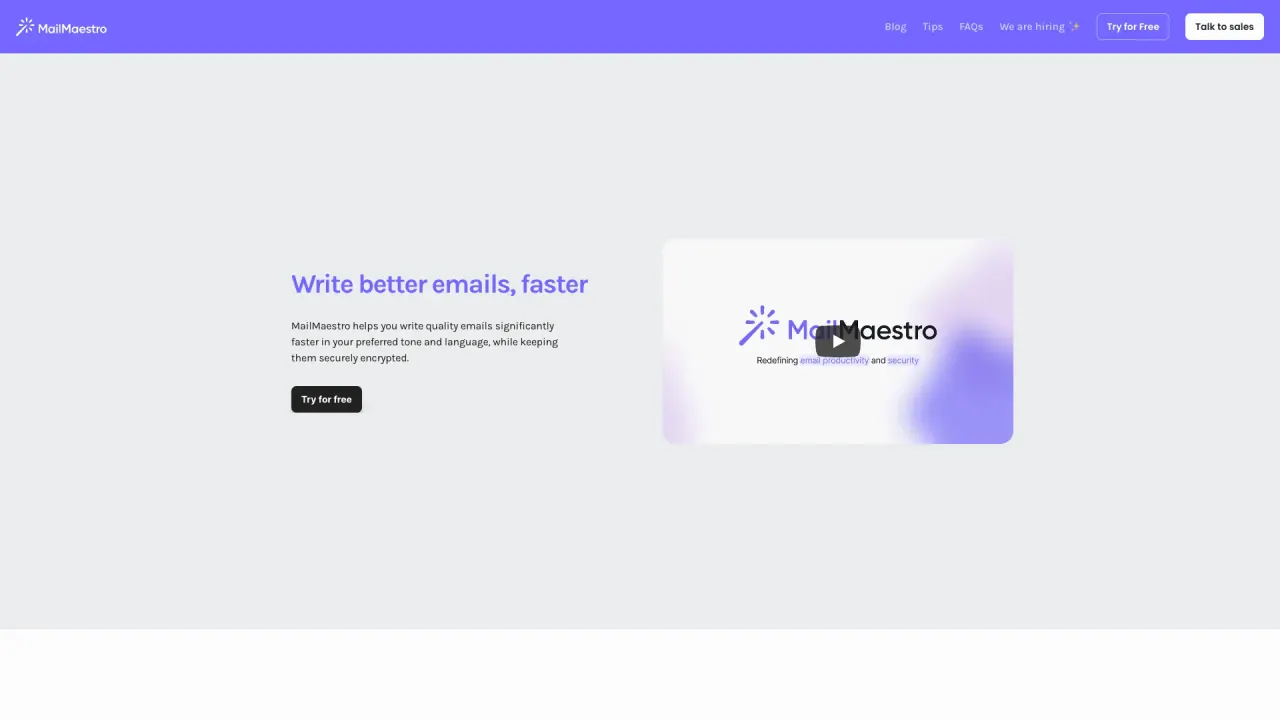
What does Mailmaestro do?
What is MailMaestro's AI email assistant and how does it work?
MailMaestro's AI email assistant integrates into your email clients (Outlook and Gmail) to help you manage emails more efficiently. It can summarize lengthy email threads, automate responses, and draft professional emails from prompts. It supports 20+ languages and lets you choose language, tone, and length; you typically see three draft options per prompt. It also uses predefined shortcuts and templates to speed up drafting.
Which platforms does MailMaestro support and how do I access it?
MailMaestro works with Outlook and Gmail. It runs as a native extension that appears on the Microsoft 365 sidebar and in Gmail. There is no software to download. For Outlook, you’ll find the extension in the top-right corner of your ribbon. Log in and use:
- Improve to refine a draft
- Compose to create professional emails from prompts
- Reply to create personalized responses based on the thread context
You’ll see three customized drafts reflect your writing style.
Can MailMaestro help with meeting management and notes?
Yes. MailMaestro can detect meeting invitations and assist with scheduling. It features AI meeting notes and an AI scheduling assistant. It extracts action items, deadlines, and reminders, and next steps can be auto-assigned in TeamsMaestro. TeamsMaestro turns meeting conversations into clear, actionable next steps.
What security and privacy standards does MailMaestro meet?
MailMaestro is built with enterprise-grade security, including:
- SOC 2 Type II and GDPR compliance; HIPAA compliant (BAA available on request)
- Microsoft and Google attestations
- Encryption of data in transit and at rest
- Regular external audits and penetration testing
- Data isolation and robust access controls (including MFA)
What features does MailMaestro offer?
Key features include:
- AI email writer: draft new emails from prompts in 20+ languages
- AI email management: prioritize and triage your inbox
- AI email summary: summarize entire threads and attachments
- AI email response: generate context-based replies in multiple languages
- Magic templates: combine templates with AI drafting for repetitive emails
- Keyword shortcuts: quickly insert data (e.g., phone, LinkedIn) into emails
- Native support for Outlook and Gmail
How many languages are supported?
MailMaestro supports 20+ languages for drafting and translation tasks.
Does MailMaestro integrate with CRM systems? Which ones?
Yes. MailMaestro offers integrations with CRM systems such as:
- Salesforce
- HubSpot
- Zoho CRM
- Pipedrive
These integrations help log emails, update contact details, and manage customer interactions from your inbox.
How is data secured during integrations?
Security measures for integrations include:
- Encryption in transit and at rest
- Strict access controls and multi-factor authentication
- Compliance with GDPR, CCPA, and HIPAA (BAA available on request)
- Regular security audits and assessments
- Data isolation to prevent cross-account data mixing
Is there a free trial or free option to start?
Yes. You can start for free, with no credit card required. The service emphasizes a free starting point and easy access without software installation.
Do I need to install software to use MailMaestro?
No. MailMaestro accesses your email through browser extensions for Outlook and Gmail; no separate software download is required.
How do I install the extension and create three drafts?
- In Outlook, locate the MailMaestro extension in the top-right corner of the ribbon
- Log in to your account
- Use "Improve" to refine a draft, "Compose" to generate emails from prompts, or "Reply" to craft responses based on the thread
- The tool will generate three customized drafts reflecting your style
What is TeamsMaestro and how does it relate to MailMaestro?
TeamsMaestro is part of the Maestro Labs suite designed to boost meeting productivity. It complements MailMaestro by turning messy meeting conversations into clear next steps, with AI-powered meeting notes and scheduling assistance. It aims to save time across email and meeting workflows.
This listing is claimed
Own Mailmaestro? Sign in with the email used to claim it to manage this listing, or upgrade to Pro for featured-first placement and a newsletter feature.