
Oneprompt
AI Chatbot Tool For Enhanced Prompts
AI Chatbot Tool For Enhanced Prompts: Simplify, switch, save, export, and optimize prompts effortlessly with OnePrompt.
What does Oneprompt do?
What is OnePrompt and what can it do for me?
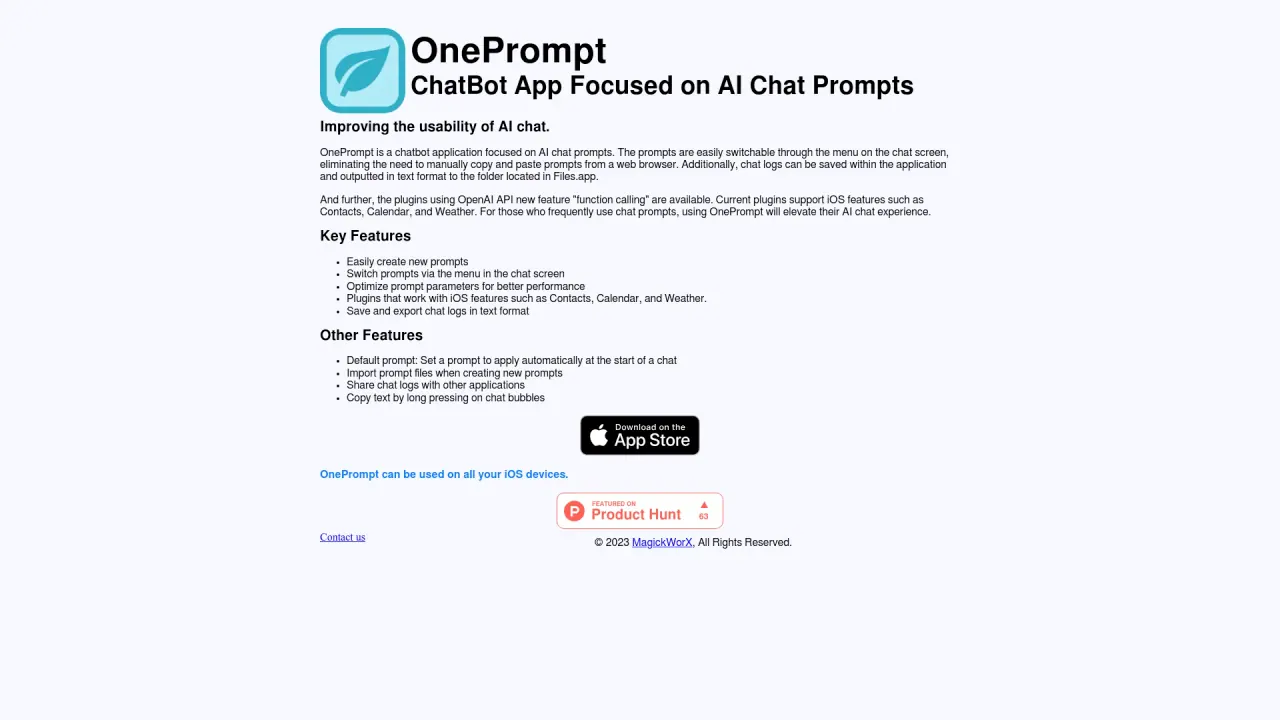
OnePrompt is a chatbot app that enhances AI chat interactions and acts as a powerful personal assistant. You can switch between prompts from the chat screen menu, save and export chat logs as text to Files.app, copy text by long-pressing chat bubbles, and share logs with other apps. It supports prompts, default initial prompts, prompt imports, and wallpaper customization. It also offers plugins—built-in for iOS features via function calling (Weather, Contacts, Calendar/Events), along with Wikipedia and customized plugins, plus support for user-generated custom plugins.
How do I manage prompts (create, switch, and set a default)?
You can effortlessly create new prompts and quickly switch between them using the chat screen menu. You can also import prompt files while creating new prompts and set a default prompt to auto-initialize chats.
What plugins are available and how do they work?
OnePrompt includes built-in plugins that integrate with iOS features using the OpenAI function calling feature, such as Weather, Contacts, and Calendar (Events). It also supports Wikipedia and customized plugins, plus user-generated custom plugins with templates. These plugins enhance productivity by connecting OnePrompt to additional APIs and services.
How does OnePrompt handle my data and OpenAI API keys?
OnePrompt uses your own OpenAI API key for chat functionality. API keys are used with your consent, and the app’s approach is designed so your information isn’t used for machine learning activities. For details, you can refer to the OpenAI API Data Usage Policy.
How can I save, export, and share chat logs?
You can save chat logs and export them as text files to a designated folder in Files.app. You can also share chat logs with other applications, and copy text by long-pressing chat bubbles.
What devices or platforms does OnePrompt support?
OnePrompt can be used on all iOS devices.
Is there a free trial or promotional offer available?
Yes, OnePrompt offers a 3-month free trial through the "GET STARTED NOW" campaign.
Where can I find more information about policies and support?
You can access the Privacy Policy and Terms of Use, and contact support via the Contact Us page.
Is this your tool?
Claim Oneprompt to manage this listing, or upgrade to Pro for featured-first placement and a newsletter feature.