
Swapface
Verified
AI Face Swap Tool
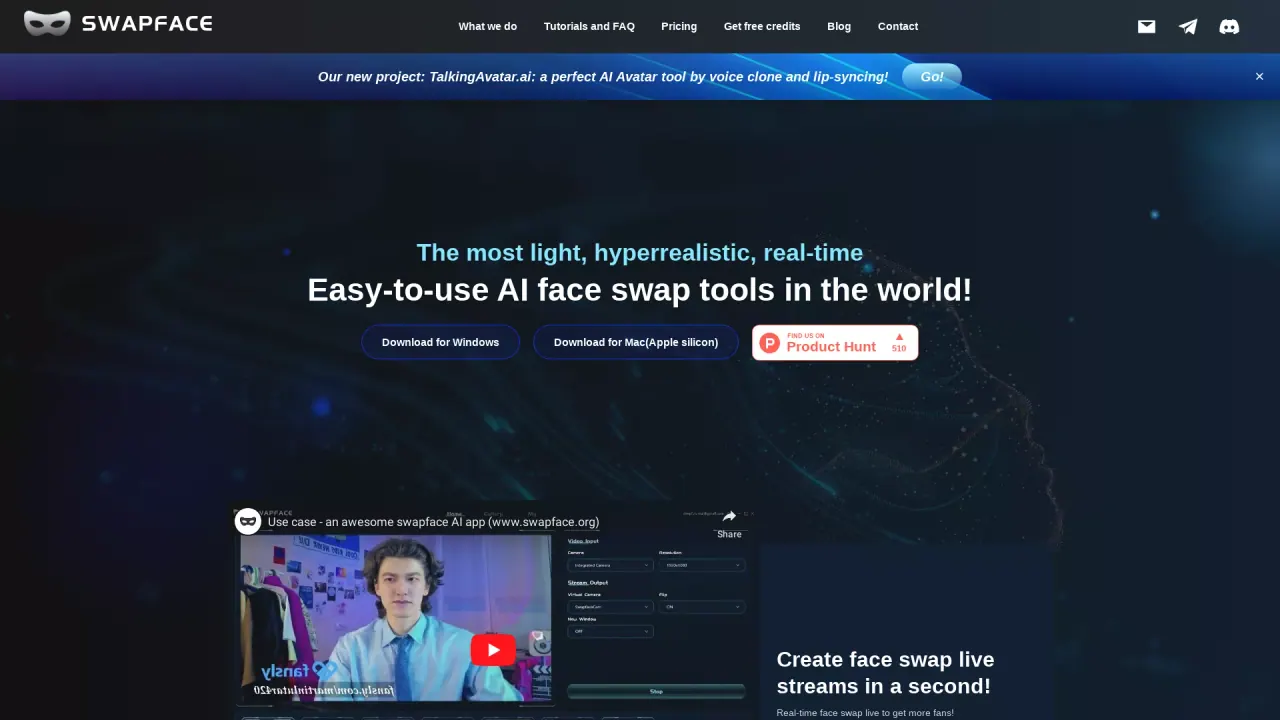
The most light, hyperrealistic, real-time and easy-to-use AI Face Swap tools in the world!
What does Swapface do?
What platforms and hardware do I need to run Swapface?
Swapface runs on Windows and Mac (Apple silicon). For Windows, you need Windows 10 Anniversary Update or newer. For Mac, Swapface supports Apple silicon devices. System configuration:
- Minimum hardware: Intel Core i5 11400 or AMD Ryzen 5 3600 with 16 GB RAM; NVIDIA GeForce 2070 or Radeon RX 5700
- Recommended hardware: Intel Core i7 or AMD Ryzen 7 with 32 GB RAM; NVIDIA GeForce 5070 Ti
How does Swapface protect my privacy and where is my data stored?
Swapface is designed to run locally on your device. All procedures and data are processed on your local machine, so only you have access to your data.
Can I use Swapface for free, and are there paid options?
Yes, Swapface offers a free version with fundamental face-swapping functionality. There are premium options available as well. For details on features and pricing, see the Pricing options on the site. You can also get free credits to try certain features.
What outputs can I create with Swapface?
You can:
- Swap faces in real time during live streams
- Perform one-sec HD image face swaps
- Create high-quality face swap videos or GIFs
- Swap faces in videos or GIFs with a click
How can I learn to use Swapface?
Tutorials and FAQs are available on the Swapface site. There are tutorial videos on YouTube, and you can find user demos on YouTube as well.
How do I download and install Swapface?
Download Swapface for Windows or Mac (Apple silicon) from the site. Open the application and click the Start button; the software handles the rest.
What is TalkingAvatar.ai and how is it related to Swapface?
Our new project is TalkingAvatar.ai: a perfect AI Avatar tool by voice clone and lip-syncing.
How can I get help or contact Swapface support?
Use the Contact Us page on the Swapface site.
Is this your tool?
Claim Swapface to manage this listing, or upgrade to Pro for featured-first placement and a newsletter feature.