
Photosonic
AI Art Generator
Photosonic is an AI art generator that creates original images from your text prompts, returning two results per prompt you can enhance and download.
- Pricing
- Free trial
- Category
- Art
- Listed
- Jul 22, 2023
- Updated
- Oct 22, 2026
Promoted
 AI Checker PlusAI detector that highlights which passages AI wrote. Free check, no sign-up. Plagiarism too.
 RewindType any X/Twitter handle. Get their year back as a narrated video story. Then ask it anything.
 KurodyneSell the tools from your AI side projects. Listing is free.
 Sidrune AI85% off. Stable Claude API for agent developers. Pay as you go. Invoices & refunds available.
 Pixmax.aiPixmax.ai is an all-in-one AI workspace for videos, visual stories, and marketing content.
 SEOify - Improve your SEO & rankingsBuild links to rank in Google. Improve your DR with links you can start building now.Advertise here270,000+ people visit Dang.ai every month.
What does Photosonic do?
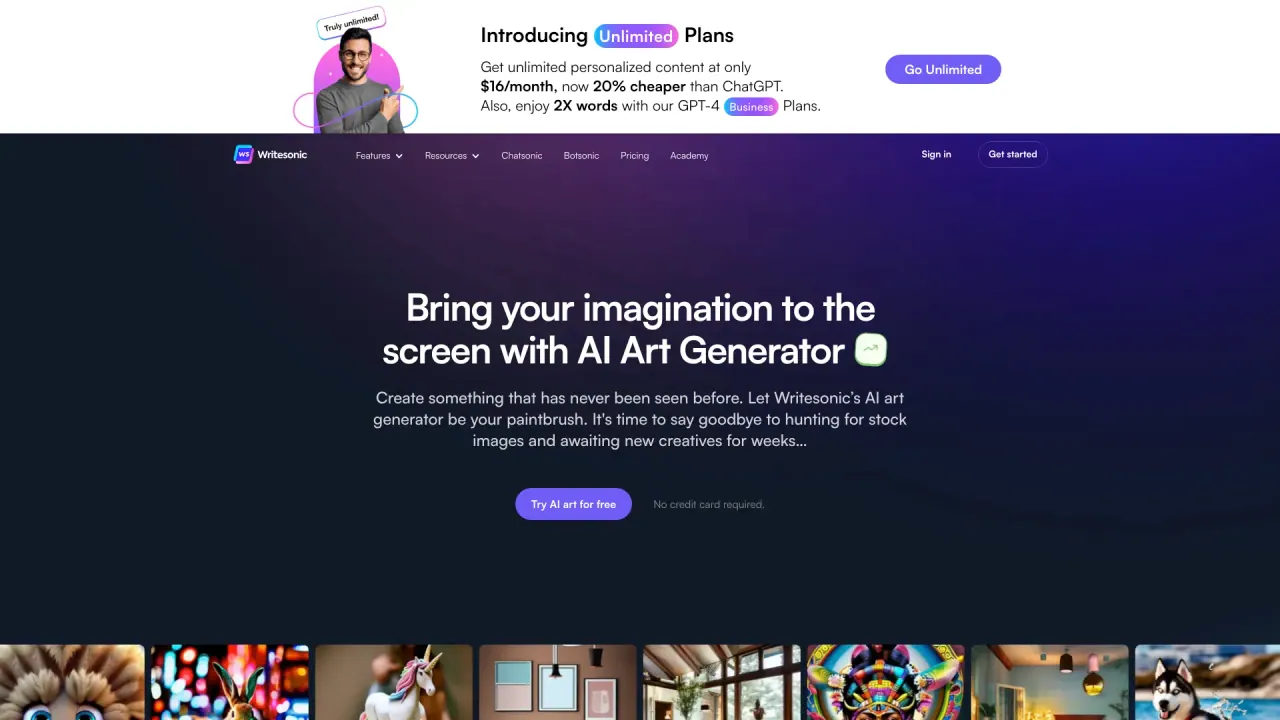
Photosonic turns your text prompts into original AI artwork in seconds. It can produce a range of styles, including photorealistic images, abstract art, portraits, landscapes, cityscapes, 3D images, and vectors/graphics.
When you generate an image set, Photosonic creates two images per prompt. This gives you quick options to compare and choose the direction you like before downloading your favorites.
To improve results after generation, use the Enhance option on the images you plan to download. This helps you refine the output before it’s saved.
Photosonic is a good fit if you want fast, prompt-based creation without needing art or design expertise. It’s also designed to support different creative uses, including generating AI portraits of people who don’t exist when you include those details in your prompt.
What does Photosonic do?
Photosonic generates original AI art from text prompts, creating images in styles such as photorealistic, abstract, portrait, landscape, cityscape, 3D, and vector/graphics.
How many images does Photosonic generate per prompt?
Photosonic generates two images per prompt, so you can pick the best option for your needs.
Can I improve the images before downloading?
Yes—after you generate results, you can use the Enhance option to improve quality before downloading.
Do I need art or design experience to use Photosonic?
No. Photosonic is designed for simple prompt-based creation with a quick workflow.
Can Photosonic create AI portraits of non-existent people?
Yes. You can describe the person you want in your prompt to generate an AI portrait of someone who doesn’t exist.
How do I download the artwork?
Generate your prompt results, optionally enhance the images you want, then download your selected images directly from the Photosonic interface.
Is this your tool?
Claim Photosonic to manage this listing, or upgrade to Pro for featured-first placement and a newsletter feature.