
DoksAI
Conversational AI Chatbot Tool For Support Ticket Automation
DoksAI: Conversational AI Chatbot Tool for Support Ticket Automation
- Category
- Code
- Listed
- Aug 4, 2023
- Updated
- May 25, 2026
Promoted
 Sidrune AI85% off. Stable Claude API for agent developers. Pay as you go. Invoices & refunds available.
 Pixmax.aiPixmax.ai is an all-in-one AI workspace for videos, visual stories, and marketing content.
 RewindType any X/Twitter handle. Get their year back as a narrated video story. Then ask it anything.
 KurodyneSell the tools from your AI side projects. Listing is free.
 SEOify - Improve your SEO & rankingsBuild links to rank in Google. Improve your DR with links you can start building now.Advertise here270,000+ people visit Dang.ai every month.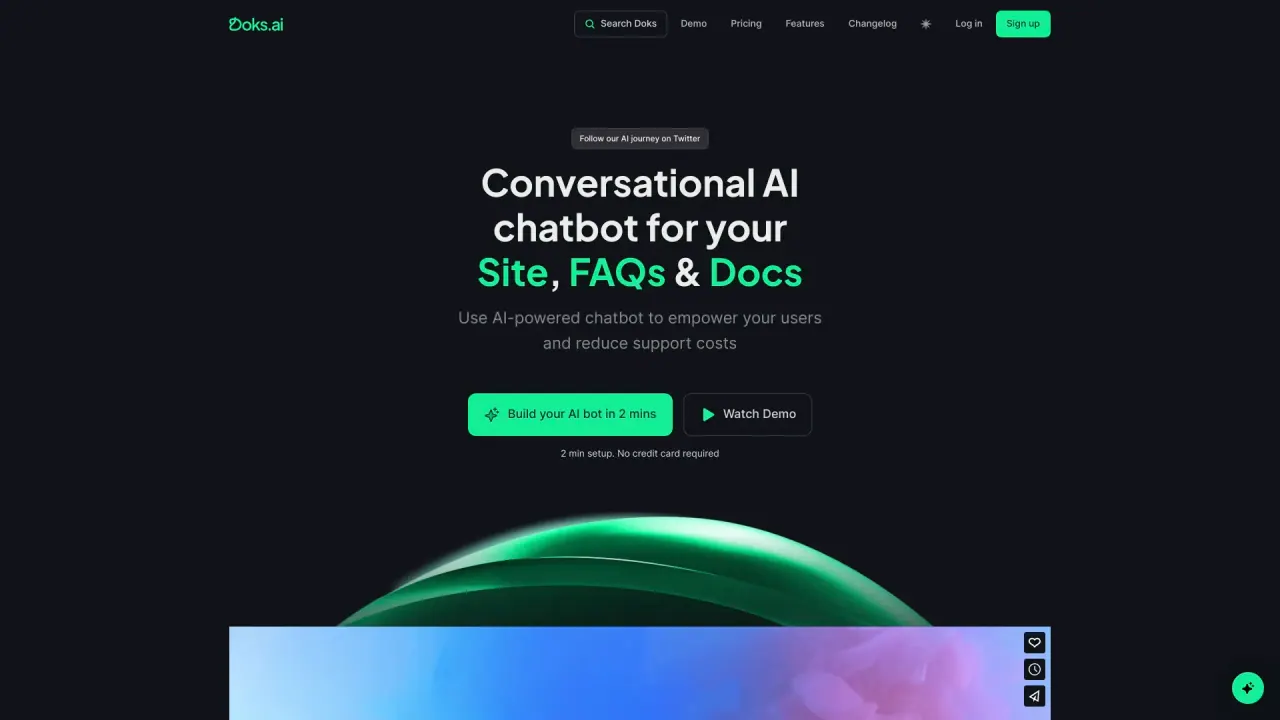
What does DoksAI do?
How Does Doks.ai Help Reduce Support Ticket Volume?
Doks.ai reduces support ticket volume by providing instant answers to visitors' questions through an AI-powered chatbot. This self-service option can handle 40-70% of incoming support tickets, allowing your support team to focus on more complex issues. By training the chatbot on your site's FAQs, documentation, and technical materials, users receive accurate and timely assistance, leading to enhanced customer satisfaction and reduced operational costs.
What Type of Data is Required to Create a Chatbot with Doks.ai?
To create a chatbot with Doks.ai, you need to provide data such as website URLs, XML-sitemaps, or upload documents and text files. This data should include the information you want the chatbot to know and use to answer user questions. Properly trained on your specified data sources, the chatbot can deliver precise and relevant responses to user inquiries.
Can I Customize the Look and Feel of My Doks.ai Chatbot?
Yes, you can customize the look and feel of your Doks.ai chatbot. You have the flexibility to change the background, color scheme, logos, widget icon, and avatar. Additionally, you can add a personalized welcome message to greet users as they start a conversation. Customization helps the chatbot align with your brand identity and enhances the overall user experience. These options are available to paid plan users.
How Do I Add the Chatbot to My Website?
To embed the chatbot, sign up, connect your preferred data sources, and train the bot. Once trained, go to the 'Embed' section inside the dashboard and copy-paste the script code into the head of your website.
Is There a Free Trial Available for Doks.ai?
Yes, there is a free trial available for 7 days on Doks.ai. With the free trial, you can create one chatbot which includes 20 message credits, 400,000 characters, and 1 lead form, allowing you to explore the platform.
How Do I Retrain the Chatbot?
You can update the data your chatbot is trained on by clicking on the Manage section and then clicking the 'Retrain AI' button. This will fetch new content from your website and retrain the AI at no extra cost.
Can Doks.ai Chatbot Be Trained on Videos?
Currently, Doks.ai can process and analyze text-based content only. If you have videos with content, you will need to transcribe them into text format before using Doks.ai to train your chatbot.
What are Message Credits in Doks.ai?
1 message credit equates to 1 GPT-3.5 Turbo (default) message sent. The message credits in each plan represent the total available credits irrespective of the number of projects.
Are There Limits to the Number of Documents I Can Add to Doks AI?
No, there are no limits to the number of documents you can add to train your AI bot. Documents can include individual crawled website URLs, XML-sitemaps, uploaded docs, and files.
Can I Customize the Chatbot's Instructions or Prompts?
Yes, you can customize your chatbot's prompts and attributes, such as its name, personality traits, and response behavior. For example, you can specify language preferences or dictate response types based on users' questions.
Is There a Limit on Users Accessing My Doks.ai Chatbot?
No, there are no limits on the number of users that can access or chat with your chatbot. The platform is designed to scale according to your business needs and can handle high volumes of user traffic efficiently.
What is the Refund Policy for Doks.ai?
Due to the nature of our product, we do not offer refunds, either partial or full. You can cancel your subscription at any time, and we will stop charging you from the subsequent billing cycle.
Is There a White-Label Option Available for Doks.ai?
Yes, a white-label option is available for customers who want to embed their chatbot without displaying Doks branding. This option is an Enterprise plan feature.
What are Lead Forms and Are They Customizable?
Lead forms collect user information within the chat window, streamlining communication. They can be customized, selecting from various form field types like short answer, long answer, checkbox, etc.
What are Projects in Doks.ai?
Projects refer to the AI-powered chatbots that simulate human-like conversations with users. Each project allows one chatbot, enhancing user experience through quick, personalized interactions.
Does Doks.ai Offer GPT-4 Integration?
Your chat-based AI search bar currently uses GPT-3.5-turbo, with GPT-4 integration coming soon.
How Long Does the Chatbot Take to Train?
The time required depends on the data size. Generally, Doks.ai's algorithms are efficient, with the average training time between 1 to 2 minutes. Once trained, the chatbot can start answering user queries.
Is this your tool?
Claim DoksAI to manage this listing, or upgrade to Pro for featured-first placement and a newsletter feature.