
CVFormatter
Verified
AI Resume Formatting Tool
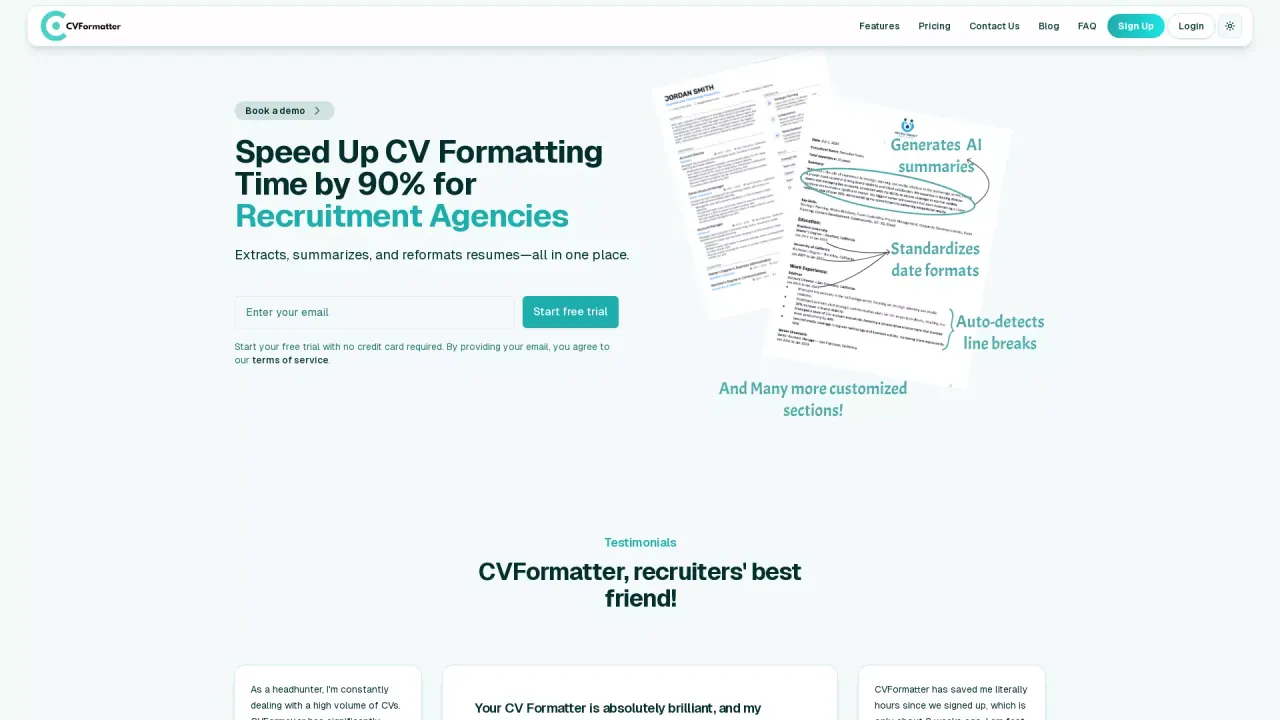
Saves recruitment agencies 90% of time in formatting CVs with AI
What does CVFormatter do?
What is CVFormatter and who is it for?
CVFormatter is an AI-powered resume formatting platform designed for recruitment agencies and hiring teams. It automates formatting, summarisation, anonymisation, and template styling to produce client-ready CVs in seconds.
How accurate is CVFormatter's resume parsing?
Our parsing engine delivers near 100% accuracy, even on messy layouts, unusual fonts, or multi-column CVs.
Can I upload multiple resumes at once?
Yes. CVFormatter supports bulk uploads, so you can format dozens of resumes in minutes.
What file types does CVFormatter support?
You can upload PDFs, Word documents (DOCX), PNG/JPG images, or simply paste a LinkedIn profile URL.
Can CVFormatter build templates based on our branding?
Yes. We custom-build templates using your agency’s own branding—fonts, spacing, colours, headers/footers—so there’s no reliance on a generic library.
Does CVFormatter support anonymised or blind CVs?
Yes. You can automatically hide or remove candidate names, contacts, and identifiers with custom anonymisation rules.
How does the AI enhancement feature work?
You can instantly summarise, proofread, translate, or rewrite content into bullets or paragraphs with one click.
Does CVFormatter integrate with ATS/CRM systems?
Yes. JobAdder is already live, and we support or can build integrations with ATS/CRM platforms such as Salesforce, Manatal, Vincere, and Greenhouse. You can import from JobAdder with one click and push formatted Word files back instantly, plus request additional integrations as needed.
Can I export resumes as PDF or Word, or share via weblinks?
Yes. Formatted resumes can be downloaded as PDF or DOCX, or shared directly via secure weblinks—no email attachments needed.
Do you offer a free plan or trial, and what does it include?
Yes. There is a Free plan with 5 Resume Credits, 10 Enhance Credits, one custom template, anonymisation, multilingual formatting, AI-powered proofreading, team collaboration, usage tracking, resume storage, and two-day support. You also get access to your first branded template for free and your first 5 CVs free.
What are the pricing options and what do they include?
Pricing includes:
- Free: $0 — 5 Resume Credits, 10 Enhance Credits, one custom template, anonymisation, multilingual formatting, AI-powered proofreading, team collaboration, usage tracking, resume storage, two-day support.
- Standard: $79/month — 100 Resume Credits, 25 Enhance Credits, one custom template, anonymisation, multilingual formatting, AI-powered proofreading, team collaboration, usage tracking, resume storage, same-day support.
- Enterprise: $299/month — 500 Resume Credits, 125 Enhance Credits, one custom template, anonymisation, multilingual formatting, AI-powered proofreading, team collaboration, usage tracking, resume storage, priority support.
Notes:
- 1 enhance credit is used when translating or proofreading a resume.
- Optional add-ons include additional templates and template updates (see below for details).
- You can upgrade anytime; there are pay-as-you-go options and custom enterprise solutions as needed.
Are templates and template updates available during the trial?
During the trial you can create and adjust templates. Additional templates cost a one-time setup fee (from $49), and template updates are available as a one-time fee (around $24.99).
How secure is CVFormatter and how do you handle data compliance?
We use end-to-end encryption in transit and at rest. The platform is designed to be regulatory-ready with GDPR and CCPA compliance, and principles aligned with the EU AI Act. We also provide privacy controls such as anonymisation and offer related compliance materials (e.g., DPA, ROPA, SCCs) to support your governance.
Do you provide support during the free trial?
Yes. The trial includes access to the full platform and support to help you test everything before subscribing.
Is CVFormatter suitable for small teams?
Yes. You can invite unlimited team members at no extra cost, making it suitable for both small agencies and larger enterprises.
Is this your tool?
Claim CVFormatter to manage this listing, or upgrade to Pro for featured-first placement and a newsletter feature.