
Sutro
AI App Mockup Generator
Create stunning AI-powered app mockups instantly with WithSutro, the ultimate AI app mockup generator.
- Pricing
- Free
- Category
- Development
- Listed
- Apr 20, 2023
- Updated
- May 25, 2026
Promoted
 Pixmax.aiPixmax.ai is an all-in-one AI workspace for videos, visual stories, and marketing content.
 RewindType any X/Twitter handle. Get their year back as a narrated video story. Then ask it anything.
 KurodyneSell the tools from your AI side projects. Listing is free.
 Sidrune AI85% off. Stable Claude API for agent developers. Pay as you go. Invoices & refunds available.
 SEOify - Improve your SEO & rankingsBuild links to rank in Google. Improve your DR with links you can start building now.Advertise here270,000+ people visit Dang.ai every month.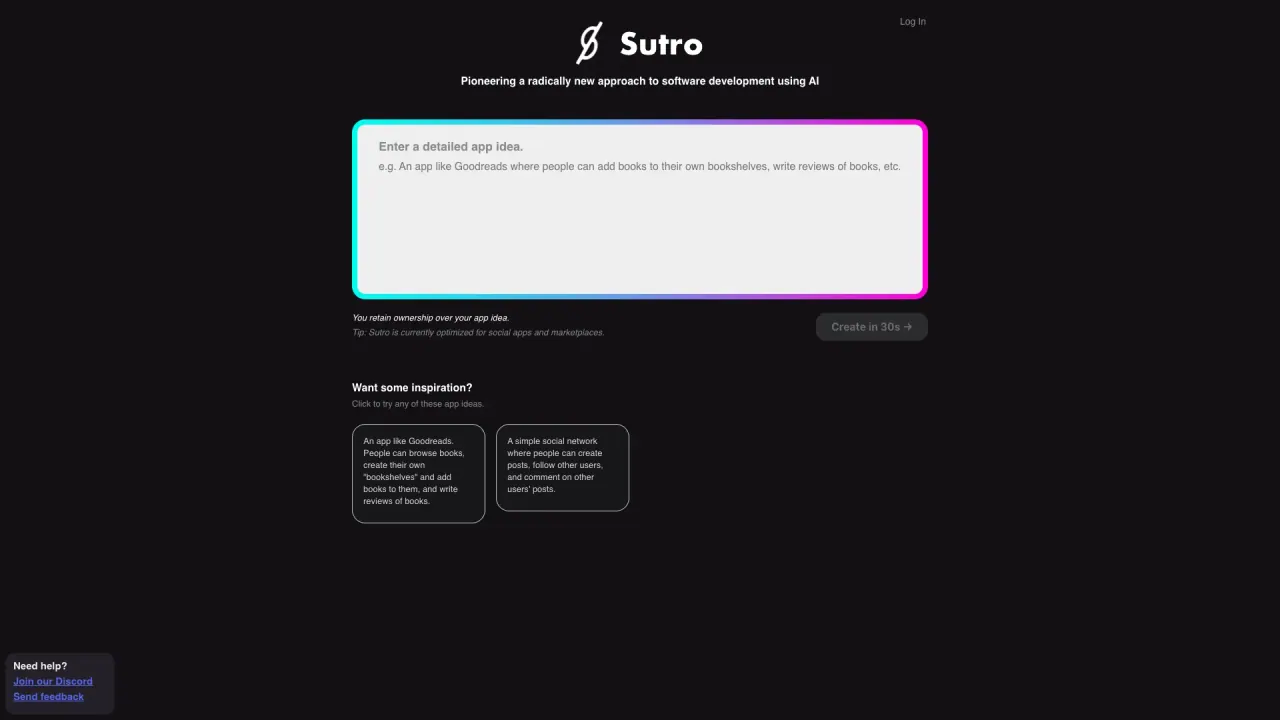
What does Sutro do?
What is Sutro and what can it do?
Sutro is a platform that lets you generate production‑grade backends and full‑stack apps from domain definitions. It provides data models, authentication, descriptions, actions, and integrations, and can also generate and deploy full‑stack apps from a single prompt or convert Figma designs into static code.
How do data models work in Sutro?
Entities describe your domain and relationships, and from those definitions Sutro automatically derives schemas, APIs, validation, and the internal wiring needed for your backend.
How is authentication and security handled in Sutro?
Authentication is built in and enforced by design. Auth rules live next to your domain logic so secure behavior is applied consistently across the backend, not re‑implemented per endpoint. Sutro also emphasizes built‑in security and compliance.
What are "Actions" in Sutro?
Actions define what your backend does without requiring you to re‑implement validation, authentication checks, retries, or async glue—letting you focus on the core business logic.
What are "Integrations" in Sutro?
Integrations allow custom services, data sources, and AI pipelines to plug in where they belong, while keeping your domain logic clean and decoupled from external concerns.
What is the purpose of "Descriptions" in Sutro?
Descriptions are documentation that stays in sync with the backend definition. They help keep documentation, reasoning, and generation aligned so everything remains current as you evolve.
How does deployment and maintenance work in Sutro?
Sutro emphasizes effortless deployments: you compile definitions into a complete backend and handle deployment, scaling, jobs, and execution behind the scenes, so you don’t have to manage infrastructure.
What are the main offerings of Sutro?
- Prompt to backend: generate backends with domain models, actions, and security rules.
- Prompt to full‑stack: generate and deploy a full‑stack app from a single prompt.
- Figma to code: convert Figma designs into easy‑to‑use static code.
How do I get started with Sutro?
Visit the site and click “Try it now” or “View docs” to begin. The homepage highlights these CTAs to start building with Sutro.
Where can I find more information about Sutro?
Head to the Docs for technical details and examples, and the Blog for updates and insights.
Is this your tool?
Claim Sutro to manage this listing, or upgrade to Pro for featured-first placement and a newsletter feature.