
Programming Helper
Code Faster with AI
Code faster with AI - the Programming Helper tool generates code based on your description.
Promoted
 Pixmax.aiPixmax.ai is an all-in-one AI workspace for videos, visual stories, and marketing content.
 AI Checker PlusAI detector that highlights which passages AI wrote. Free check, no sign-up. Plagiarism too.
 RewindType any X/Twitter handle. Get their year back as a narrated video story. Then ask it anything.
 KurodyneSell the tools from your AI side projects. Listing is free.
 Sidrune AI85% off. Stable Claude API for agent developers. Pay as you go. Invoices & refunds available.
 SEOify - Improve your SEO & rankingsBuild links to rank in Google. Improve your DR with links you can start building now.Advertise here270,000+ people visit Dang.ai every month.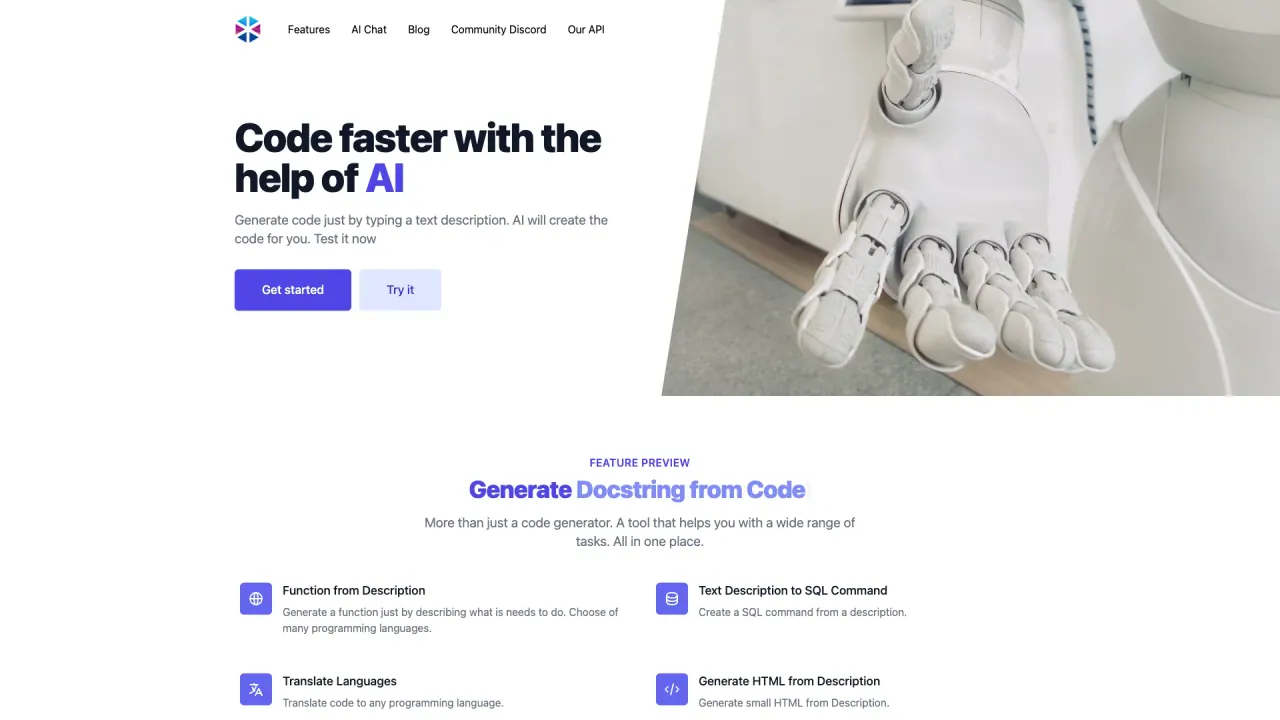
What does Programming Helper do?
What is Programming Helper and what can it do?
Programming Helper is an AI-powered tool that generates code from natural language descriptions and offers a unified interface to handle a wide range of coding tasks. It supports generating code from descriptions, translating code between languages, creating HTML/CSS, generating functions and classes, explaining code in plain English, fixing invalid code, generating tests, adding typing, and more—all in one place.
How can I generate code from a text description?
You can generate code by describing what you want to happen (for example, a function or a class) and selecting the target language. The tool supports generating a function from a description, as well as generating a class from a description and other constructs.
What outputs can I generate from a text description?
From descriptions, you can generate:
- Functions
- Classes
- SQL commands
- HTML
- CSS
- Git commands
- Linux commands
- Other code constructs in multiple languages
and more, all from natural language prompts.
Can I translate code to other programming languages?
Yes. The Translate Languages feature translates code to other programming languages.
Can I generate HTML or CSS from a description?
Yes. You can Generate HTML from Description and Generate CSS from Description.
Can I generate a function or a class from a description?
Yes. You can generate a Function from Description and a Class from Description.
Can I generate code from a docstring?
Yes. The Function from Docstring feature can generate a usable function from a provided docstring.
Can I generate a regex from a description?
Yes. The Regex from Description feature creates a regex based on a natural-language description.
Can I get a plain-English explanation of code?
Yes. The Code to Explanation feature translates code into plain English to help you understand it better.
Can I fix invalid or broken code?
Yes. The Fix Invalid Code feature helps identify and fix syntax errors or missing characters.
Can I add typing to my code?
Yes. The Add Typing to Code feature adds type annotations to your code.
How can I determine the language or time complexity of code?
Use Get Language from Code to identify the programming language, and Time Complexity to analyze the algorithm’s efficiency.
Can I generate tests for my code?
Yes. The Get Test for Code feature helps you create tests for your code.
Does Programming Helper support real-time collaboration?
Yes. The workflow features include Smart Workflows and Real-time Collaboration to improve team productivity.
Is there an API and what about pricing?
Yes. The Pro plan includes API access. The site offers a Free plan with limited features and a Pro plan with expanded capabilities, including API access and prioritized support. Pricing details indicate the Free plan has usage limits, while the Pro plan provides expanded usage and benefits.
How do I start using AI Studio?
You can Get started with AI Studio to access all features through one powerful interface. The interface is designed to be lightning-fast, intuitive, and productive, and you can Launch Studio to begin.
What does "one-click exports" mean?
One-click exports refers to quickly exporting your generated code or results from the unified interface, enabling easy sharing or integration with other tools.
Is this your tool?
Claim Programming Helper to manage this listing, or upgrade to Pro for featured-first placement and a newsletter feature.