
Txt Muse
AI Writing Assistant
Txt Muse: Collaborative AI Writing Assistant for Unleashing Creativity
- Pricing
- Freemium
- Category
- Copywriting
- Listed
- Aug 4, 2023
- Updated
- May 25, 2026
What does Txt Muse do?
What are the core features of Txt Muse for content creators?
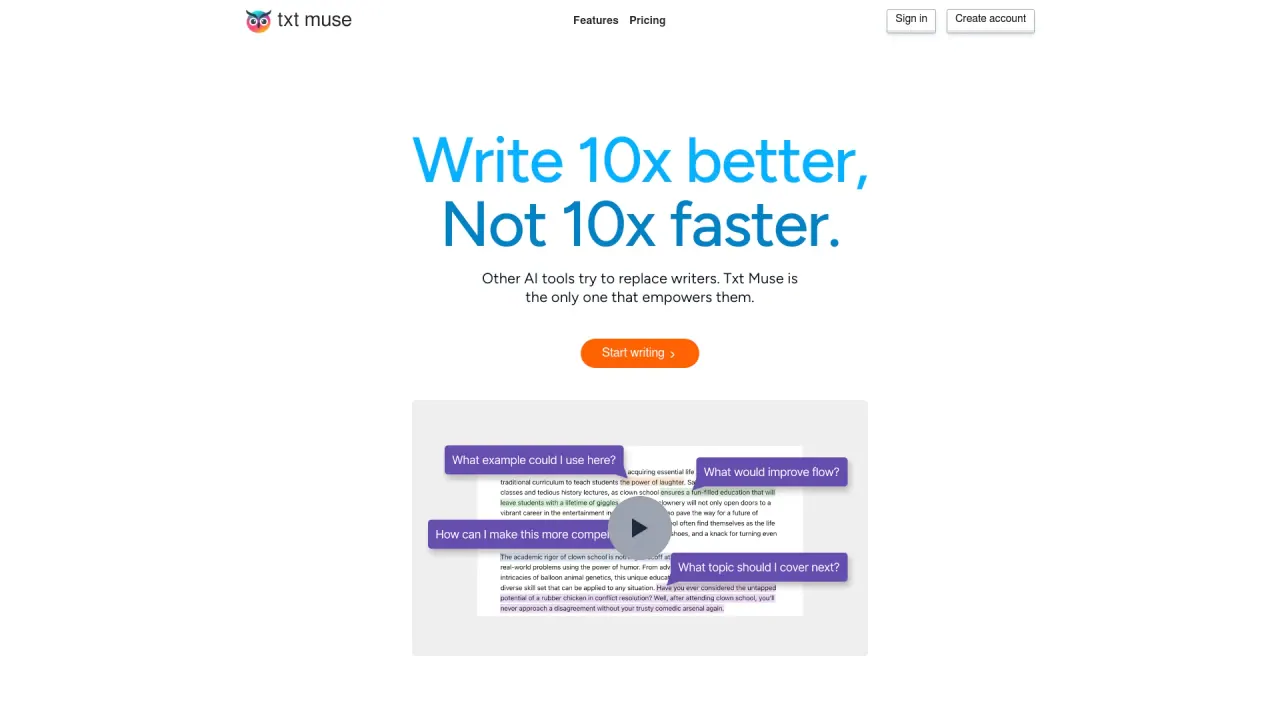
Txt Muse offers AI-assisted drafts that generate a solid first draft from a title and a brief description, autocomplete to finish sentences when you’re stuck, and text shaping that provides multiple rewrite options. It’s designed to support you from brainstorming to final revision.
How does Txt Muse help improve the quality of writing?
Txt Muse helps improve clarity and impact by presenting alternative phrasings and expressions while aiming to preserve your voice. The text shaping tool lets you highlight a section and see a dozen different ways to express the idea, aiding refinement.
How do I start a new writing project with Txt Muse?
All you need to get started is a title and a brief description; the AI will generate a solid first draft to kick off your project, helping you move past writer’s block and accelerate get-to-draft.
What types of content can I write with Txt Muse?
Txt Muse supports a range of content, including blog posts, internal emails, newsletters, marketing emails, ad campaigns, social posts, product descriptions, project plans, and landing pages.
How is Txt Muse designed to support my writing process?
Txt Muse is designed to support you in every step of your writing journey—from the initial brainstorm to the final revision.
What do users say about Txt Muse?
Users praise Txt Muse for making writing easier and faster. Notable endorsements include remarks that it’s a lifesaver and that it helps produce higher-quality content in less time, with positive reactions from writers and marketers.
Is there a free trial for Txt Muse?
Yes, the site indicates that Txt Muse offers a free trial.
Are there quick ways to learn how Txt Muse works?
Yes. The site offers a 30-second product tour and a short video to quickly demonstrate features and capabilities.
Is this your tool?
Claim Txt Muse to manage this listing, or upgrade to Pro for featured-first placement and a newsletter feature.