
Linguix
Verified
AI Writing Assistant
Linguix is an AI writing assistant and multilingual grammar checker that improves clarity and correctness as you write across any website.
Promoted
 AI Checker PlusAI detector that highlights which passages AI wrote. Free check, no sign-up. Plagiarism too.
 RewindType any X/Twitter handle. Get their year back as a narrated video story. Then ask it anything.
 KurodyneSell the tools from your AI side projects. Listing is free.
 Sidrune AI85% off. Stable Claude API for agent developers. Pay as you go. Invoices & refunds available.
 Pixmax.aiPixmax.ai is an all-in-one AI workspace for videos, visual stories, and marketing content.
 SEOify - Improve your SEO & rankingsBuild links to rank in Google. Improve your DR with links you can start building now.Advertise here330,000+ people visit Dang.ai every month.
What does Linguix do?
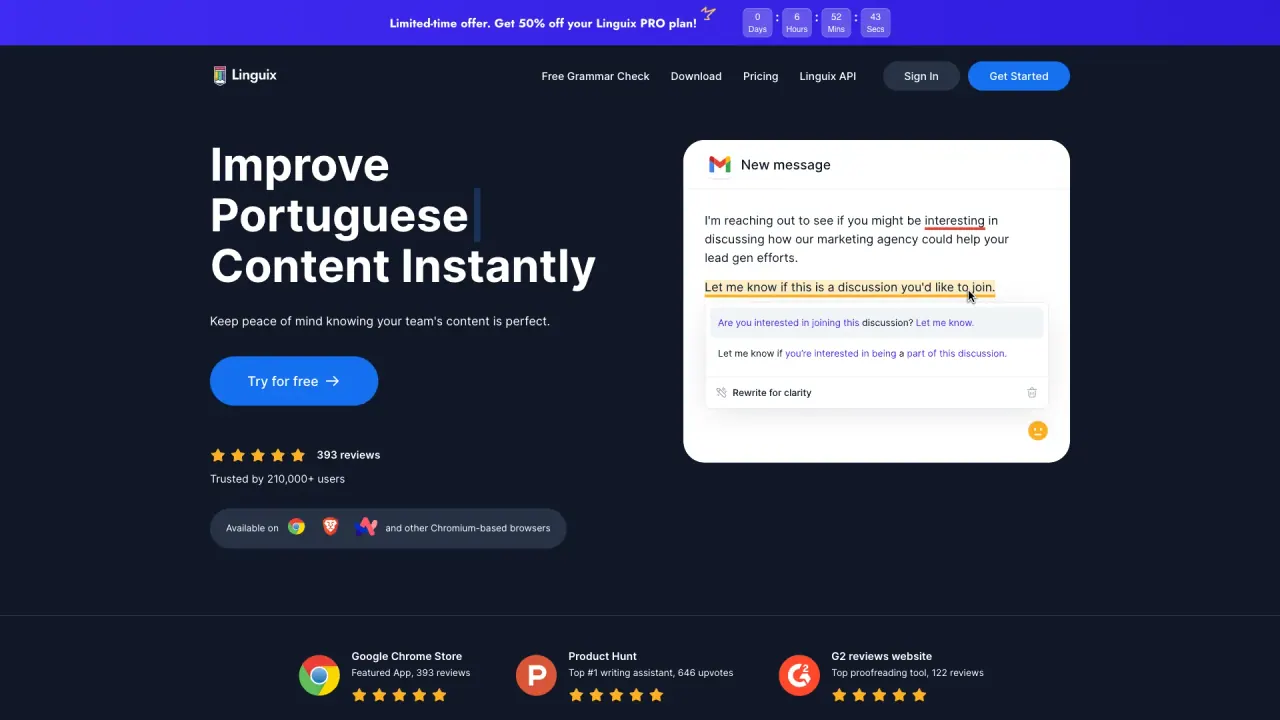
Linguix is an AI writing app that helps make your texts grammatically correct, clearer, and more effective. It’s designed to improve how you write directly where you’re working—on any website and across all browsers—so you can review and refine your message without switching tools.
The core experience includes multilingual grammar and spell checking plus an AI-based writing assistant. You can write or paste your content, and the system automatically detects the language and generates suggestions to improve your wording. Linguix supports English, French, German, Spanish, Portuguese, Italian, and Polish, making it useful for everyday communication and international teams.
For teams, Linguix Business adds features aimed at consistent communication: Rewriter, Content Score, Shortcuts, a Style Guide, and Team Management. Teams can onboard members, assign roles, and track the quality of communications. Support teams can also use Turbo shortcuts to quickly respond to frequent requests with consistent messaging.
To use Linguix in your workflow, install the Chrome extension for grammar, punctuation, and spelling checks on writing surfaces like Gmail, Google Docs, Open.ai, Canva, and many other websites. Developers can explore integration options through the Grammar Check API and related developer offerings, and Linguix is also available inside Figma via a Featured App. Try it with the free grammar check.
What does Linguix do for my writing?
Linguix improves your writing by correcting grammar and punctuation and helping you make messages clearer and more effective. You can write or paste text to receive AI-driven suggestions.
Does Linguix automatically detect the language I’m writing in?
Yes. Linguix detects the language automatically and then generates suggestions to improve your text. It supports English, French, German, Spanish, Portuguese, Italian, and Polish.
How can I use Linguix while I work—do I need to copy and paste everywhere?
You can use Linguix in your browser across websites, and you can also install the Chrome extension to get grammar, punctuation, and spelling checks on sites like Gmail, Google Docs, Open.ai, and Canva.
What’s included in Linguix Business for teams?
Linguix Business includes multilingual grammar & spell check, AI-based writing assistance, Rewriter, Content Score, Shortcuts, a Style Guide, and Team Management. It also supports onboarding, role assignments, and tracking communication quality.
What are Turbo shortcuts in Linguix for support teams?
Turbo shortcuts let support agents create quick responses for frequent requests. This helps teams communicate consistently and close tickets faster.
Is there a free way to try Linguix?
Yes. There’s a free grammar check available, and Linguix can be tried for free.
Is this your tool?
Claim Linguix to manage this listing, or upgrade to Pro for featured-first placement and a newsletter feature.