
Translate.Video
AI Video Translation Tool
Translate videos to 75+ languages with AI Video Translation Tool. One-click solution for seamless video translation.
- Pricing
- Free trial
- Category
- Transcription
- Listed
- Apr 20, 2023
- Updated
- May 25, 2026
What does Translate.Video do?
How can Translate.Video help you reach a global audience?
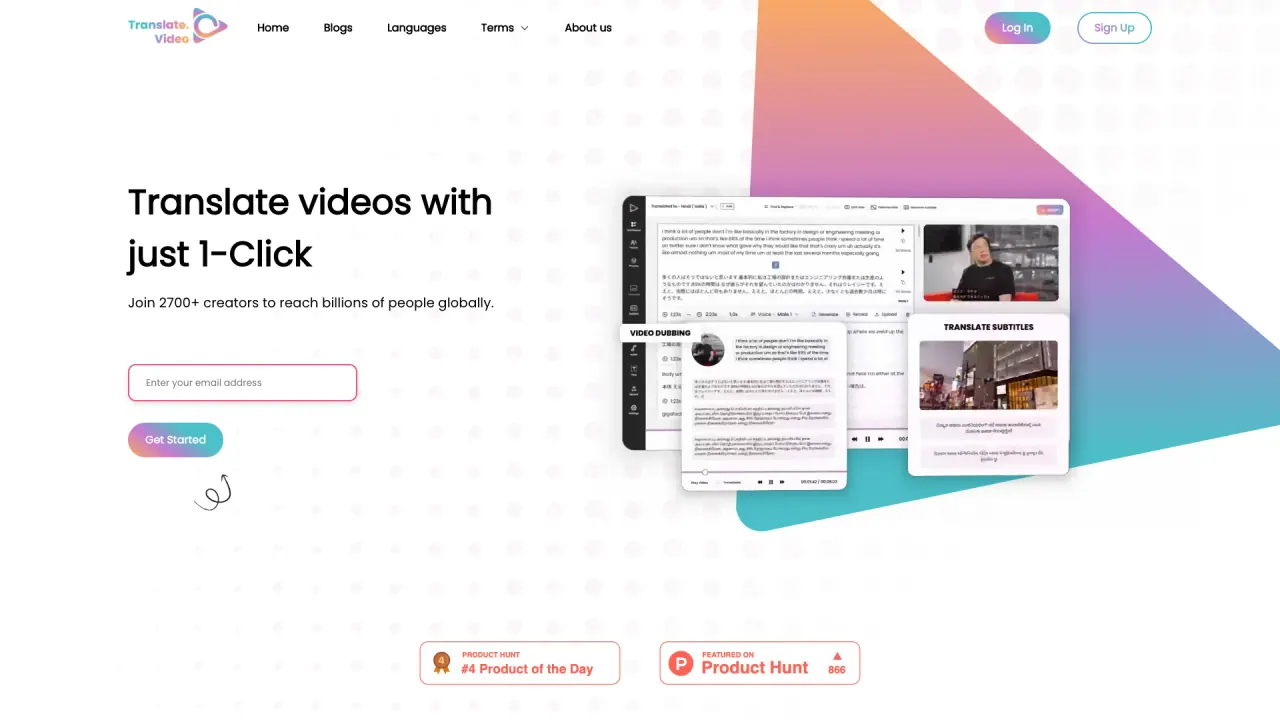
Translate.Video translates videos into 75+ languages with one click, enabling creators to reach billions of people worldwide by turning a single-language video into multiple languages.
How many languages does Translate.Video support for video translation, voiceovers, and captions?
Translate.Video supports 75+ languages, including English, Spanish, Arabic, Chinese, Filipino, French, German, Italian, Russian, and more.
What are the key features of Translate.Video?
- Instant voice cloning to create voiceovers in 75+ languages
- Automated generation of captions and closed captions
- Instant subtitle generation and translation
- Dubbing with human-like AI voice-overs (or recording)
- Transcript creation and editing
- SRT, VTT, and MP4 exports
- An all-in-one app for video workflows (captioning, translation, dubbing, AI voice-over, recording, transcription)
How does Translate.Video ensure a human-like voiceover?
Translate.Video uses instant AI voice cloning. With as little as 50 seconds of your audio, you can clone your voice to speak 75+ languages in one click, with timing aligned to the video for a natural-sounding result.
What is the end-to-end workflow (ONE App for everything VIDEO)?
01 Generate Captions 02 Translate Subtitle 03 Video Dubbing 04 AI Voice-over 05 Record Voice 06 Transcript 07 SRT, VTT, MP4
All of these capabilities are accessible within one app to streamline captioning, translation, and dubbing.
What formats can I export from Translate.Video?
SRT, VTT, MP4
What is Translate.photo and how does it relate to Translate.Video?
Translate.photo translates your creatives to 75 languages and accelerates translation on Photoshop, Illustrator, and Figma with 1-click. Plugins are available, and you can try it for free.
Can I listen to sample voices before using the voice cloning?
Yes, you can view sample voices.
How do I start using Translate.Video?
Sign up for free, then Get Started. You can also schedule a free call if you’d like to discuss your needs.
Where can I find pricing for Translate.Video?
Pricing details are on the Pricing page.
Do you offer enterprise solutions?
Yes, there is an Enterprise option.
Who owns Translate.Video?
Translate.Video is a product of Vitra.ai.
How can I contact support?
You can email contact@translate.video.
Does Translate.Video market itself as faster than manual translation?
Yes. It promotes that translation and subtitling can be 100x faster than traditional methods.
What languages are shown in Translate.Video's language options?
The language switcher includes English, Spanish, Arabic, Chinese, Filipino, French, German, Italian, Russian, and more.
Is there a way to view sample voices?
Yes, you can view sample voices.
This listing is claimed
Own Translate.Video? Sign in with the email used to claim it to manage this listing, or upgrade to Pro for featured-first placement and a newsletter feature.