TTS
AI Tts Platform For Twitch Streamers
Revolutionize your Twitch streams with TTS.Monster: an AI TTS platform for Twitch streamers.
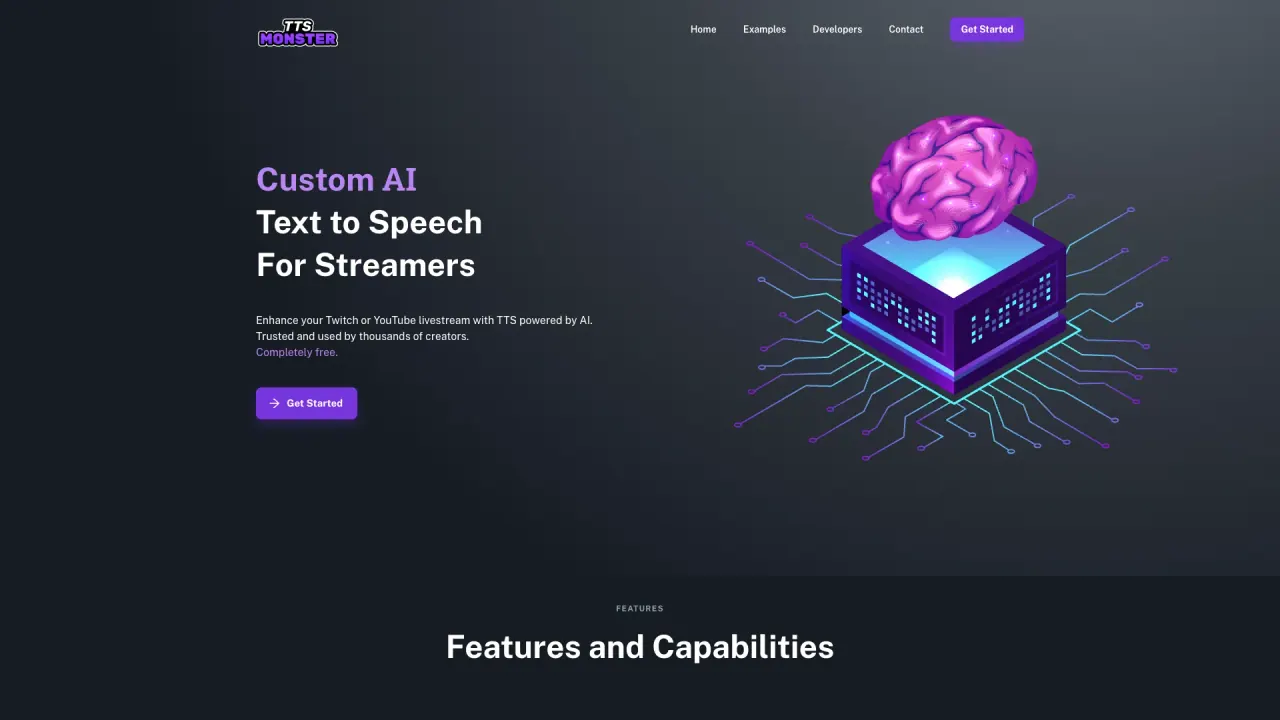
What does TTS do?
How does AI TTS enhance revenue for streamers?
AI TTS powered by TTS.Monster has been shown to significantly boost donations, with some users reporting up to a 400% increase. Importantly, we do not take a cut of your revenue, so you keep 100% of your earnings on platforms like Twitch and YouTube.
Is TTS.Monster free to use?
Yes — TTS.Monster is completely free to use.
How do I quickly set up AI TTS for my livestream?
Setup is fast and beginner-friendly. TTS.Monster offers full support for StreamElements, StreamLabs, and Ko-fi, and you can get everything running in less than 5 minutes on Twitch or YouTube.
How many AI voices and sound bites are available with TTS.Monster?
TTS.Monster provides over 100 high-quality AI voices, including options like Alto, Announcer, Bart, Spongebob, and more. It also offers more than 100 hilarious sound bites to enhance your stream.
Can I use AI TTS with YouTube and Twitch?
Yes. TTS.Monster works with both YouTube and Twitch, helping you engage your audience across major streaming platforms.
Do I need to download anything to use TTS.Monster?
No. There are no bulky downloads required—the AI TTS alerts are generated in the cloud for fast, seamless use.
Will the TTS overlay sync with my existing alerts overlay?
Yes. The TTS overlay can sync with your existing alerts overlay for a cohesive on-stream experience.
How do my mods skip, mute, or pause the TTS queue?
Mods can control the TTS queue by skipping, muting, or pausing it, providing flexible management during your stream.
Who can I talk to for bug fixes or support?
For fast answers, join the official Discord or send a direct message on Twitter.
What is the TTS.Monster Developer API and how do I get started?
The Developer API lets you integrate AI TTS into your app. It’s all included with the TTS.Monster Developer API—get started with the API to begin integrating today.
How do I use TTS.Monster?
You can utilize the TTS.Monster capabilities via the Developer API. For quick starts and integration guidance, refer to the API documentation and Get Started With The API resources.
Is this your tool?
Claim TTS to manage this listing, or upgrade to Pro for featured-first placement and a newsletter feature.